Turn on suggestions
Auto-suggest helps you quickly narrow down your search results by suggesting possible matches as you type.
Showing results for
Get 50% OFF QuickBooks for 3 months*
Buy nowMany thanks. Helpful info but does not address my issue. I've previously had the issue with the QBO upload file not aligning with the bank account in my COA. Solution has always been to disable bank feeds for the account and then re-enable them. Files always upload successfully after that fix.
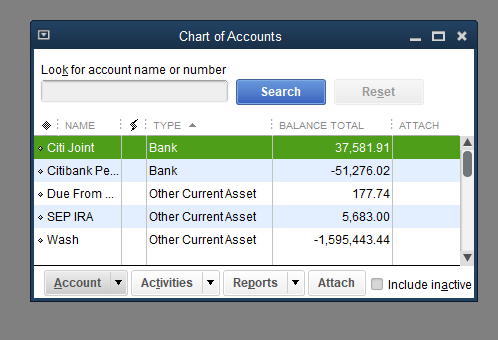
But now I am cannot re-enable bank feeds for the two accounts. Here's the process I've been following along with screen shots.
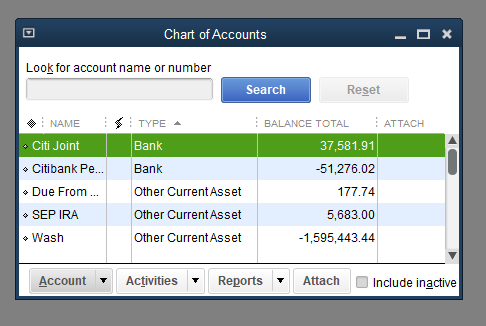
Open my COA. SS shows the two accounts no bank feeds enabled icon
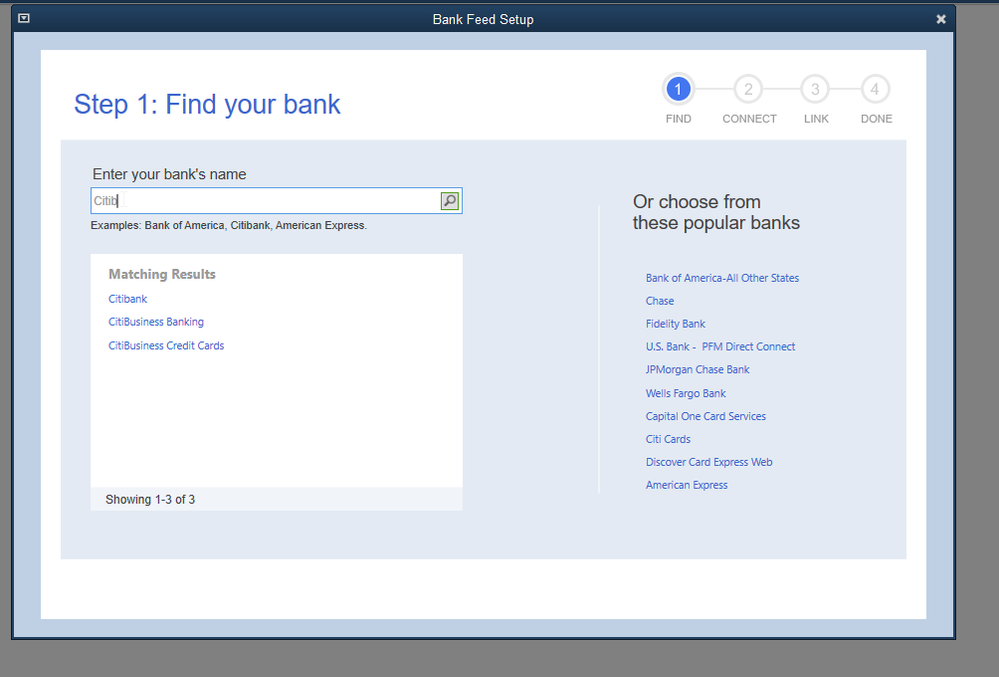
Edit one of the accounts a select the enable bank feeds button. That opens the find my bank screen
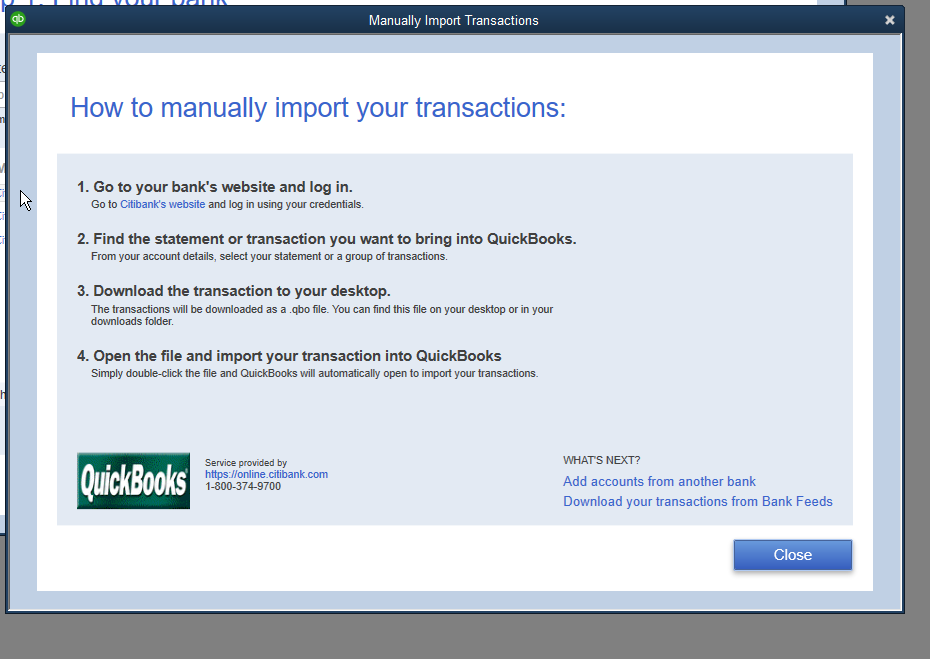
Select my bank (Citibank) and receive the manual download instructions. Close that window.
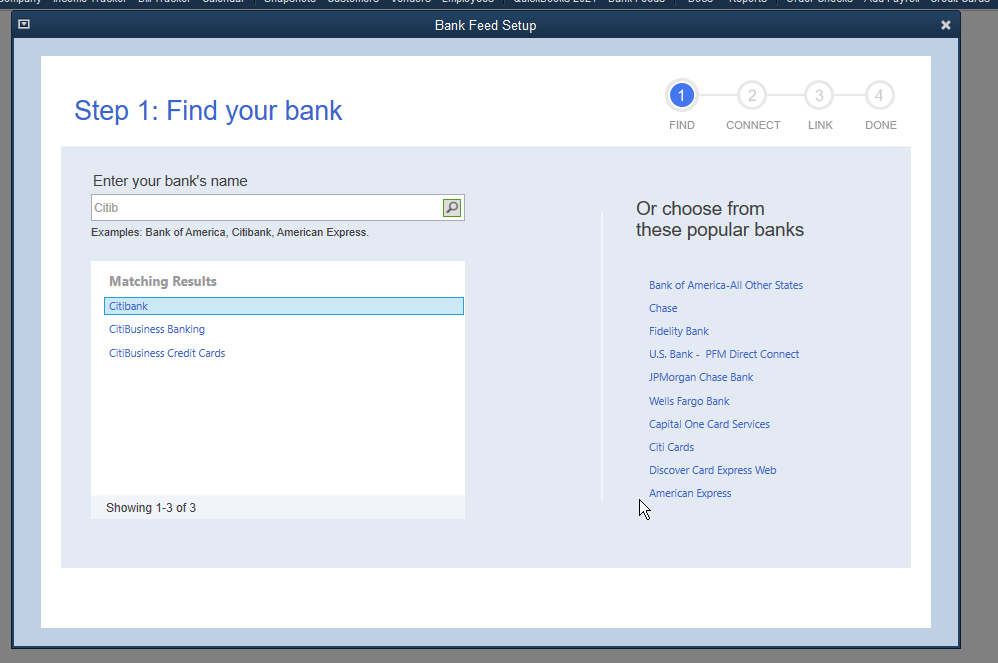
Returns me back to find my bank and I'm still on step 1 of 4. No other choice than to close that window.
COA shows bank feeds still not enabled.
Any suggestions as to how to address will be greatly appreciated.