Turn on suggestions
Auto-suggest helps you quickly narrow down your search results by suggesting possible matches as you type.
Showing results for
Get 50% OFF QuickBooks for 3 months*
Buy nowYes, Stacy. We can disable the ACH payment option in QuickBooks Online to prevent your customers from selecting it as a payment method.
We can turn off the ACH payment option in the Account and Setting:
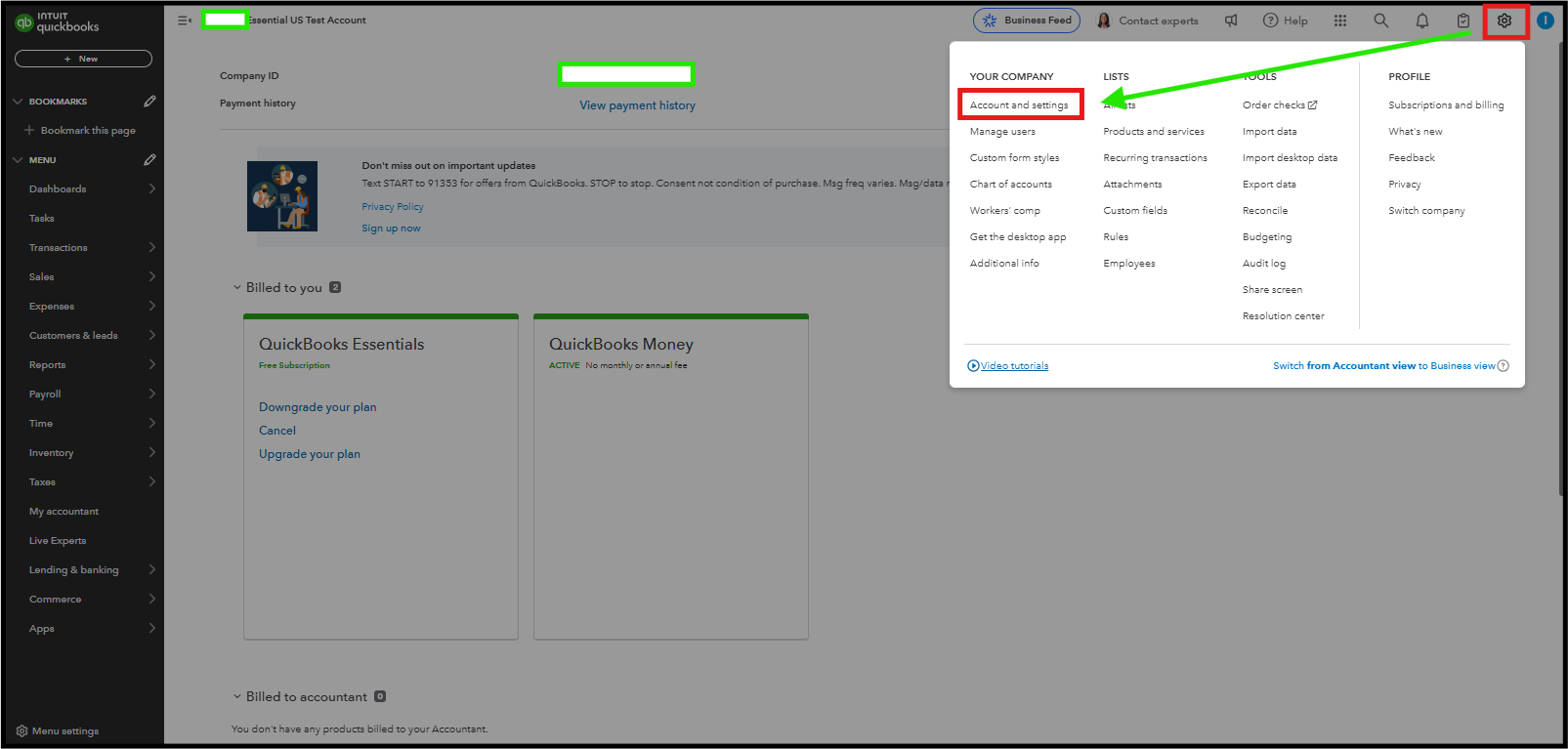
To Disable ACH Payments for Specific Customers:

For detailed insights on individual sales transactions, you can refer to this article for step-by-step instructions on accessing reports such as the Sales List or Sales by Customer: Run the report in QuickBooks Online.
If you need help with QuickBooks, consider exploring with our QuickBooks Live Expert. They offer professional guidance on using the software effectively, helping you manage your finances more efficiently.
If you have questions or need assistance, feel free to ask.

