Turn on suggestions
Auto-suggest helps you quickly narrow down your search results by suggesting possible matches as you type.
Showing results for
Get 50% OFF QuickBooks for 3 months*
Buy nowWelcome to the Community, @Anonymous.
I can share some insights about the printing invoice in QuickBooks Online.
Paid and unpaid invoice have different printed views. As mentioned, you'll have to unlink the payment transaction to its invoice to remove the paid stamp:

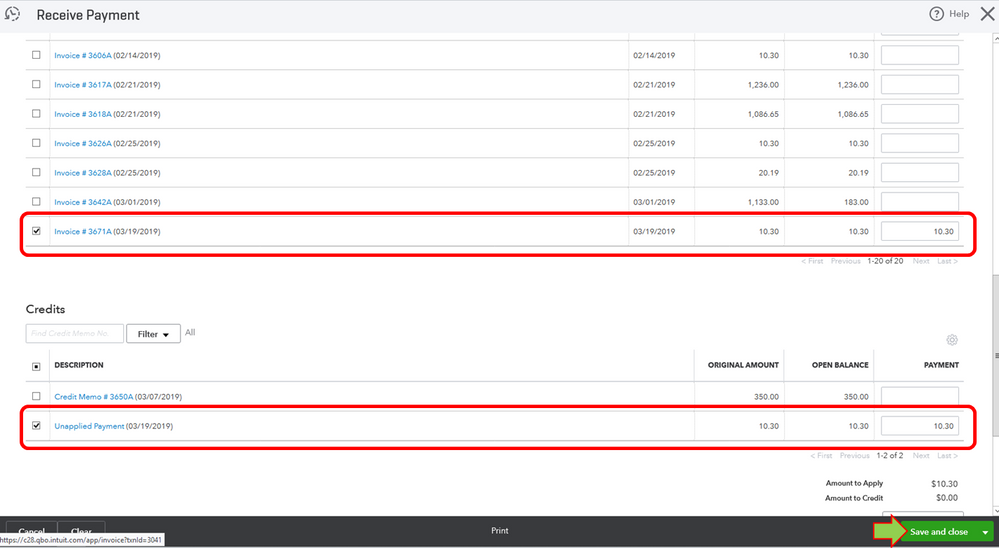
Automatically, there will be an unapplied payment under the customer name. To close the invoice, follow these steps:
That should keep you going today, jagrre. Let me know if there's anything else you need about invoices. I'm still here to offer more help. Have a good one!