A person in a suit and tie holding a pen.
Invoicing

Invoice payment: The best tools to accept customer bank transfers


Key Takeaways

  • Invoice payments refer to the money customers send after receiving an invoice from your business.

  • Clear, detailed invoices can help you get paid faster and improve cash flow management.

  • Bank transfers are a common invoice payment method that involves securely transferring money directly between bank accounts.

  • Top accounting software, like QuickBooks, offers automated invoicing, matching, real-time syncing, and built-in security.


  • Without the right tools, invoice payments can lead to bottlenecks that can weaken cash flow and take resources away from growing your business. In fact, research shows that over 50% of business owners spend about 14 hours every week handling them. 

    All-in-one accounting software, like QuickBooks, automates the entire process from invoicing customers to accepting their payments. Find out how invoice payments work and which software solutions let you accept the most common payment methods (like bank transfers) via invoice.

    What is an invoice payment?

    An invoice payment is basically the amount of money that a customer sends you after receiving your invoice for products or services. 

    Your invoice should include everything your customers need to know to pay you: what they bought, how much they owe, and when the payment is due. Invoices are a simple, professional way to ask your customers to pay on time and keep your cash flow healthy.

    You don’t have to waste time tracking every payment by hand. Connect your bank to accounting software to automatically and accurately sync payments.

    Most common invoice payment methods

    Depending on your invoice payment system and preferences, your customers can pay you in many different ways. Here are some of the most common payment methods in Canada:

    • Credit and debit cards: Easy to use, but they typically come with higher transaction fees.
    • Digital wallets: Platforms like PayPal and Apple Pay that people use to pay bills online.
    • Buy now, pay later (BNPL): Deferred payment options that some invoicing tools offer.
    • Cash or cheques: Payments made in person or by mail.
    • Bank transfers: Direct transfers between bank accounts (like electronic funds transfers, or EFTs) that cost less than other methods.

    Every method has pros and cons, but bank transfers stand out as one of the most simple, secure, and low-cost options. Let’s take a closer look at how they work and why more businesses are choosing them.

    How bank transfer invoice payments work

    When a customer makes an invoice payment via bank transfer, there are essentially 3 steps at work:

    1. Authorization: The customer authorizes the payment, usually through their online banking portal or payment platform.
    2. Settlement: Money usually moves between bank accounts within a few business days.
    3. Confirmation: The sender and receiver are both notified when the payment has been processed.

    Because bank transfers are secure and come with fewer fees than other payment methods, they have become a popular choice for Canadian businesses. 

    Many of the latest payment tools integrate with accounting software like QuickBooks, which helps you send invoices, automatically record bank transfers and keep your books instantly up to date. 

    A credit card and a credit card are on a table.

    Benefits of paying invoices by bank transfer

    Bank transfer payments can be a "win" for both sides of the transaction. For businesses, these transfers translate into fewer fees and less admin. For customers, they provide a fast, secure way to pay their invoices without using credit cards or cheques.

    Here are the 5 main benefits of invoice payments by bank transfer:

    • Lower fees: Credit card networks can charge around 2% to 3% for each transaction. Most of the time, bank transfers cost much less than cards do or nothing at all.
    • Little chance of chargebacks: Once a bank transfer clears, it can't be undone without permission.
    • Easier record-keeping: When you use integrated tools like QuickBooks, payments go straight into your books.
    • Faster payment processing: Bank transfer payments are clear, faster, and make cash flow easier to predict.
    • Enhanced trust and security: Transfers are encrypted and traceable, giving both parties peace of mind.
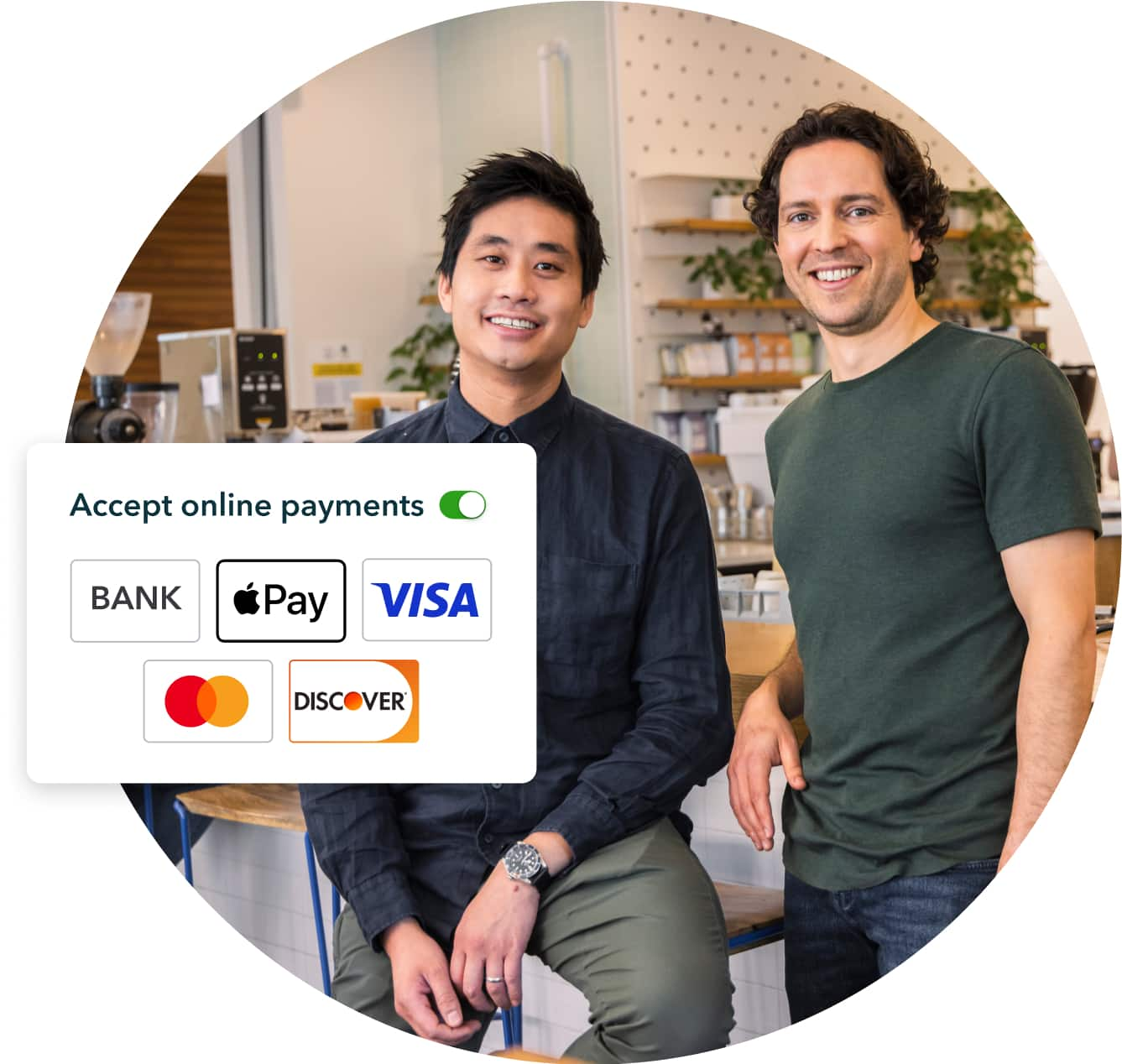
    Two happy coffee owners side by side in shop

    We don't need to chase people for payment

    "The ability to send an invoice and receive payments with QuickBooks means we don’t need to chase people for payment. They can pay online through a link. It’s easy."

    Justin Eyford, Co-founder of Monogram Coffee.

    Best tools for invoice payments by bank transfer

    When comparing tools, check out the 5 leading options for accepting invoice payments by bank transfer, including QuickBooks Payments.

    QuickBooks Payments

    With QuickBooks, you can set up QuickBooks Payments and start accepting credit card and bank transfer (EFT) payments from customers right away. 

    To help simplify your processes, QuickBooks connects your invoicing, payments, and accounting in one place. As a result, you always know where your money is coming from and how it impacts your cash flow.

    Key features:

    • ACH/bank transfer payments directly from invoices
    • Automated payment matching and reconciliation
    • Custom payment reminders and status tracking
    • Integration with QuickBooks Online and QuickBooks Desktop

    FreshBooks

    With FreshBooks, users can accept credit card, ACH, or bank transfer payments for invoices online. Its interface supports basic tracking of past payments and client balances.

    FreshBooks’ payment options, though, can feel limited for businesses handling large transaction volumes or needing full accounting integration. Unlike QuickBooks, it doesn’t automatically sync every payment to your books in real time.

    Key features:

    • ACH-enabled payments
    • Client auto-reminders for overdue invoices
    • Built-in expense tracking

    Wise (formerly TransferWise)

    Wise supports payments in multiple currencies and is commonly used for international transfers. You can generate invoices, accept transfers from local banks, and convert funds at set exchange rates.

    Still, Wise is designed mainly for international transfers rather than full bookkeeping or payment tracking. If you’re looking to automatically match payments to invoices and view everything in one dashboard, QuickBooks offers a more complete solution.

    Key features:

    • Local account details in multiple currencies
    • Transparent exchange rates 
    • Multi-currency account integration

    PayPal Business 

    PayPal is a known option for accepting online payments, with many customers already familiar with the platform. 

    It’s good for quick payment setup, but PayPal’s higher costs and limited integration with accounting software can make it difficult to manage cash flow as your business grows. 

    Key features:

    • Accept bank transfers, debit, or PayPal balances
    • Invoicing templates and analytics
    • Instant transfer to linked bank accounts (for a small fee)

    Stripe

    Stripe offers you several ways to accept online invoice payments, including bank transfers through ACH or EFT. The platform also offers developer tools for custom payment solutions and integrations. 

    However, the platform may be overwhelming for smaller businesses that don't have tech-savvy teams or the resources to build or manage integrations.

    Key features:

    • Real-time payment support
    • Automatic reconciliation and payout reporting
    • Fraud protection and data security tools
    A green paper with a parking meter and a no parking sign.

    How to choose the right tool

    Your invoice payment tool directly impacts how quickly you get paid and how healthy your cash flow stays. Picking the right one helps you save time, reduce fees, and keep your business running smoothly.

    When looking at the top invoice payment tools on the market, ask yourself these questions to find the right solution for your business:

    • Easy-to-use, intuitive platform: Is the solution user-friendly, allowing your customers to pay directly from your invoices?
    • Clear budget fit: Does the tool offer a low, predictable fee structure that matches the number of transactions you make?
    • Seamless integration: Does the tool automatically sync with your accounting software in real time?
    • Fast, reliable platform: How fast and reliable are the tool's fund transfers after clients make their payment?
    • Ironclad security: What cutting-edge, industry-standard measures are in place to prevent fraud or payment mistakes?

    With QuickBooks Payments, an add-on available through QuickBooks, you have everything you need on one platform to accept bank transfer or card payments from customers within seconds. 

    Behind the scenes, QuickBooks Payments automatically records invoice payments, matches them to the correct invoices, and updates your books instantly.

    QuickBooks makes invoice payments easier

    Bank transfers give business owners a low-cost, reliable way to accept invoice payments from their customers. When paired with accounting tools that automate the entire process, invoice payments become faster, easier, and more predictable.

    With QuickBooks, you can automate your entire invoice payment process, from creating professional invoices to accepting bank transfers and keeping you aligned with current bookkeeping best practices. Ultimately, this helps reduce manual work and gives you a clearer view of your cash flow.

    Our all-in-one accounting solution also gives you access to QuickBooks Payments, an optional service that lets you accept client payments right from your invoices.

    Explore what QuickBooks accounting software can do for your business today.

    Disclaimer

    Money movement services are provided by Intuit Canada Payments Inc.

    This content is for information purposes only and should not be considered legal, accounting or tax advice, or a substitute for obtaining such advice specific to your business. Additional information and exceptions may apply. Applicable laws may vary by region, province, state or locality. No assurance is given that the information is comprehensive in its coverage or that it is suitable in dealing with a customer’s particular situation. Intuit does not have any responsibility for updating or revising any information presented herein. Accordingly, the information provided should not be relied upon as a substitute for independent research. Intuit does not warrant that the material contained herein will continue to be accurate nor that it is completely free of errors when published. Readers should verify statements before relying on them.

    We provide third-party links as a convenience and for informational purposes only. Intuit does not endorse or approve these products and services, or the opinions of these corporations or organizations or individuals. Intuit accepts no responsibility for the accuracy, legality, or content on these sites.


    Related Articles

    Your privacy

    We collect data when you use our website to improve its performance. Doing so also helps us provide a secure, personalized experience. Select 'Accept cookies' to agree or 'Cookies settings' to choose which cookies we use. You can change your preferences anytime by clicking the 'Manage cookies' link in the footer.

    Choose your cookie preferences

    Some cookies are needed to make our website work and can't be turned off. But we need your consent to use others that are not essential. You can make your choices below and update them at any time using the 'Manage Cookies' link. To find out more, visit our Cookies Policy.

    These cookies are necessary for the site to function. They also help us keep your data safe.
    These cookies allow us to enhance your experience and remember your preferences, region or country, language, and accessibility options.
    These cookies tell us how customers use our website. We study and organize this data to help us optimise our content and provide you with personalised experiences.
    These cookies help us provide you with relevant communications and ads in our products and on other sites.

    Looking for something else?

    Get QuickBooks

    Smart features made for your business. We've got you covered.

    Firm of the Future

    Expert advice and resources for today’s accounting professionals.

    QuickBooks Support

    Get help with QuickBooks. Find articles, video tutorials, and more.