Get 50% OFF QuickBooks for 3 months*

Buy now
cancel
Showing results for 
Search instead for 
Did you mean: 
Announcements
thekuttingedgesalon
Level 1

Can invoice dates be changed

I am needing help changing the due date off my invoices, it keeps defaulting to 30 days i need them to be a week out.

2 Comments 2
GenmarieM
QuickBooks Team

Can invoice dates be changed

Hi there,


Currently, in QuickBooks Self-Employed (QBSE), the ability to customize the default due date for invoices is unavailable, such as setting them to a fixed 7-day period or any other timeframe. By default, invoice due dates are set to 30 days.
 

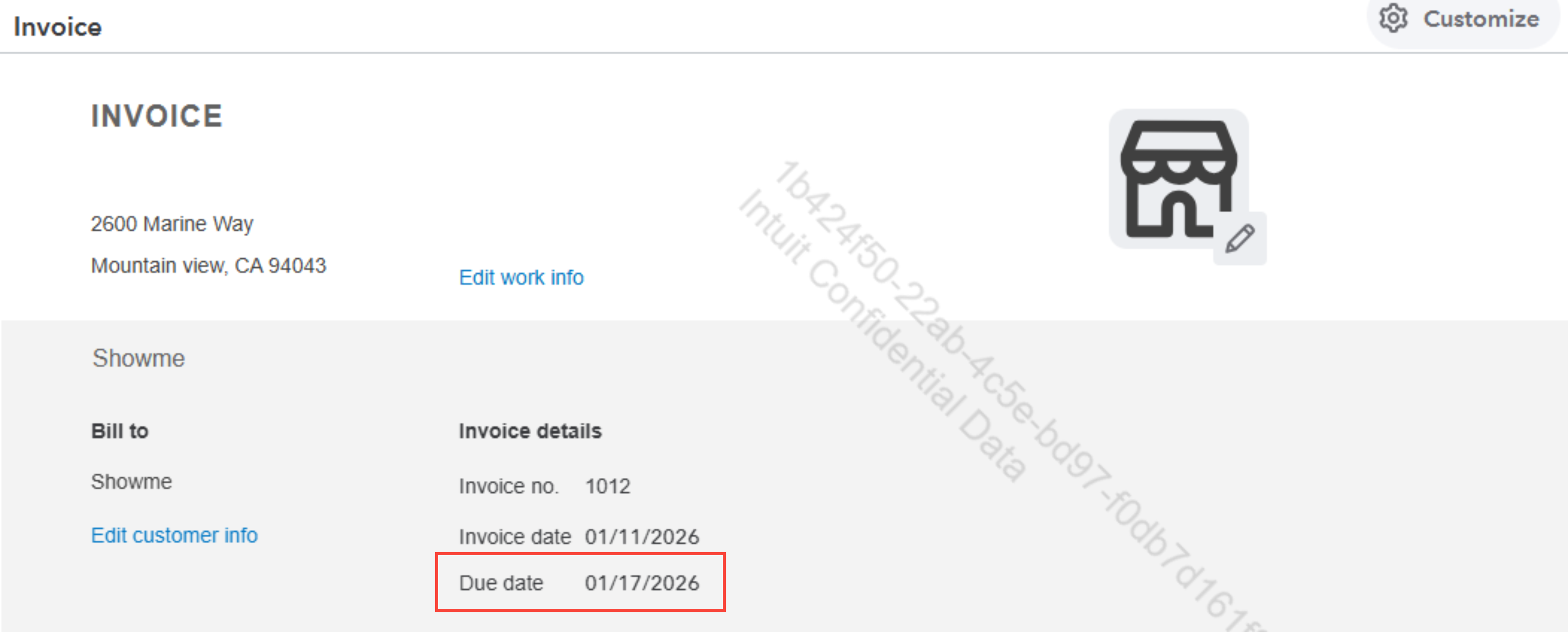
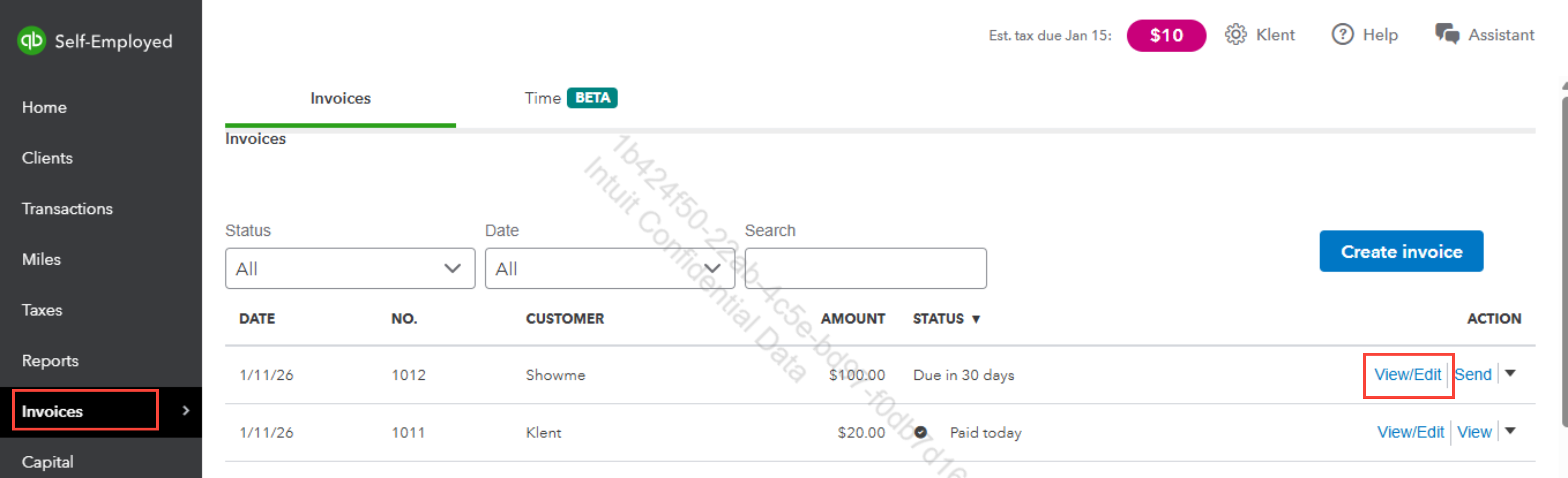
However, you can manually change the due date for each invoice before sending it to your client. Here's how:


  1. Go to Invoices, then click View/Edit to open.
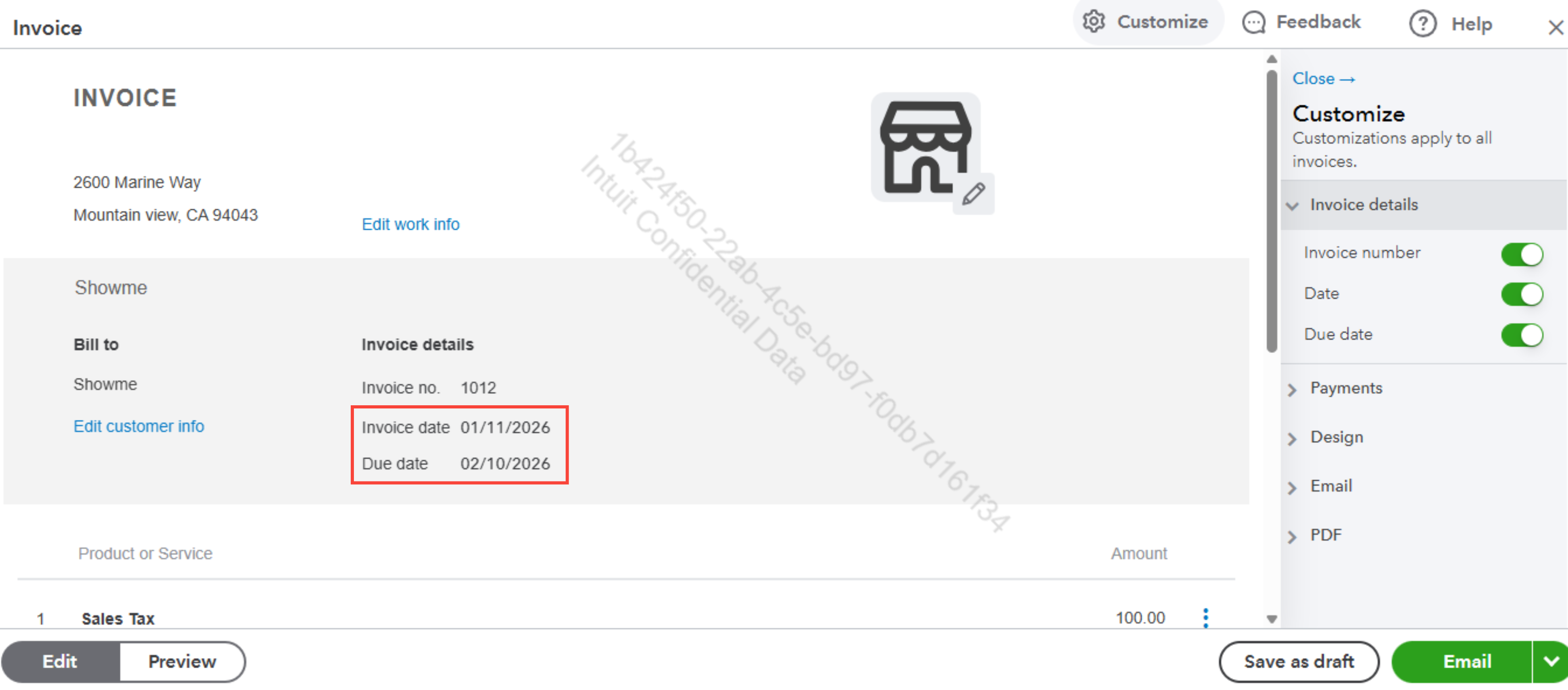
  2. Locate the Due date field.
  3. Click the field and set the specific date you want.
  4. Once done, hit Save.


For detailed information about managing invoices in QBSE, you can visit this article: Create invoices in QuickBooks Self-Employed.


Please return to this post if you have any other questions or concerns.

GenmarieM
QuickBooks Team

Can invoice dates be changed

Hi customer, @thekuttingedgesalon.

I just wanted to follow up to check if the resolution we provided helped resolve your issue.

Please let us know if everything is now working as expected or if you're still experiencing any problems.


We'll be glad to assist further if needed.

Need QuickBooks guidance?
Log in to access expert advice and community support instantly.

Need to get in touch?

Contact us