Hi there,
Currently, in QuickBooks Self-Employed (QBSE), the ability to customize the default due date for invoices is unavailable, such as setting them to a fixed 7-day period or any other timeframe. By default, invoice due dates are set to 30 days.
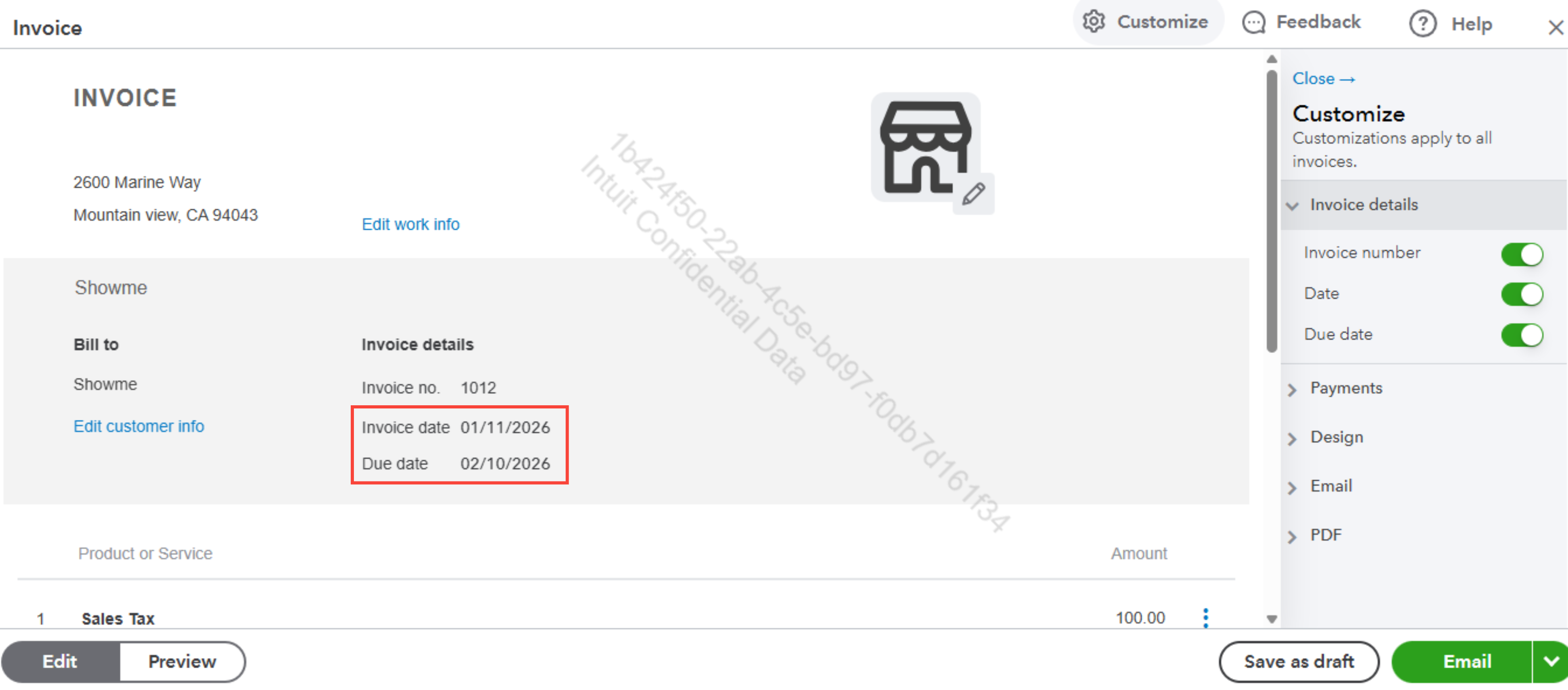
However, you can manually change the due date for each invoice before sending it to your client. Here's how:
- Go to Invoices, then click View/Edit to open.
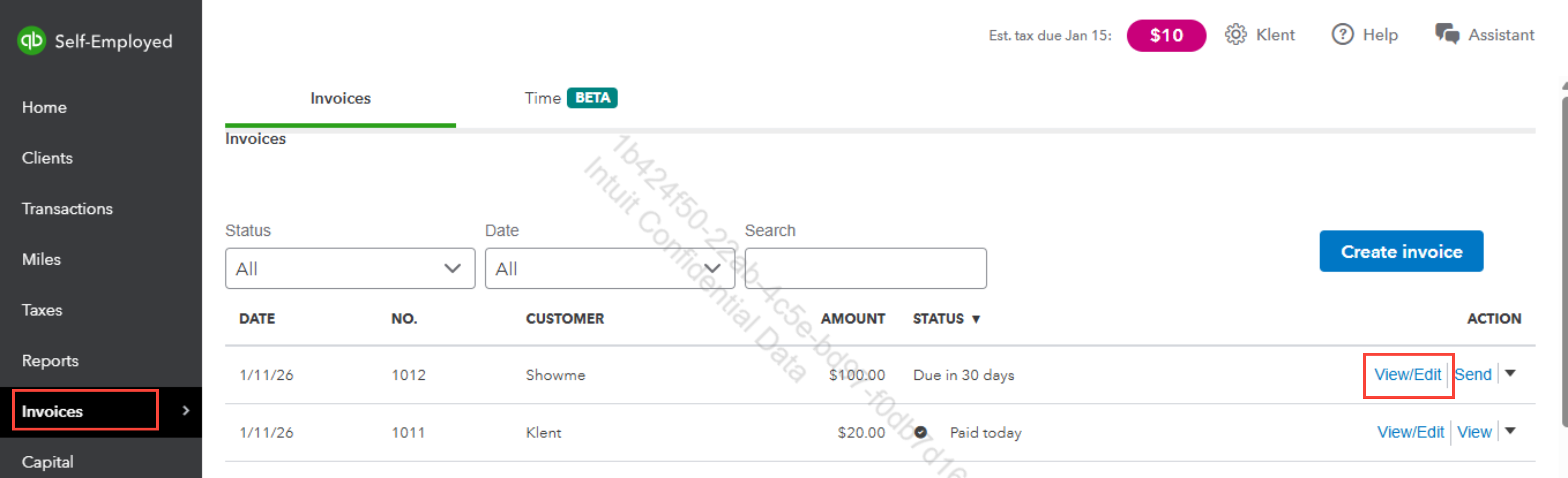
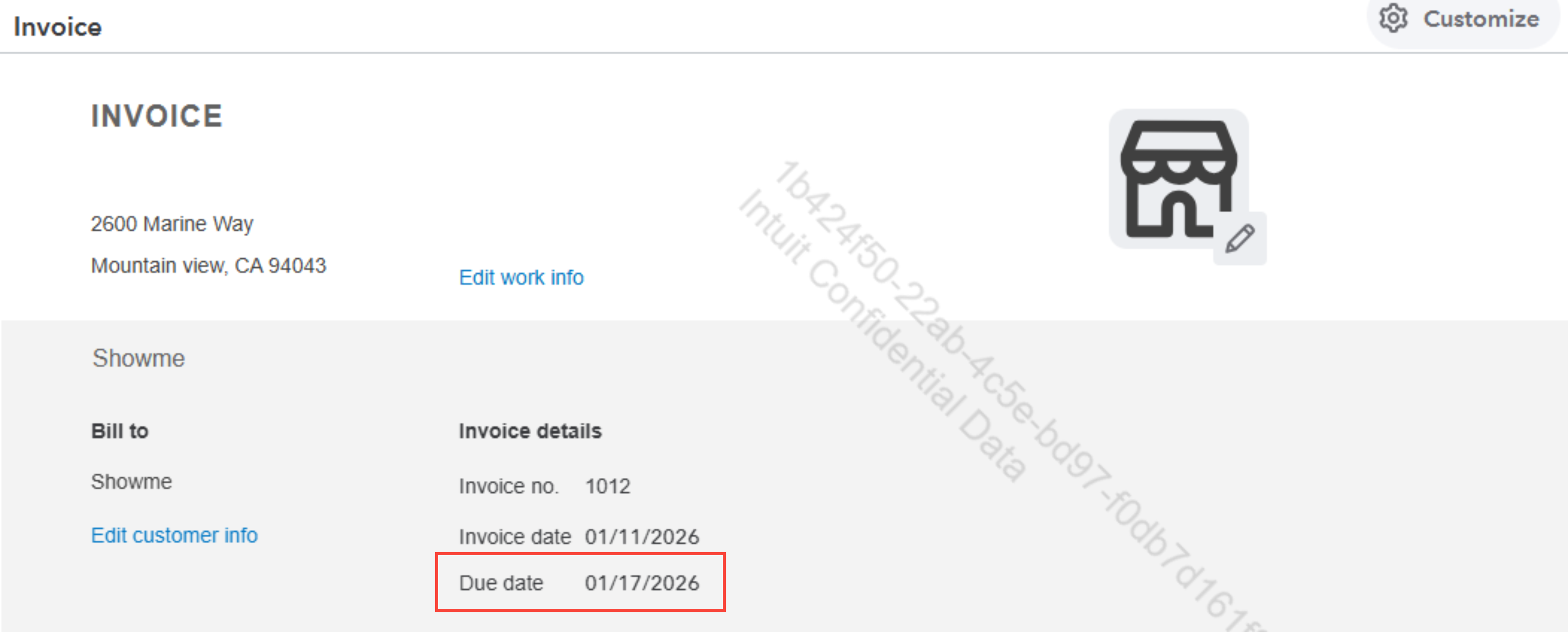
- Locate the Due date field.
- Click the field and set the specific date you want.
- Once done, hit Save.
For detailed information about managing invoices in QBSE, you can visit this article: Create invoices in QuickBooks Self-Employed.
Please return to this post if you have any other questions or concerns.


