We can update the Standard template in your QuickBooks Online (QBO), kconrad.
QuickBooks uses a standard template for purchase orders, which is the primary sales form template. The form's layout, design, and displayed information are based on edits made to it.
Here's how you can add your logo to the template:
- Go to the Gear icon and select Custom form styles.
- Look for the Standard template, then click on Edit.
- Under the Design tab, choose Make logo edits.
- Select the Show logo or click the + button to add one.
- Click Done to save.
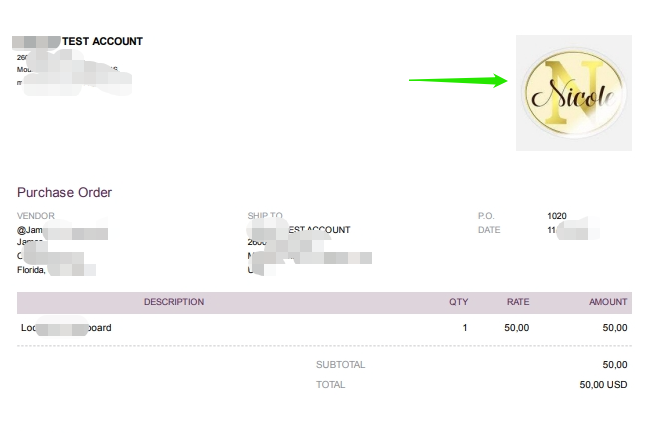
Once updated, your logo will automatically appear on purchase orders and other forms using the standard template. See the image below for your reference.
If you have clarifications or concerns, please leave a reply below. We'd be happy to provide further assistance.


