Greetings, aaclarance-gmail.
I'm here to help ensure you'll be able to print the checks successfully in QuickBooks Online.
An outdated Adobe version can lead to a problem when printing in QuickBooks Online. You may need to update the Adobe Reader. Here's how:
- Launch Adobe Reader or Acrobat.
- Choose Help, and then Check for Updates.
- Follow the steps in the Update window to download and install the latest updates.

If the problem continues after the update, let's repair your Adobe Reader. See the steps below.
- Close Acrobat/Reader and all open web browser windows.
- Select the Start button at the bottom left of your screen.
- Type Control Panel, then press Enter.
- Select Programs and Features.
- Select Acrobat or Adobe Reader, then click Uninstall/Change or Modify.
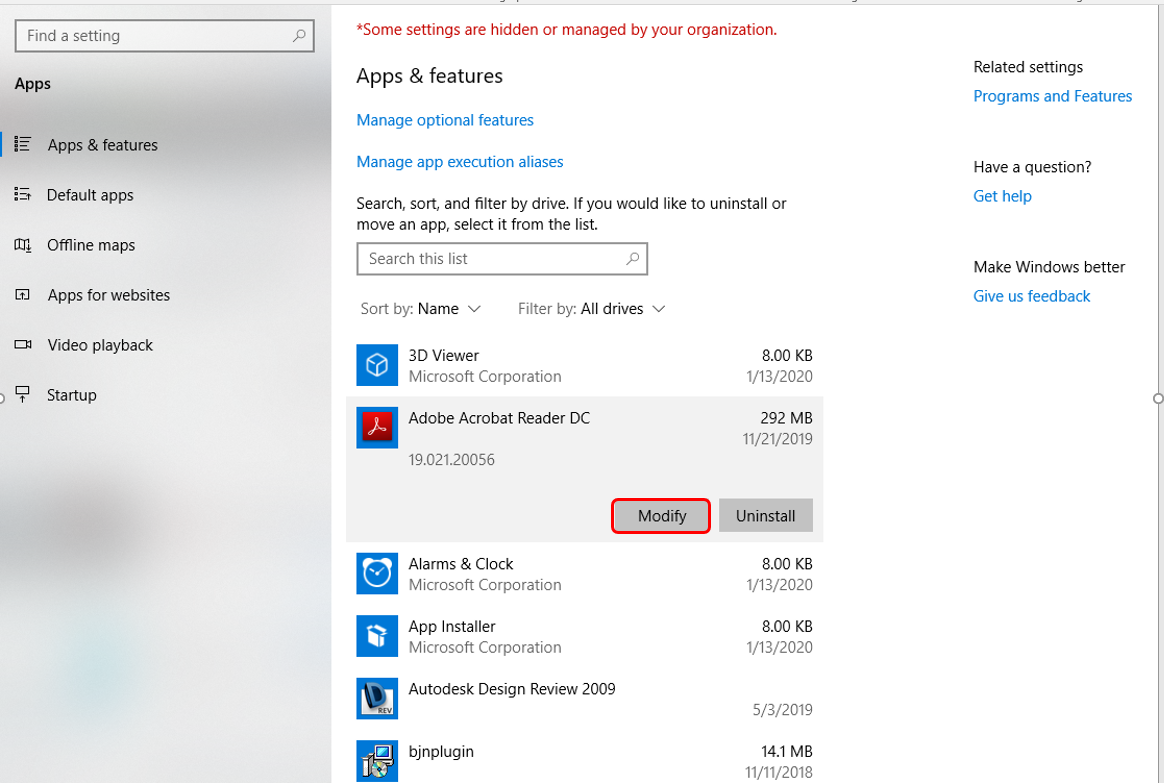
- In the Setup dialog box, select Next.
- Select Repair, then Next. Select Install.

- When the process is complete, select Finish.
- Restart your computer and log back into QuickBooks Online, then try to print.
Once done, go back to your checks and do a print test.
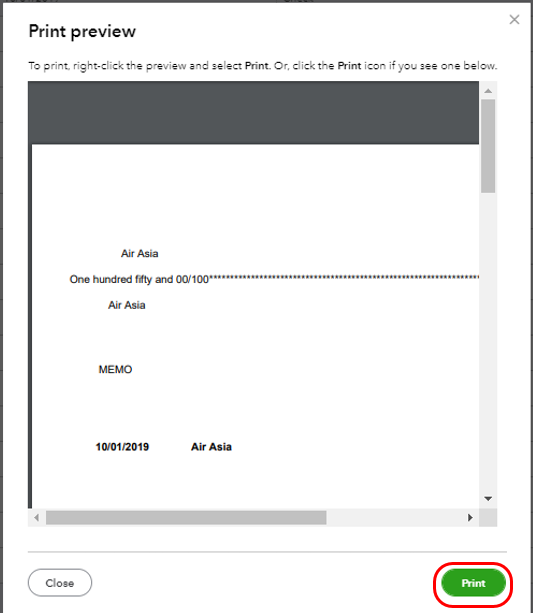
The following link is a good reference: Configure your print settings for printing checks. This will provide you a link to get a guaranteed check that's compatible with QuickBooks.
Please update me on the results in the comment. I want to ensure everything is working well for you, and I'm here to provide further assistance and insights. Have a great day!


