Turn on suggestions
Auto-suggest helps you quickly narrow down your search results by suggesting possible matches as you type.
Showing results for
Get 50% OFF QuickBooks for 3 months*
Buy nowThis is just the place to get the answers you're looking for, @jbutler-lifefuels!
Yes, you can map a separate COGS account for SKUs B, C, and D that you've set up as a single item and as a bundle. All you have to do is choose the appropriate COGS account for each setup. I'll guide you how.
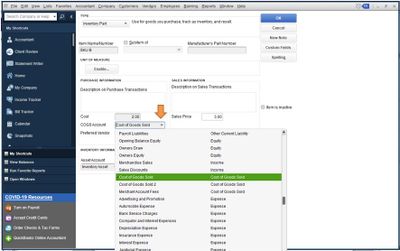
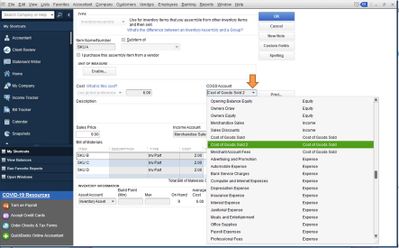
Let me also add these articles to learn more about managing your items and cost of good sold in QuickBooks Desktop:
I'm always here if you have other questions. Have a wonderful day!

