Turn on suggestions
Auto-suggest helps you quickly narrow down your search results by suggesting possible matches as you type.
Showing results for
Get 50% OFF QuickBooks for 3 months*
Buy nowIt's my pleasure to assist you today, @gail315,
Before we report this issue to our engineers, I have a couple of suggestions that we can try to get the app in working order. Make sure the app is updated before doing any of this troubleshooting steps.
Let's use the Refresh Data option to download updates or apply recent changes on the application. Here's how:

If refreshing the app doesn't work, try uninstalling and reinstalling the app to resolve unexpected behavior on mobile devices, and ensure updated security settings are downloaded.
Reinstall the app through these links:
For quick access to mobile app resources, see this article: Mobile applications hub.
If the same thing happens, access your account temporarily on a supported browser.
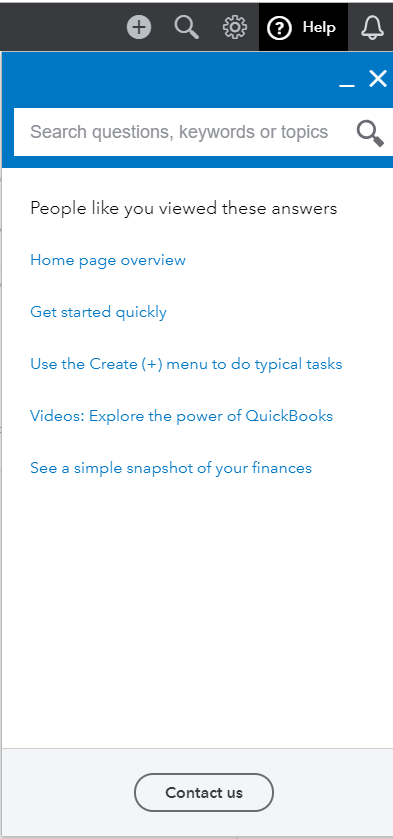
If none of it works, also recommend contacting our Phone Support Team. They can open an investigation about this unexpected hitch and report this to our developers for a fix. To contact support:
Kindly update me on how things go, by adding a new comment below. The Community has your back and I'm here if you need further help. Have a good one!

