I'm here to ensure the payment will reflect in your bank account, lynnannmedina66.
If you're using QuickBooks Online Payments, your first deposits take a bit longer while we set up your account. Once done, your payments will be deposited within two business days. Though some banks may take longer to process the transaction.
Please see this article for more information: Payments Deposits in QuickBooks Online.
If you're manually recording the payments, you might have chosen the Undeposited Funds as the Deposit to account. In cases like this, you'll need to manually deposit the payment to the accurate bank.
Here's how to deposit these payments:
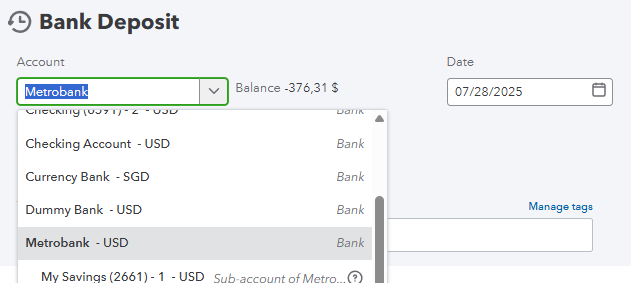
- Go to the + New and then select Bank Deposit.
- Select the bank account you wish to deposit the payments.
- In the Received from column, select the invoice/payment.
- Once done, click on Save and close.
If you have more questions or concerns about QuickBooks, please leave a reply below. We'd be glad to assist.


