Turn on suggestions
Auto-suggest helps you quickly narrow down your search results by suggesting possible matches as you type.
Showing results for
When I click on the gear and then feedback, nothing happens. I can hover over the text for feedback and the link does not exist. The telephone support told me to submit feedback about the continued requirement for the two step verification several times/day. Chat doesn't seem to work so now what??

I'm here to help you sort this out, @jskish.
Let's perform some troubleshooting steps to ensure that you're able to submit a feedback.
First, let's start by making sure that you have enabled the pop-up setting in your browser.
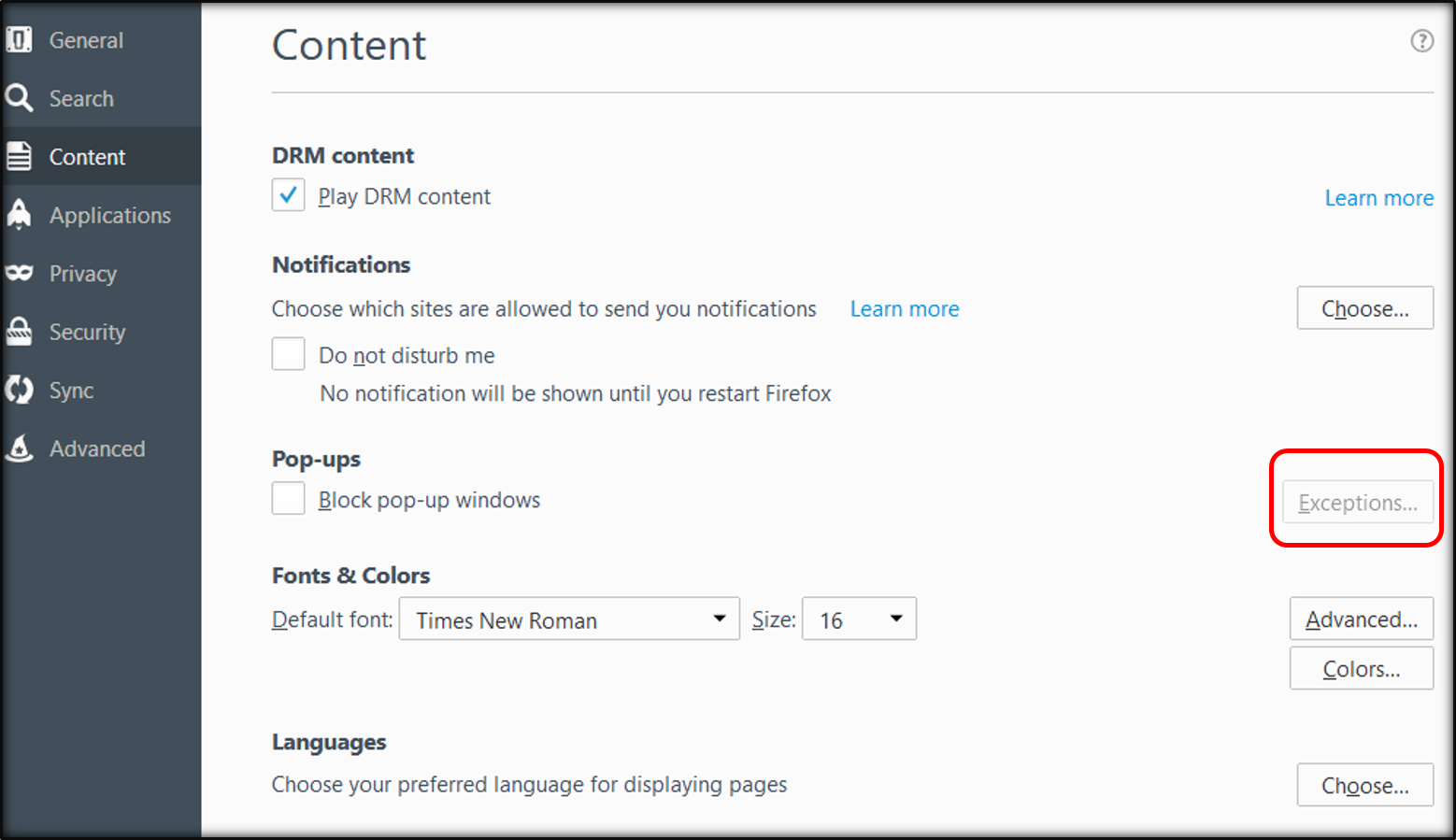
Firefox
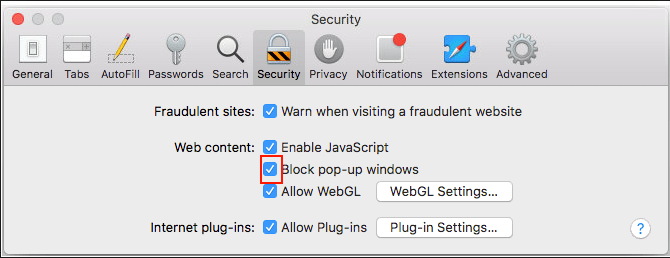
Safari
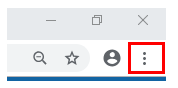
Google Chrome
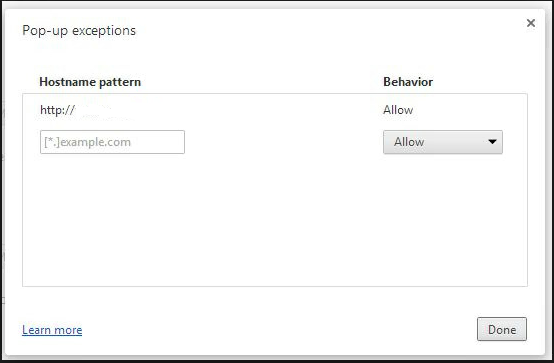
You can read through this article to know more about allowing pop-ups on supported browsers: Enable pop-up windows.
If the issue persists, you can accessing your account using a private browser or an incognito browser. This allows us to isolate this unexpected behavior when trying to share a feedback for a possible browser-related. You can use any of these keyboard shortcuts:
Once logged in, you can try sending a feedback again. Here's how:
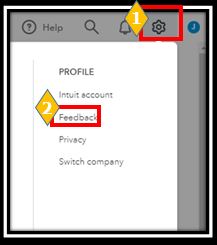


If you're able to successfully send a feedback, you'd want to clear your browser’s cache so the system can start fresh. Also, you can use other other supported web browsers.
Let me know if you have other concerns or questions while navigating around QuickBooks. I'm always around to help.
I did go through your first suggestion and added it but this was already there. The issue is there is no link. I have provided two pics. You can see when I hover the mouse over "refer a friend", the link shows up in the bottom left corner. That doesn't happen when I do this with "feedback".
Thanks for the screenshots, jskish!
The reason why there's no link showing is that the Feedback is just a pop-up, unlike other features that have their own page. However, when you click it, you'll see a small box where you can share your feedback.
Also, you'll want to use an incognito window since you already enabled the pop-up but the same thing happens.
You can also use any of these browsers instead if you have them installed. Just make sure they are updated. Additionally, you can clear the cache since it causes errors in QuickBooks Online, too.
Comment again here if you have other concerns. Take care!


You have clicked a link to a site outside of the QuickBooks or ProFile Communities. By clicking "Continue", you will leave the community and be taken to that site instead.
For more information visit our Security Center or to report suspicious websites you can contact us here


