Get 50% OFF QuickBooks for 3 months*
From invoicing to getting paid, QuickBooks streamlines the billing process with Intuit Assist, so you can focus on your business.


Prepare, organize, and send bills to your customers so that you get paid on time
Send invoices and bill customers with a Pay Now button. Track when they’re sent, viewed, and paid. Get paid faster by simplifying and automating the billing process.
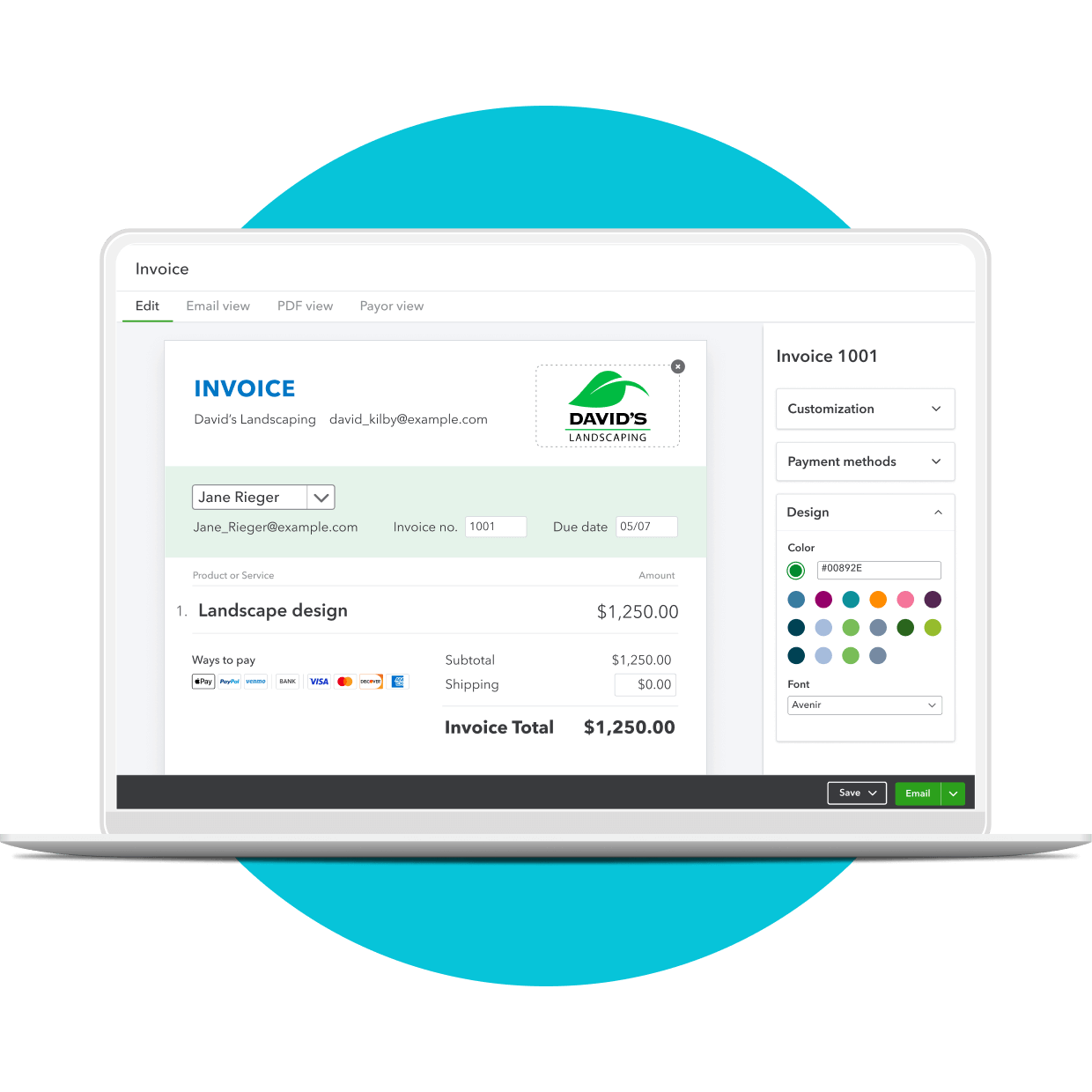
Professional billing with QuickBooks
Prepare billing statements and reports in a few simple steps. Create custom invoices with your company logo, accent colors that reflect your brand, contact information, and more with our free invoice templates.
Available in Simple Start, Essentials, and Plus.
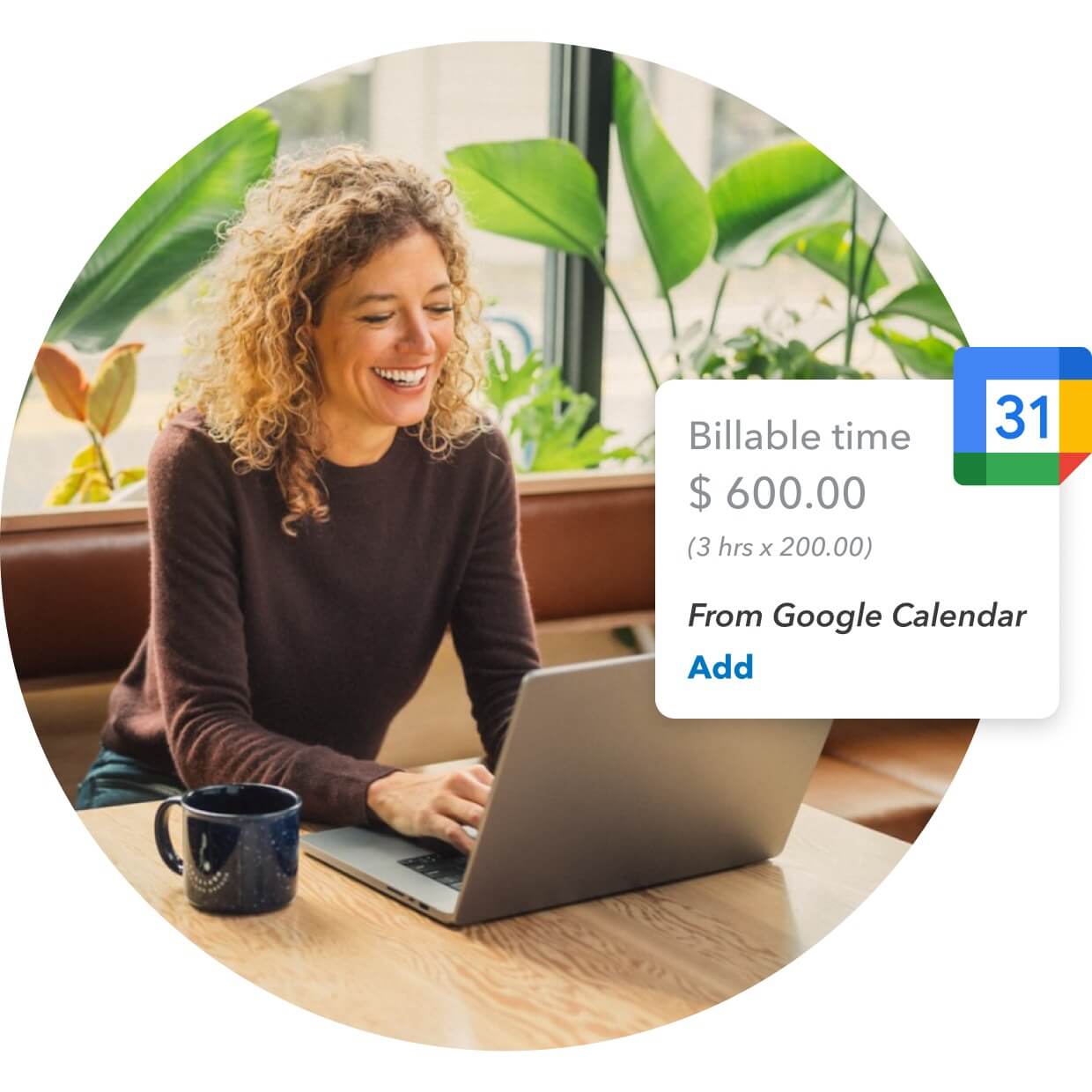
Google Calendar goes to work
Automatically add billable hours from Google Calendar to your invoices. Create a “memorized billing transaction” so that QuickBooks automatically bills your customer at a specified weekly or monthly interval.
Available in Plus.
Save time with recurring billing

Accept payments online
Let customers pay via credit and debit cards. Offer ACH bank payments. Track which bills have been sent, which have been paid, and which are overdue.
Available in Simple Start, Essentials, and Plus.

Recurring customer billing
Schedule recurring invoices to go out automatically. Customer billing details include the original amount invoiced, payments received, and outstanding balances.
Available in Essentials and Plus.

Follow up on unpaid invoices
Track unpaid invoices and automatically send custom reminders to customers. Ensure that your bills are accurate and delivered on time.
Available in Simple Start, Essentials, and Plus.
/Eyebrow_IA_Dark.png)


Plans for every kind of business
Subscribe to QuickBooks Online and try Live Expert Assisted FREE for 30 days.
Automate tasks, get paid faster1
Eliminate tedious tasks and personalize client communications with AI-powered automations. Plus, Intuit Assist's automated invoice reminders help you get paid 45% or an average of 5 days faster1
See more
Get bookkeeping help, FREE for 30 days*
*Connect with Live experts when you need it. They can provide setup help and bookkeeping guidance in QuickBooks, so you can stay organized and run your business with confidence. Free for 30 days. No auto-renew.
See moreFile business taxes with expert help
Save time and effort by seamlessly moving from books to taxes, then prepare your current tax year return with unlimited expert help to get every credit you deserve. Access live tax experts powered by TurboTax. Costs vary by entity type. Subject to eligibility.
See moreSimple Start
Build your financial foundation
$38
Save 50% for 3 months*
Includes:
 Intuit Assist
Essentials
Save time and focus on growth
$75
Save 50% for 3 months*
Simple Start features, and:
Intuit AssistCustomer Favorite
Plus
Scale with greater clarity
$115
Save 50% for 3 months*
Essentials features, and:
Intuit AssistAdvanced
Boost efficiency and profitability
$275
Save 50% for 3 months*
Plus features, and:
Intuit AssistLooking for an ERP solution? Explore the NEW Intuit Enterprise Suite.
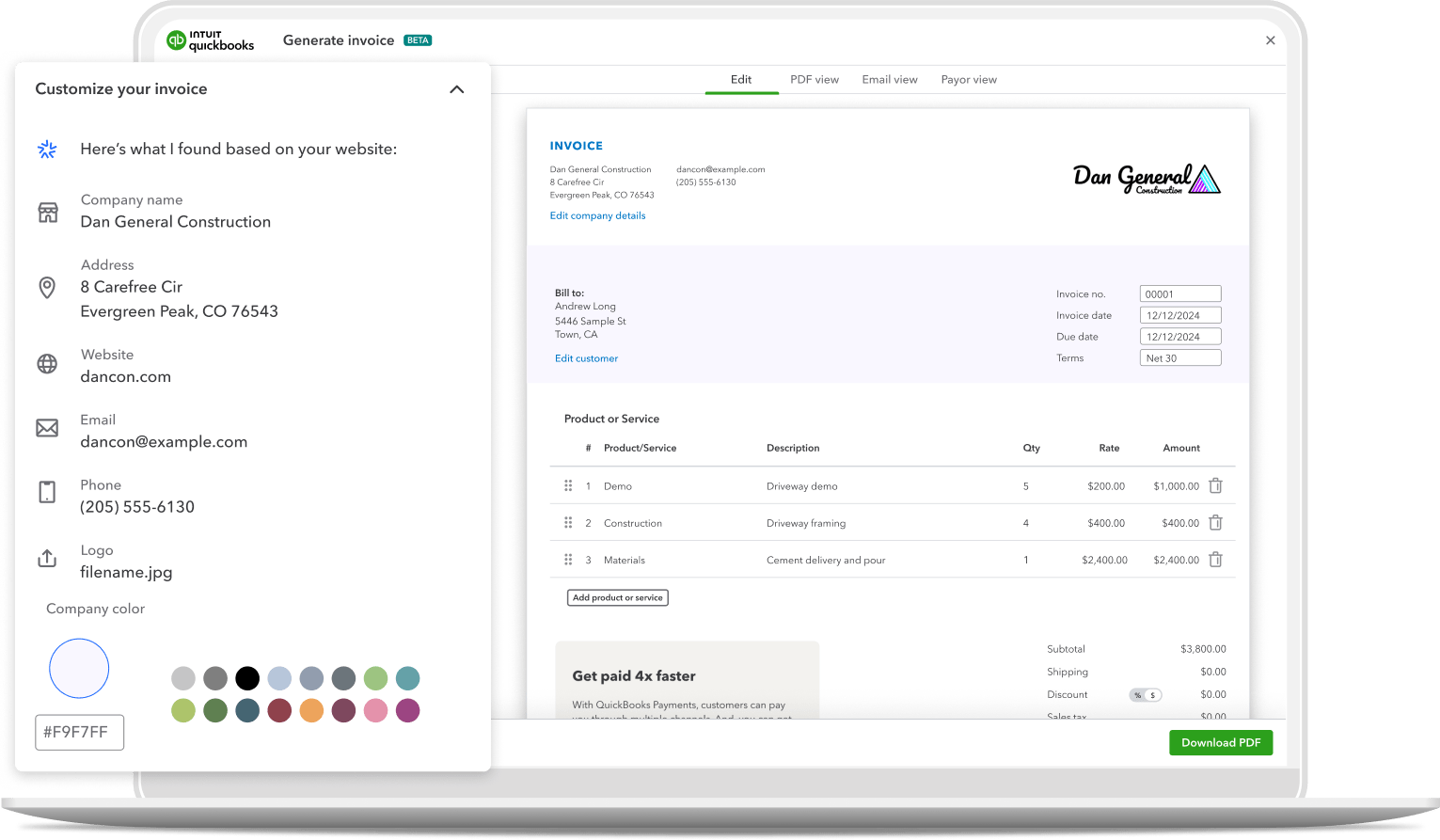

QUICKBOOKS LIVE EXPERT ASSISTED
Live experts. Total confidence.
Feel confident in your business—and your books. Get setup help and guidance with Live Expert Assisted FREE for 30 days.*
“The ability to invoice clients from my desktop, laptop, or mobile phone gets me paid faster. It allows me to spend more time designing for my clients.”
– Hank, QuickBooks Essentials User
Call Sales: 1-877-866-5232




