Get started with
QuickBooks Free
QuickBooks Free
If you’re a solopreneur, or new small business owner, or freelancer, the right accounting tool can help you stay organized and ready for tax time. See how QuickBooks Free compares to other free options and find the best fit for your business.
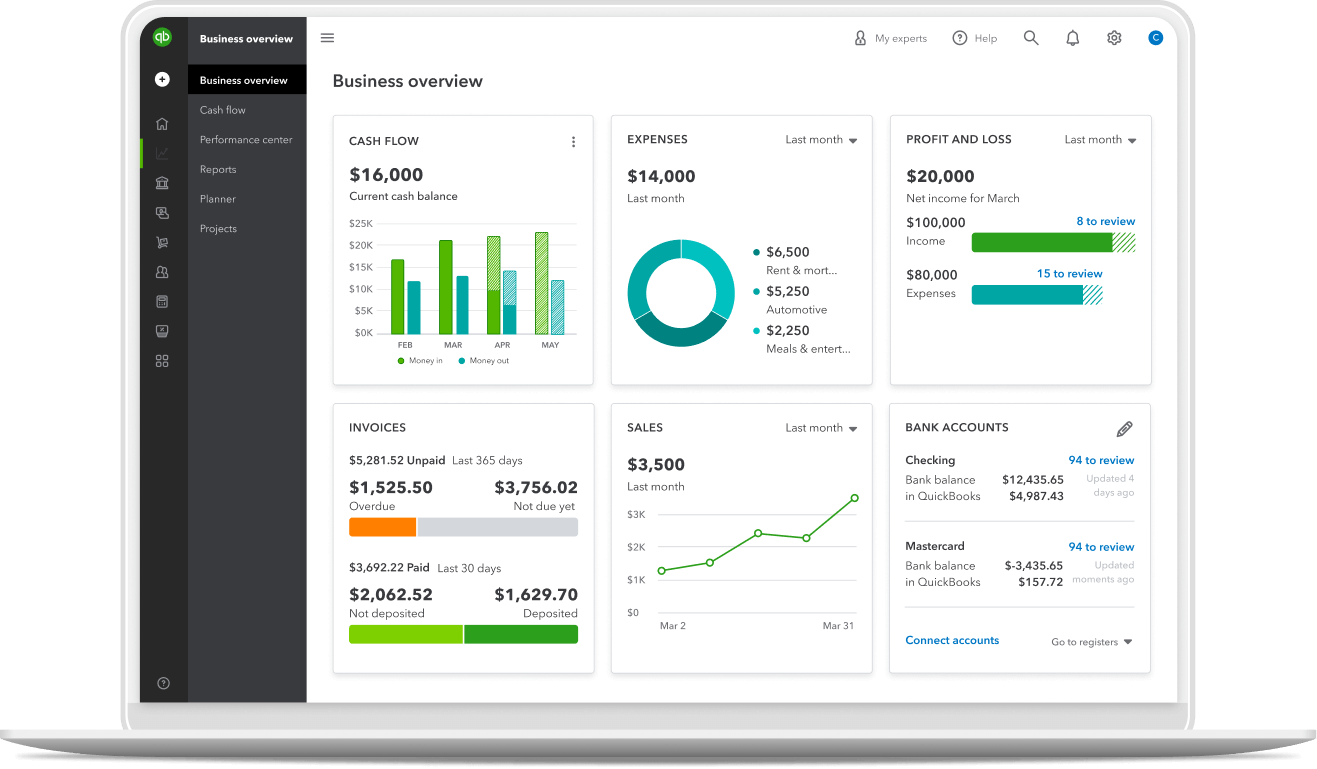
With the QuickBooks Free plan, you can set up your books at no cost, then access more advanced features as your needs change—without switching systems.
Track income and expenses and automatically sort transactions. Send professional invoices and accept payments to stay on top of your finances and get paid sooner. QuickBooks Free brings bookkeeping, payments, and reporting together in one place. No fees, no commitments, no strings attached.
When you’re ready for the next step
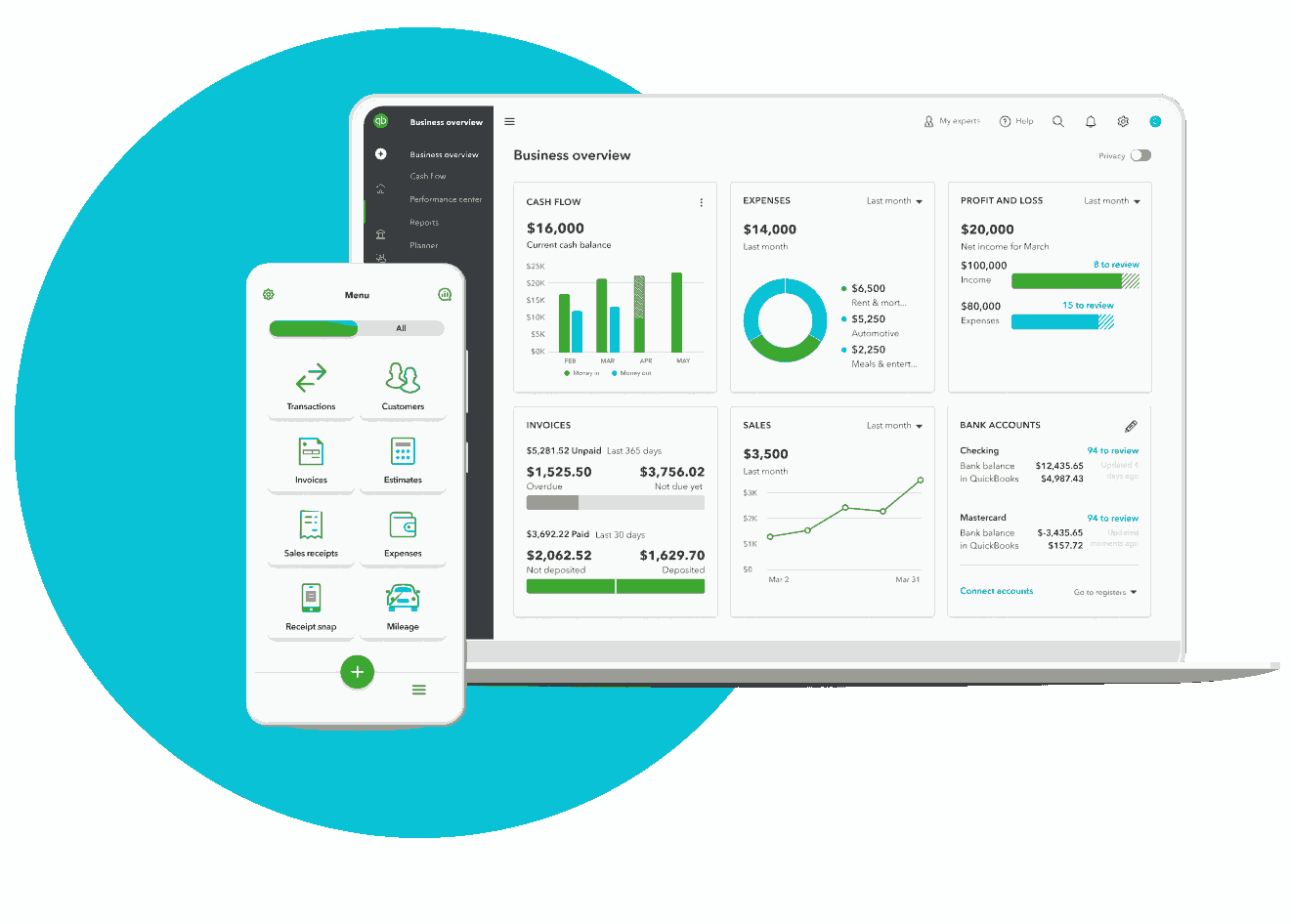
As your business grows, you may need more advanced tools. You can upgrade from the free plan to access deeper reporting and additional support. Paid plans include features such as unlimited invoicing, paying employees, more users, and the ability to work with your accountant—all built on the same books you started for free.




Core Features
Monthly Price
$0
$0
$0 (eligibility varies by region and revenue limits)
$0 (pay processing fees only)
User Included
1 user (no accountant access)
1 user (no accountant access)
1 user + 1 accountant
No set user limit
Invoices
2 per month
Unlimited
1 user + 1 accountant
No set user limit
Estimates
1 user (no accountant access)
1 user (no accountant access)
1 user + 1 accountant
No set user limit
Expense Tracking
Track business and personal expenses
Unlimited income and expense tracking
Track expense and vendors (up to 1,000 transactions per year)
Not included
Connections
Connect 1 bank account
Manual entry and reconciliation only (auto-import requires paid plan)
Includes bank reconciliation and bank feeds in supported regions
No accounting bank feed (no bank import in Invoices; you can sync sales to external accounting)
Online Payments
Accept payments via PayPal, Venmo, Apple Pay, cards, and ACH (processing fees apply)
Accept payments (processing fees apply)
Via integrations
Accept card and ACH payments (processing fees apply)
Reports
Profit & loss, balance sheet, and account summary
Basic reports including profit & loss and balance sheet
50+ reports including profit & loss and balance sheet
Basic invoicing activity reports
Additional Tools
Reports
5 trips per month
Not included
Not included (mileage handled in separate Zoho Expense app)
Not included
Receipt capture
2 per month
Not included; available as a paid add-on
Not included in core free plan (available via Zoho Expense)
Not included
Contractor management
Track 1 contractor
Track contractor payments using general income/expense categories; no dedicated 1099 module in free tier
Track contractors as vendors (advanced 1099 features may require a paid plan)
Not included as a dedicated feature (can track contractors only as generic customers)
Growth and Flexibility
Upgrade path
Seamless upgrade with QuickBooks
Upgrade to paid Wave Pro for advanced features and multi‑user access
Upgrade to paid Zoho Books plans when you outgrow transaction/user limits
Add paid Square tools (Payroll, Banking, advanced POS, etc.) as you grow.
Feature list accurate as per Wave, Zoho, and Square websites on March 26, 2026.
A free accounting tool should do more than replace spreadsheets. Solopreneurs, early-stage business owners, and freelancers need simple tools to stay organized, get paid, and understand their finances. Here are the key features to look for when choosing a free solution.

Look for a tool that connects to your bank and automatically imports transactions. You’ll reduce manual entry and keep your records accurate.

Sending invoices and accepting payments—whether by credit cards, ACH transfers, PayPal, Venmo, or Apple Pay—can help you get paid faster and improve cash flow.

Look for a tool that connects to your bank and automatically imports transactions. You’ll reduce manual entry and keep your records accurate.

Receipt capture and mileage tracking keep your records accurate and reduce the risk of missing valuable tax deductions.
The best accounting software for small businesses is trusted by millions of businesses worldwide.1 No accounting experience needed—QuickBooks Free makes it easy to get started.
Connect one bank account to automatically import and categorize transactions. This keeps your books accurate and saves time.
Create and send up to 2 professional invoices per month and accept payments through cards, ACH, PayPal, Venmo, and Apple Pay—so you can get paid sooner.
View key reports like profit and loss, balance sheet, and account summary to see your performance at any time.
Log up to 5 mileage trips and capture up to 2 receipts per month, so your expenses are documented and ready when you need them.
Keep your income, expenses, and records in one place, making it easier to identify deductions and prepare for taxes.

Discover why 88% of customers say QuickBooks helps their business be more successful.3

★★★★★
Having the online version just makes sense. There are apps that integrate with it, you can log in on your phone, [and] the data is easily accessible to both the client and the accounting team.
★★★★★
The software is very easy to use, even for people who do not have an accounting background.
When selecting accounting software like QuickBooks, businesses should consider their size and complexity, the accounting experience of their team, budget constraints, and long term growth plans. Smaller companies with simpler needs may prefer streamlined tools, while larger or growing organizations often require advanced features, integrations, and scalability. Balancing ease of use, affordability, and the ability to expand ensures the software will support both current operations and future success.
Call Sales: 1-877-866-5232




