Keep your team on task with automatic alerts

Get real-time insights and set up automatic notifications so you never miss a deadline or billable hour.

Image Alt Text

Manage alerts and approvals

Customize automated alerts for you and your team.
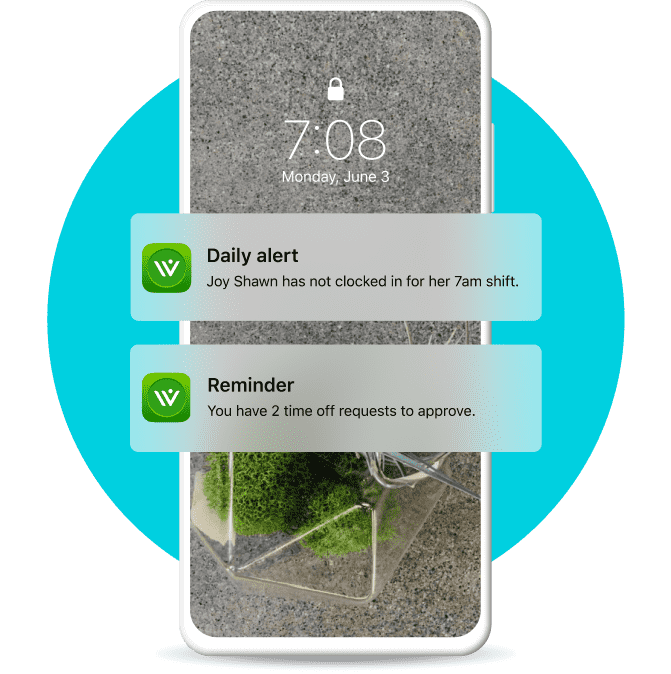
A mobile device displaying two notification from QuickBooks Workforce. One daily alert showing employee has not clocked in and another reminder that there are 2 time off requests to approve.

Know when a worker starts overtime, so you can avoid unnecessary expenses. We’ll also track overtime and holiday rates for you, reducing costly payroll errors.
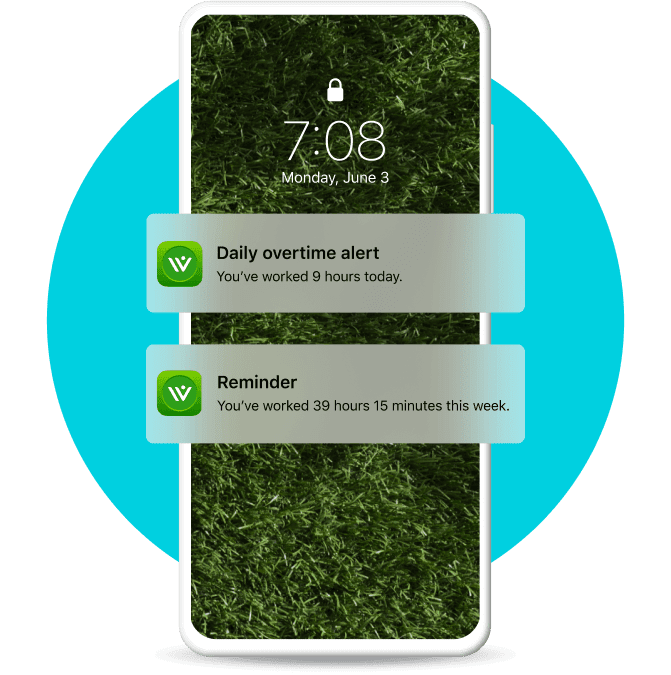
A mobile phone displaying 2 notification; A daily over time alert and a reminder you've worked 39 hours and 15 mins this week.

Pick and choose notifications based on your business needs. Remind your team to clock it, clock out, take a break, and submit timesheets.
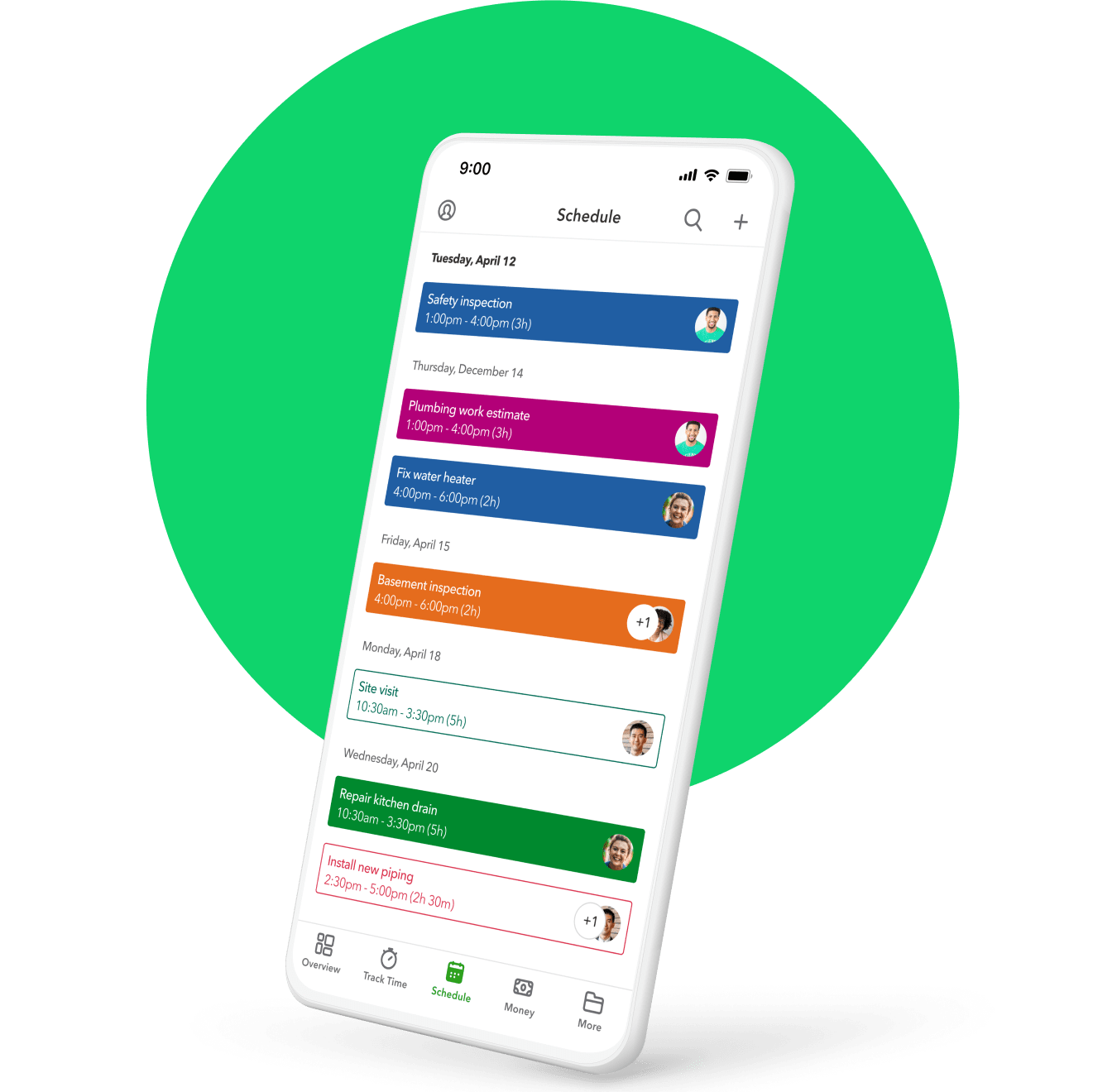
A mobile phone displaying employees' work schedules, color coded by shift.

Assign shifts or jobs, make edits, and share with your team so you never miss a deadline. When schedules change, they’ll receive an alert automatically.

Image Alt Text

Set reminders to approve timesheets every pay period, so payroll runs smoothly.

Talk to sales

Give us a call if you need help picking a QuickBooks product.


Call 1-888-836-2720

Mon-Fri, 5 AM to 6 PM PT

Visit our support hub

Find help articles, video tutorials, and connect with other businesses in our online community.

How can we help?
Talk to sales 1-888-836-2720

Monday - Friday, 5 AM to 6 PM PT

Get product support

Get time tracking with over 100,000 five-star reviews¹


