How can I calculate my cash reserve needs?
If you learn to use QuickBooks properly, it can become an invaluable asset for managing your cash reserve. For example, our tool allows you to:
- Establish actual expenses and burn rates instead of guessing.
- Set dynamic goals and adjust them as business conditions change.
- Automate "set-and-forget" transfers to your reserve account.
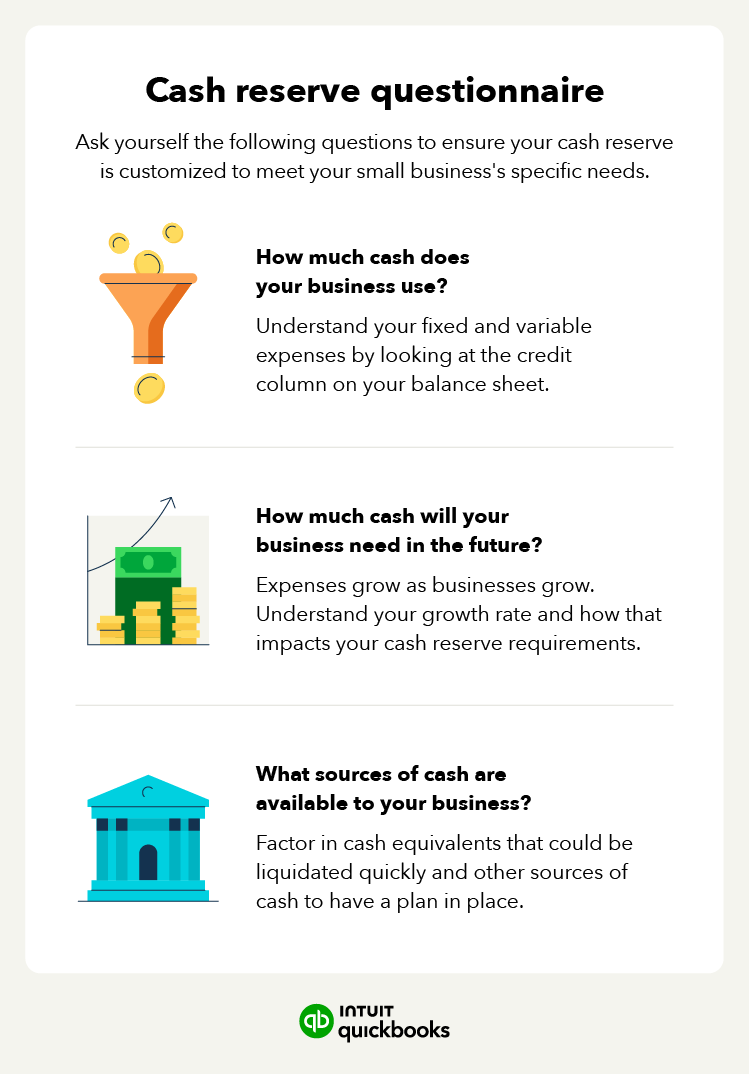
As for knowing what your cash reserve needs are, here’s how you can calculate them:
1. Determine the months you want to cover with your cash reserves.
2. Review a statement of cash flows from your last year of business. If you don’t have a cash flow statement to reference, use any financial statements you do have to make some estimates or projections.
3. Find your total business expenses for the given year.
4. Divide your total expenses by 12 to represent the 12 months in each year. That will give your typical expenses per month.
5. Multiply that number by the number of months you determined in the first step. That gives you the total amount you want to keep in your cash reserves.
Let’s say that your business had $25,000 in expenses last year. You would divide that amount by 12 (for 12 months) to get approximately $2,083.
Multiply that by six to represent the six months of expenses you want in your cash reserves, and you get a total of $12,500. That’s how much you should aim to keep in your business’s reserve fund.