The good news: Your products are flying off the shelves. The bad news: Your most popular items are out of stock. Now what?
Expanding product catalogs, rising order volume, and sales across multiple locations can turn a routine stockout into a larger operational issue. Backorders can protect revenue and preserve customer relationships but only with the right level of visibility and control.
This guide explores how scaling businesses stay ahead of backorders, where complexity tends to surface, and how to prevent short-term shortages from becoming recurring disruptions. Manual tracking may work early on, but sustained growth requires systems built to support increased operational demands.
Jump to:
- What is “backordering” in inventory management?
- Why do companies offer backorders?
- When offering backorders makes strategic sense
- How do backorders differ from stockouts?
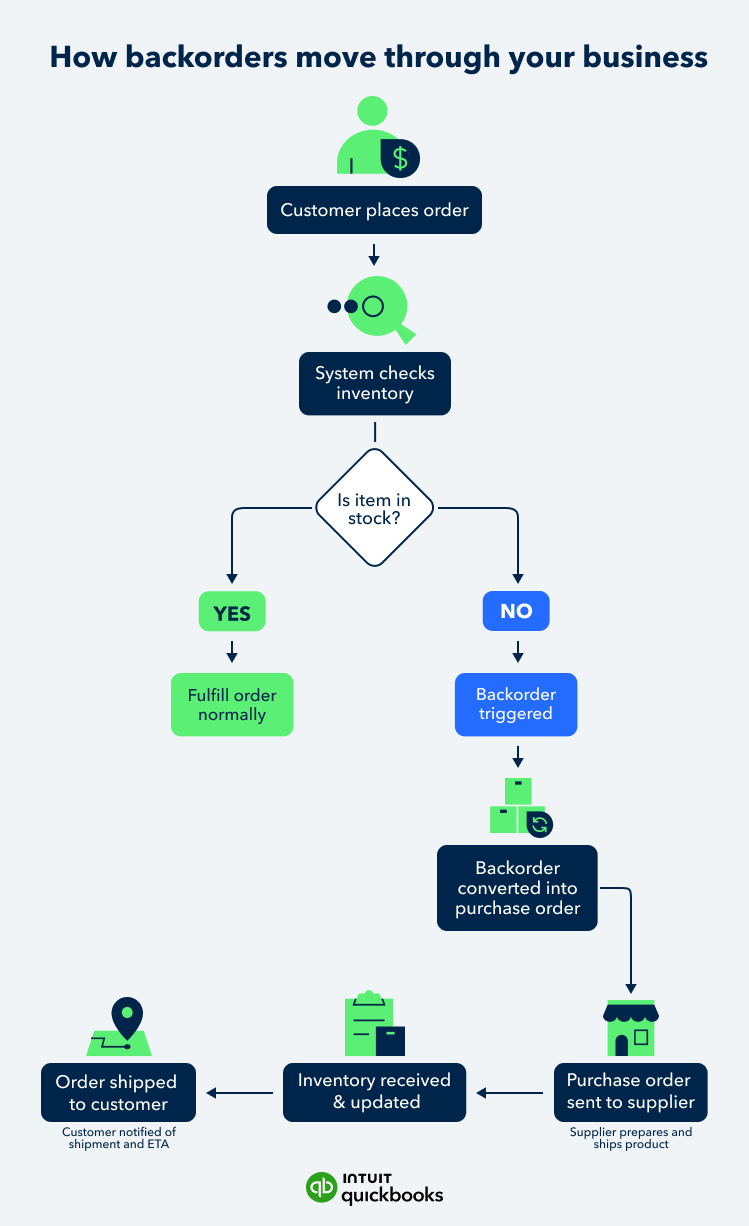
- How backordering works in a growing business
- Backordering example
- When backorders signal a scaling challenge
- What typically causes backorders?
- Why backorders can be positive for businesses
- When backorders can cause problems for businesses
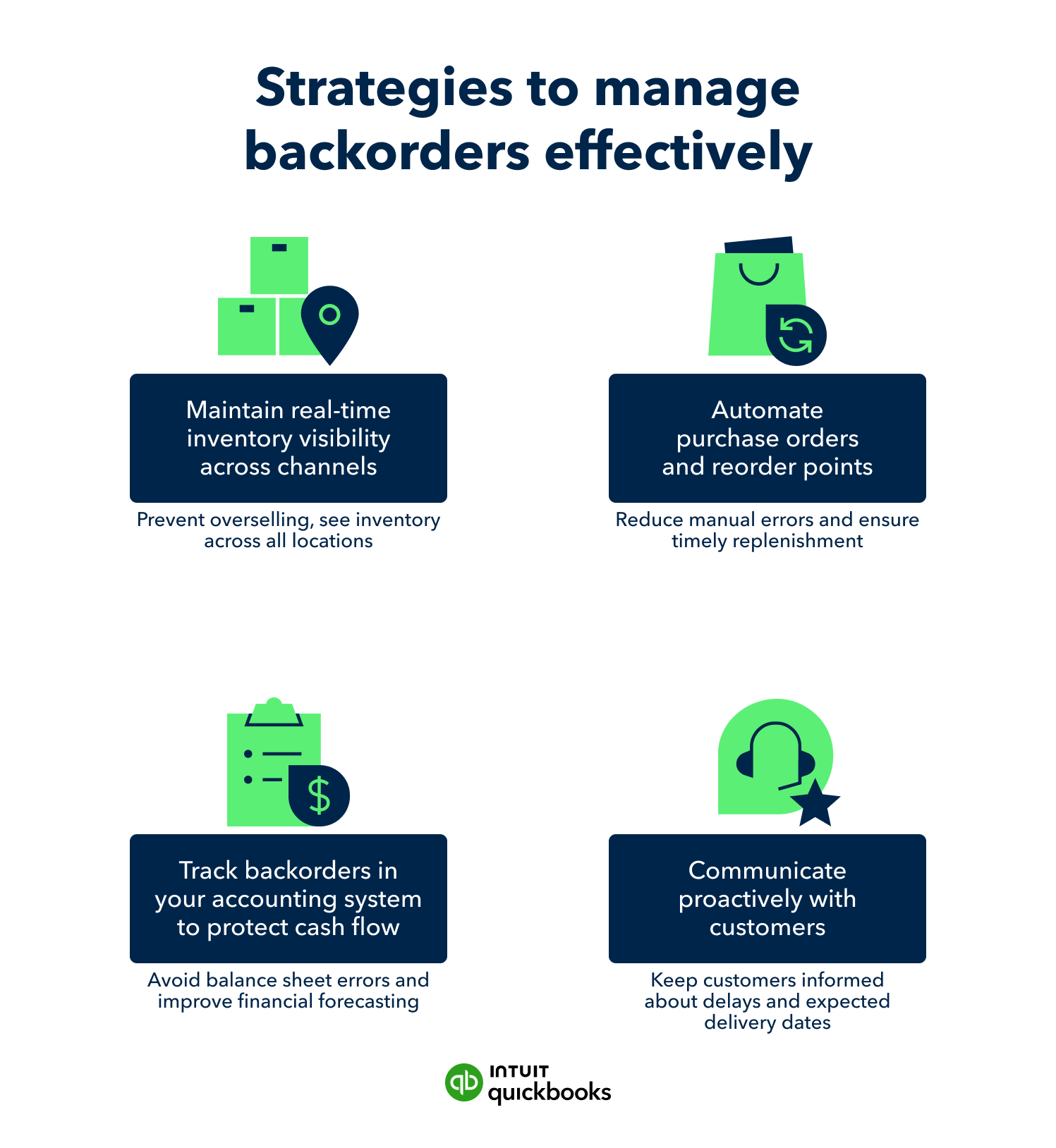
- Proven strategies to manage backorders effectively
- How to manage backorders to protect customer relationships
- Using backorder data to drive growth
- Strengthen your inventory operations for what’s next