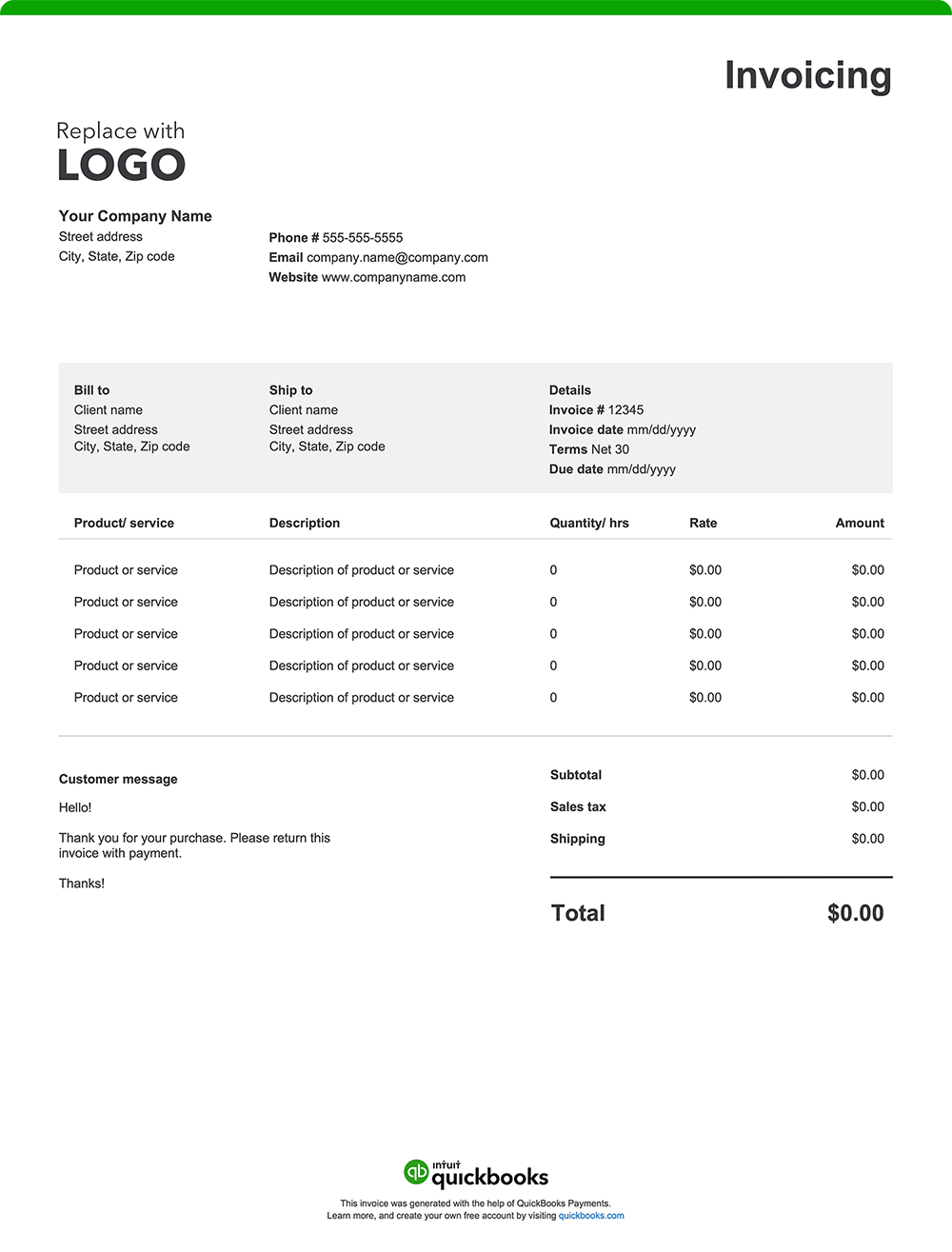
1. Company and license information
Include your business name, address, phone, and email. If you’re an interstate mover, list your DOT and MC license numbers and any required insurance details. This demonstrates compliance with federal regulations and helps give customers confidence in your professionalism.
2. Invoice and move dates
Note both the invoice issue date and key service dates, such as pickup and delivery. For multi-day or cross-country moves, this documentation helps track timelines, verify storage periods, and manage payment schedules.
3. Services provided
Outline every task your crew performed — from packing and loading to transport, unloading, and unpacking. Include any special handling or assembly/disassembly to justify labor time and costs.
4. Labor cost breakdown
Itemize your crew’s time and rates. You might charge by the hour, by the job, or by distance. Include the number of movers, hours worked, and any additional labor fees like weekend rates or long-carry surcharges.
5. Weight, mileage, and distance
For interstate and long-distance moves, pricing often depends on shipment weight and total mileage. Your invoice should include:
- The shipment’s weight (determined by a certified scale)
- Rate per pound or per 100 pounds
- Total miles and any applicable tariff rate
This clarity ensures compliance with Federal Motor Carrier Safety Administration (FMCSA) guidelines and sets realistic customer expectations.
6. Materials and equipment
List every material used, such as boxes, stretch wrap, furniture pads, or packing paper. You also must include pricing for any rented or specialized gear, like dollies, liftgates, or ramps.
7. Additional fees/accessorials
Accessorial charges are standard in both local and interstate moves. Examples include:
- Fuel or distance surcharges
- Long carry or shuttle truck fees
- Storage-in-transit or overnight storage
- Elevator or stair carries
- Permits or tolls
- Specialty item handling (pianos, safes, antiques)
8. Totals
Sum up all costs, including labor, materials, accessorials, and taxes, and display the final amount due prominently. If you offered a binding or non-binding estimate, reference that for transparency.
9. Payment terms
Straightforward payment terms help maintain cash flow and prevent delays, so be sure to state how and when you expect payment. For example:
- Payment timeframe: Specify when payment is due, such as “Due upon delivery,” “Net 15,” or “Net 30” (payment due within 15 or 30 days of the invoice date). Companies managing long-distance moves often request an up-front deposit and final payment upon completion.
- Accepted payment methods: List all the payment types your business accepts — credit or debit cards, ACH transfers, checks, or digital payments like PayPal or Venmo. Offering flexible options can help you get paid faster.
- Payment details: Include the details needed to complete the payment, such as your mailing address for checks, bank account information for ACH payments, or a link to your secure online payment portal.
- Late payment penalties: If you charge a late fee, outline the specific amount or percentage that applies after the due date. Clear policies encourage customers to pay promptly.
- Early payment discount: If you offer discounts for early payment, list the discount rate and conditions (for example, “2% off if paid within 10 days”). This can incentivize faster payments and help improve cash flow.