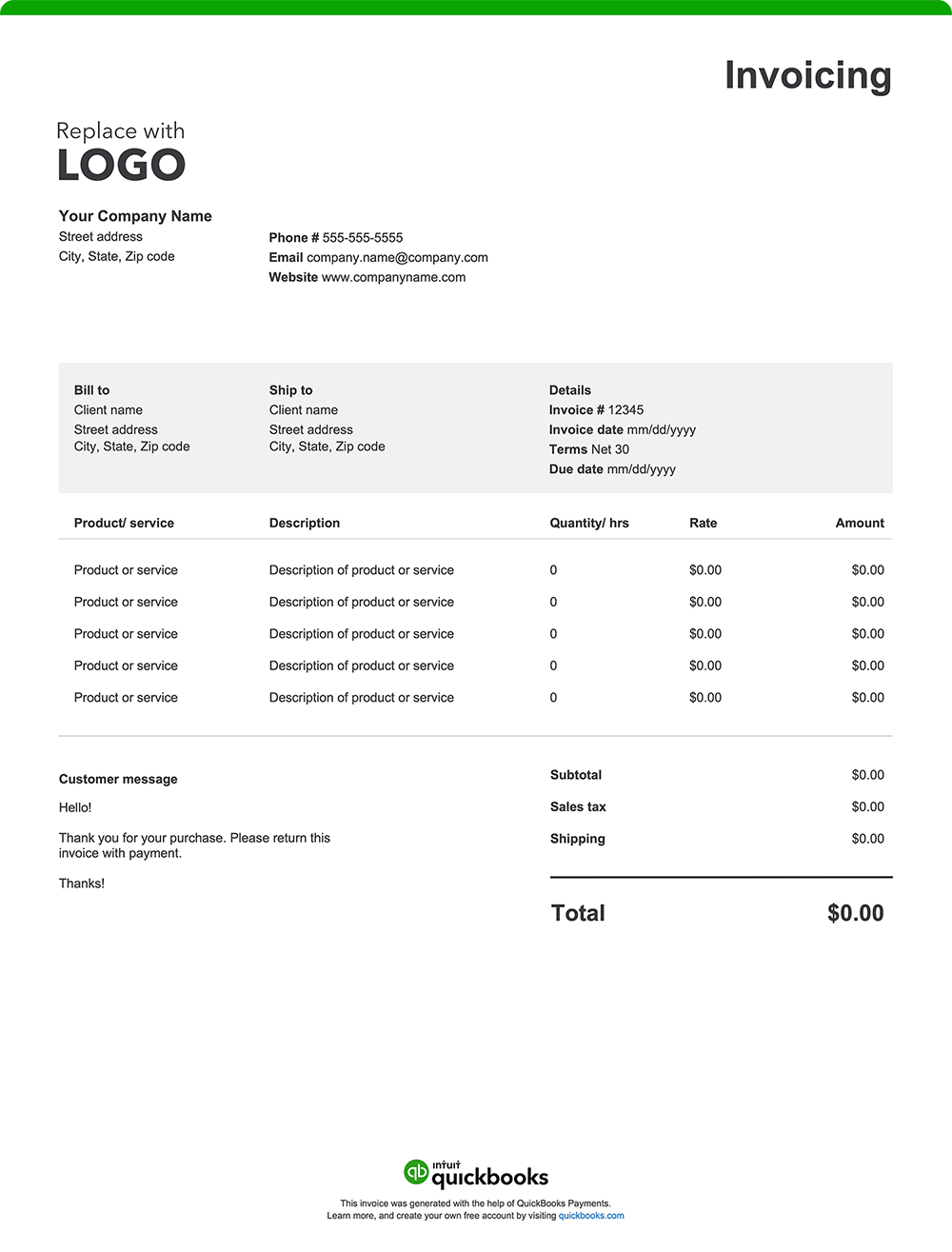
Property management invoice templates vs. QuickBooks
Basic Excel, Word, or PDF invoice templates might work for a single rental unit or a one-off maintenance bill. But if you manage multiple properties or clients, manual invoicing becomes time-consuming and error-prone. QuickBooks offers property managers a faster, more reliable way to invoice, track payments, and keep everything organized.
Less manual work, fewer errors
Manually creating invoices for every repair, fee, or lease renewal? That adds up to a lot of time. With QuickBooks, you can save owner and tenant profiles, service descriptions, and rates. Without having to retype details, generating accurate invoices is easier.
Automate for recurring and multi-property needs
Whether you manage ten units or a hundred, automation helps you stay on top of cash flow without extra admin work. QuickBooks has features to streamline your most common billing tasks.
- Send batch invoices to owner portfolios or multiple tenants
- Create recurring invoices for monthly management fees, rent, or HOA dues
- Set up automatic reminders to follow up on unpaid balances
Invoice anytime, anywhere
As a property manager juggling site visits, vendor meetings, or tenant handoffs, you’re rarely at a desk. With the QuickBooks mobile app, you can create and send invoices on the go—right from your phone or tablet, wherever the day takes you. Attach lease agreements, maintenance photos, or receipts directly to each invoice to provide clear documentation and keep records accessible.
Track payments in real-time
QuickBooks lets you view sent, opened, and overdue invoices at a glance. Built-in reporting tools help you monitor property income, identify late payers, and forecast earnings—all in real-time.
Get paid faster
QuickBooks makes it easy for clients to pay you right from the invoice. Accept credit cards, ACH transfers, PayPal, and Apple Pay. The easier it is to pay, the faster the money hits your account.
Send invoices via email or SMS
Customize how you communicate with clients. Send invoices by email or text message to meet their preferences and help ensure they don’t miss a payment. A friendly note or attachment can go a long way in building trust and keeping relationships strong.