









Did you know that April is Financial Literacy Month? Whether you work with an accountant, it’s important to understand some crucial financial concepts. Check out these 20 small business financial literacy statistics to know in 2025 to find out what other business owners are saying. And be sure to check out this month’s updates below.
Get 50% OFF QuickBooks
for 3 months
for 3 months

product update
Here’s what’s new in QuickBooks Online for April 2025
Table of contents
Table of contents
1,000+ third-party app integrations with QuickBooks Online Payments
In a nutshell: QuickBooks Payments integrates with more than 1,000 third-party apps, allowing you to use them in more channels where you do business.
QuickBooks Online customers do not need to sign up for another payment provider. QuickBooks Payments transactions automatically reconcile with QuickBooks, reducing time spent on administrative tasks.
To take advantage of this broad collection of integrations, choose QuickBooks Payments as your payments gateway in the participating platforms you use for your business, including Chargebee, available in the App Store. Payments you receive in those platforms will then be processed through QuickBooks Payments and auto-matched in your books.

Save time on reconciliation and avoid manual data entry with QuickBooks Payments.
QuickBooks Online Payroll tax payments auto-matched
In a nutshell: QuickBooks Online will now automatically match payroll tax payments through QuickBooks Online Payroll.
You can submit payroll tax payments with the confidence that each one will be auto-matched to its transaction in your books, while avoiding the time-consuming bookkeeping task of manual reconciliation from the bank feed.

Learn more about automatic matching in QuickBooks Online.
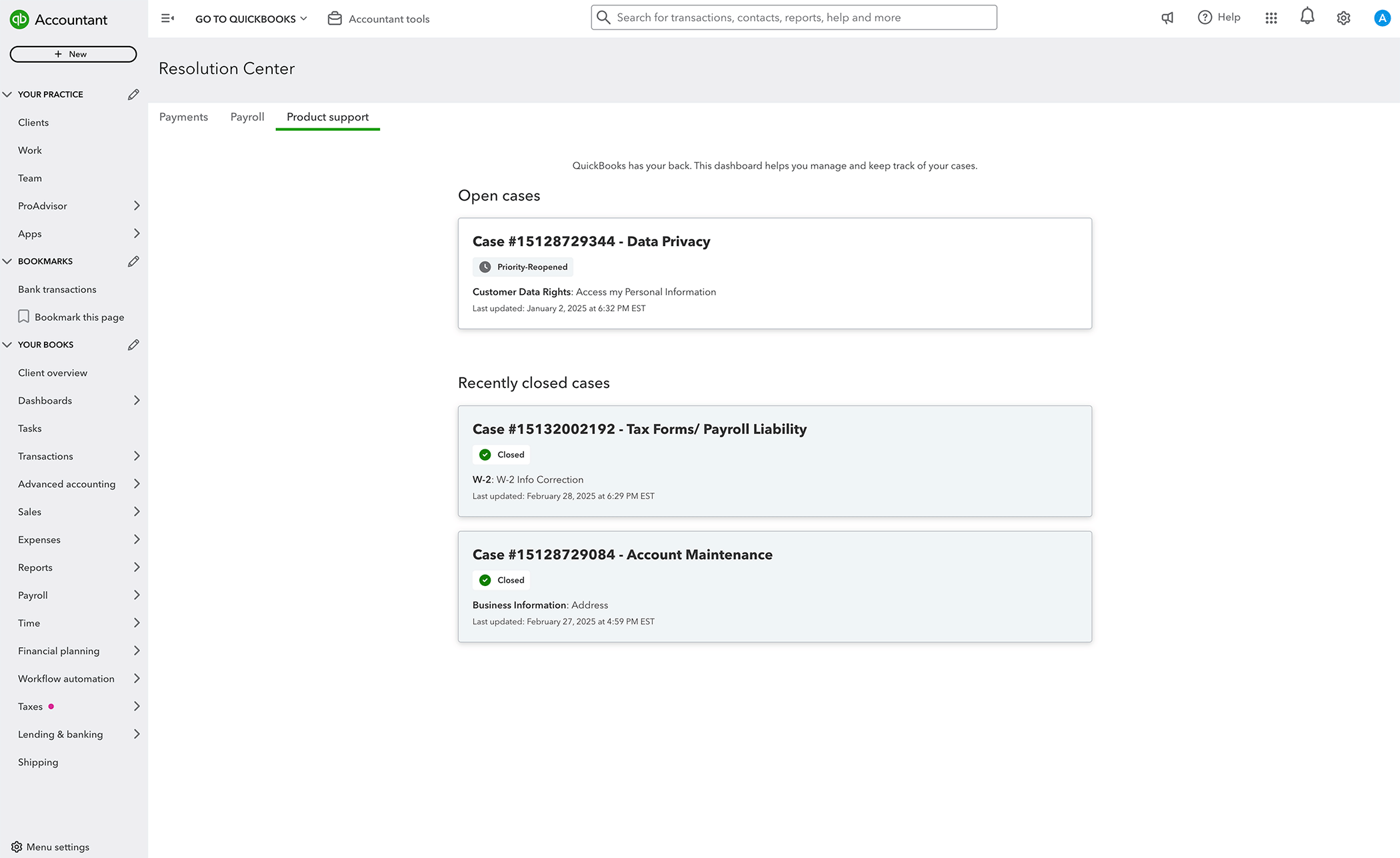
Resolution center in QuickBooks Online
In a nutshell: You can get an end-to-end view of your support cases in the new QuickBooks Online Resolution center.
To see it, select Settings ⚙ and then Resolution center. There, you’ll find a list of all open cases and cases closed within the last 30 days.
This enhanced transparency and visibility will help you track your in-progress product support cases and feel confident they’re getting resolved.
Get a free business plan template.
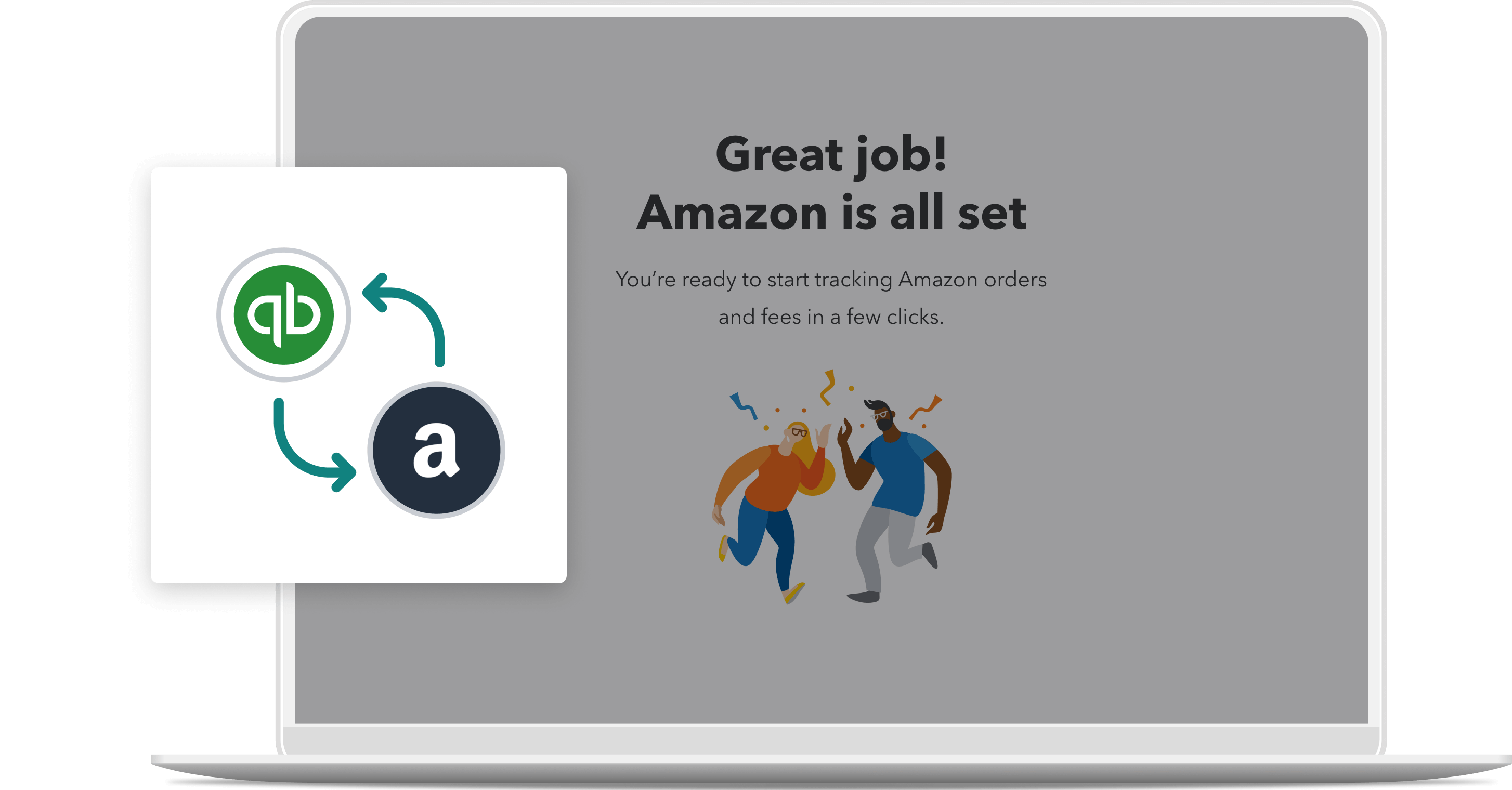
Amazon Business integrates with QuickBooks
In a nutshell: Track your Amazon Business purchases in QuickBooks Online, with no manual entry required.
Amazon Business combines the selection, convenience, and value customers have come to know and love from Amazon, with unique benefits designed for small businesses. Adding the Amazon Business Purchases app* to QuickBooks provides an enhanced level of integration with Amazon Business.
Then, in QuickBooks, you can:
- Seamlessly review transactions for your Amazon Business purchases and returns before adding them to the books
- Categorize each item separately and match them to bank or credit card records
- View detailed Amazon Business expenses, with product descriptions, item costs, and fee breakdowns for each transaction
Note: A QuickBooks Online admin who is also the primary Amazon Business admin can enable the Amazon Business Purchases app for the account.
Learn more about integrating Amazon Business in QuickBooks.
Recommended for you




Get the latest to your inbox
No ThanksLooking for something else?
Call Sales: 1-800-285-4854




