You could save up to 25% on transaction costs².
Speak with us now to see if you qualify.
Talk to sales 1-800-515-8366
Monday - Friday, 6 AM to 4 PM PT

Table of contents
Table of contents
62% of senior business leaders expect to outgrow their current technology within the next 12 months, according to Intuit’s Enterprise Technology Benchmark Report. The pressure usually shows up in recurring work: reports that have to be rebuilt, approvals that need follow-up, transactions entered one at a time, and a close that takes more effort than it should.
Many growing companies reach this point after outgrowing basic accounting software, but the fix isn’t always to increase resources or headcount. As businesses grow, finance teams often have to support more transactions, more reporting requests, and more approvals without a matching increase in capacity.
QuickBooks Online Advanced can help by connecting and streamlining reporting, approvals, recurring transactions, and month-end workflows.
This guide covers which workflows to tackle first, which QuickBooks Online Advanced capabilities support each one, and how to tell when the team is creating more capacity.
“Having all of our accounting processes going through one system has been the most helpful... payroll, timesheets, invoicing, and expenses all going into one system [on QuickBooks Online Advanced] was the biggest selling point for us.”
— Tara Hand, HR/Payroll Coordinator, Osborn Architects Incorporated
When revenue grows, transaction volume and reporting demands grow even faster. This places considerable strain on finance teams. The first symptoms your team feels are the cost per transaction and the closing timeline creeping up.
Without centralized data and automation, reports may have to be rebuilt by hand each month. Approvals get chased without any routing logic, recurring entries have no templates, and reconciliations stretch past their deadlines because exceptions don’t get automatically flagged.
Workflow capacity problems are solvable. Automating a few high-friction workflows can return time to the team and create more room to absorb added customers, locations, or product lines.

Before automating anything, track every task the team redoes by hand for one week. This becomes your automation backlog, already ranked. Whatever gets redone most often should get fixed first.
Rank workflows by frequency × friction, then automate whichever one you repeat most and trust least. Typically, the four highest-payback workflows are:
Reporting comes first because it’s the workflow that tells you where the rest of the friction is hiding. Once your finance team can see the business clearly, the next three (approvals, recurring work, and the close) tend to surface on their own.
Here’s where the hours actually come back. QuickBooks Online Advanced brings these workflows into a more connected system through reporting, workflow automation, batch tools, and access controls.
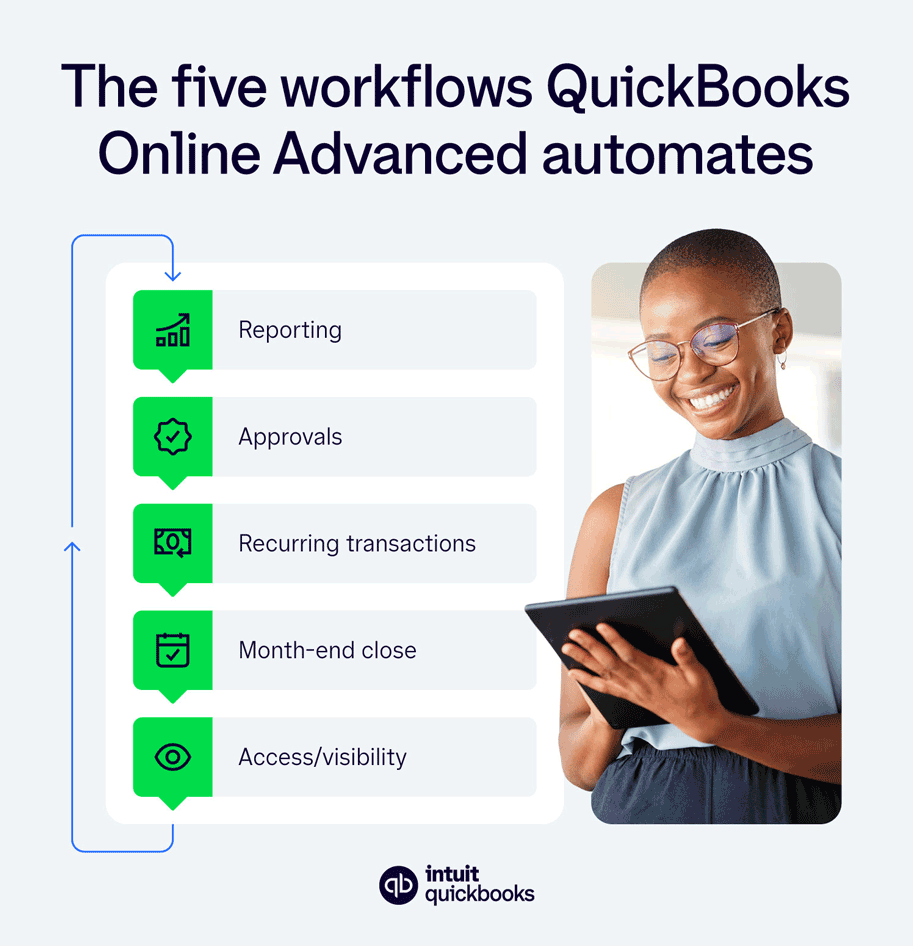
Time saved is one sign that the team has moved away from a manual reporting cycle. Hours that used to go into rebuilding reports can instead go into reviewing results and deciding what needs attention.
QuickBooks Online Advanced lets teams build custom reports and dashboards around the financial views they need. A P&L by class, for example, can be saved with the filters and groupings the team uses, reducing the need to rebuild the same view in a spreadsheet each month.
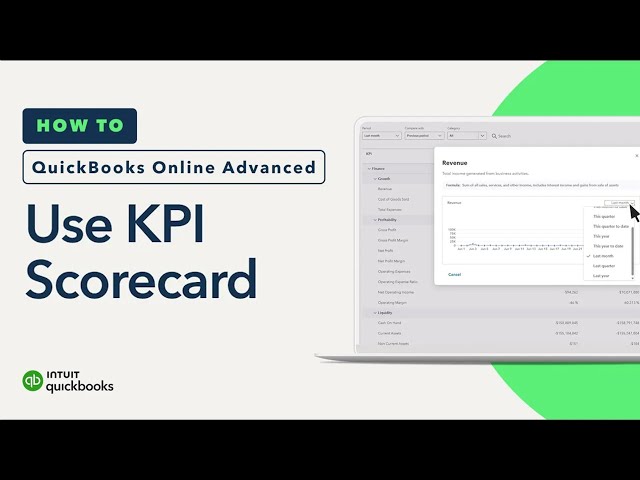
Teams can also create custom metrics or use a library of more than 100 KPIs. The 13-week cash flow forecast can help surface potential gaps or surpluses, while granular roles and permissions help control what different users can access.
Intuit Intelligence adds anomaly spotting and lets users ask questions about the business in plain language, helping finance teams surface what needs attention faster.
Email approval is a control that only works if someone remembers to enforce it. As spend grows, risk compounds, and a rule skipped once in a busy week gets skipped again.
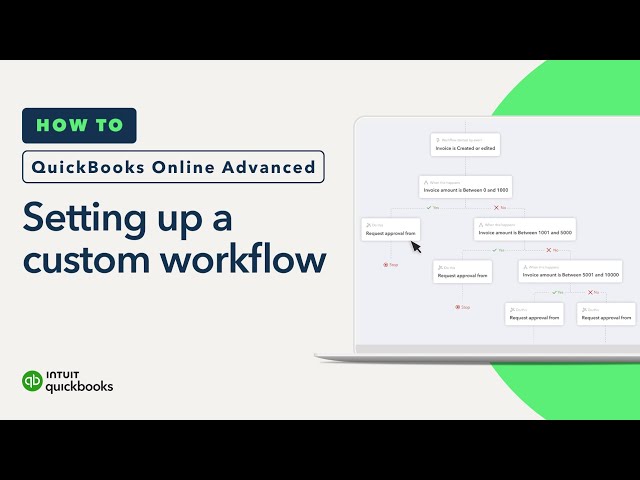
QuickBooks Online Advanced’s automated approval workflows route bills and expenses on their own, based on rules you set once. From then on, a policy like “bills over a certain dollar amount route to the finance team” runs automatically, reducing errors and eliminating the need to chase signatures over email.
Every step is logged, creating a clean built-in audit trail for all transactions. Since the control was never dependent on someone remembering to apply it, it won’t weaken as volume grows.
Every invoice, bill, or expense keyed in one at a time is a manual task that scales linearly with the business, so when you add customers, you have to add hours.
QuickBooks Online Advanced’s recurring transaction templates and batch entry tools help automate this repetitive work, reducing the cost per transaction and creating capacity to absorb growth.
Batch invoicing sends invoices to 50 customers in one pass instead of 50 separate ones, and Intuit’s product data shows customers creating invoices 37% faster with batch tools than entering them one at a time. On the payables side, batch bill and expense entry work the same way, with multiple transactions edited and posted from a single screen.
Across the platform, customers reduced manual work by an average of 30% with QuickBooks Online Advanced. That reclaimed capacity is the direct trade you makes every time they’d otherwise add a data-entry hire. This is the clearest example of capacity without headcount.

A close that depends on late nights is one busy month away from missing its deadline. Automating the close takes days off the cycle and lets the calendar drive the schedule, so there’s no more last-minute scrambling.
Automated workflows and reminders in QuickBooks Online Advanced keep reviewers moving without a manager having to chase status updates. Intuit’s customer data shows businesses closing their books 2.2 days faster on average per month after adopting it, the equivalent of roughly $5,000 in time saved per year.
Plus, a predictable close produces audit-ready books on schedule, which on-time board and lender reporting actually depends on.
A leader should be able to view performance by location or department without having to file a request with finance. That kind of self-serve visibility depends on access controls that map to how the business is actually organized.
QuickBooks Online Advanced supports up to 25 users plus 3 accountant users, with custom roles and permissions that help control what different users can see and do.
Unlimited classes and locations give teams more ways to report on performance across departments, locations, products, and other parts of the business. The goal is to make financial visibility easier to scale without turning every question into another request for the finance team.
When planning how to support a growing business, the goal is to build a finance operation that can handle more work without adding staff at the same pace. These workflows reinforce one another: better reporting can expose a bottleneck, and removing that bottleneck can create capacity for the next stage of growth.
From there, the job shifts from building the system to maintaining it. Revisit the chart of accounts, roles, and approval rules every time the business adds a location or product line. This ensures the structure matches the company's organization.

These are outcomes rather than features, and each one has a before and after scenario. If you check off most of the boxes below, the workflows covered above are doing their job. Whatever’s still unchecked or living in the “not yet” territory tells you exactly what to fix next.
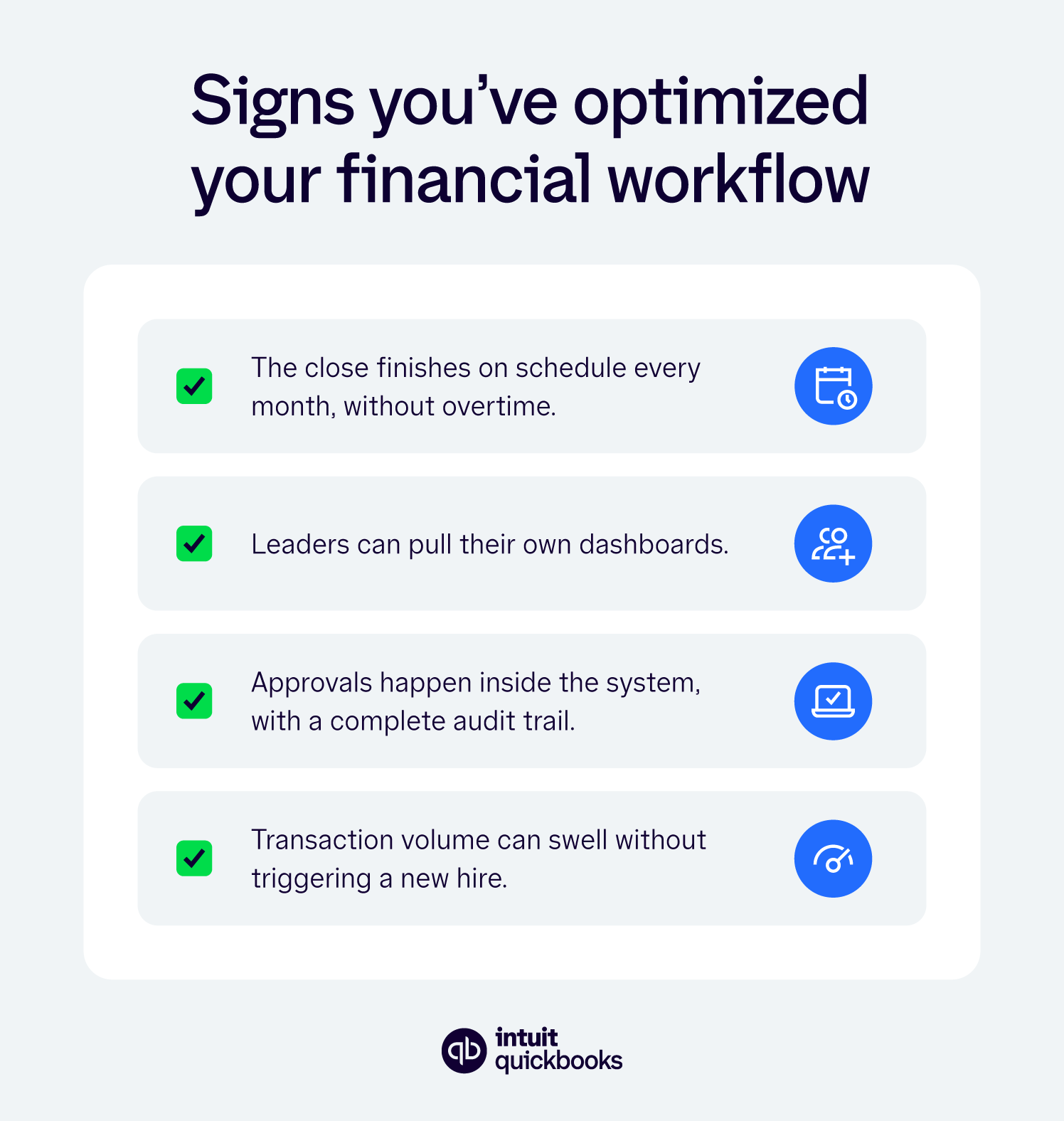
Review the checklist once per quarter. Any item that still creates repeated manual work points to a workflow that may need more attention before additional capacity is added.
To help the finance team handle more work without adding staff at the same pace as the business grows, focus first on the workflows creating the most repetitive effort: reporting, approvals, recurring transactions, and the close.
QuickBooks Online Advanced brings those workflows into a more connected financial platform, helping teams reduce manual work, improve visibility, and create more capacity as volume grows. Take a tour to see how it fits your team’s workflows.

Call Sales: 1-800-285-4854