You could save up to 25% on transaction costs².
Speak with us now to see if you qualify.
Talk to sales 1-800-515-8366
Monday - Friday, 6 AM to 4 PM PT

Table of contents
Table of contents
QuickBooks Free is a strong starting point for freelancers and 1099 workers who want a $0-per-month, no-credit-card-required way to manage their business finances. With tools for basic reports, light invoicing, and limited receipt capture, it helps you stay organized from day one.
If you’re a solopreneur, independent contractor, or freelancer, managing your money without the right tools can feel overwhelming. Many business owners start with spreadsheets or paper receipts, only to face a mountain of stress when tax season arrives.
Getting set up early with the right system can make a big difference. According to the QuickBooks Small Business Index, many small businesses continue to face cash flow challenges, making it even more important to stay on top of income and expenses early on. QuickBooks Free helps simplify this process, so you can track your finances with greater clarity, with just the features you need and no monthly costs.
By taking advantage of free accounting software for freelancers, you can step away from manual data entry and focus on what matters most: running your business and serving your clients.
QuickBooks Free includes essential tools for one user. It supports income and expense tracking, three basic reports, two invoices per month, and two receipt uploads per month.
The QuickBooks Free plan is designed for freelancers who are just getting started or managing a low volume of work. It gives you the accounting basics you need to stay organized without getting too complex.
The three reports included are your profit and loss statement, balance sheet, and account quick report. These give you a simple snapshot of your business performance, which can be a big step up if you’re moving away from spreadsheets or a small business budget template.
It’s also helpful to think in terms of your monthly activity. Many freelancers decide if this plan works based on whether the limits match how they operate. If you only bill one or two main clients a month and have minimal expenses, the two-invoice and two-receipt limits may be enough. But if you invoice frequently or track many expenses, you may reach those limits quickly and want to explore other QuickBooks plans with more flexibility.
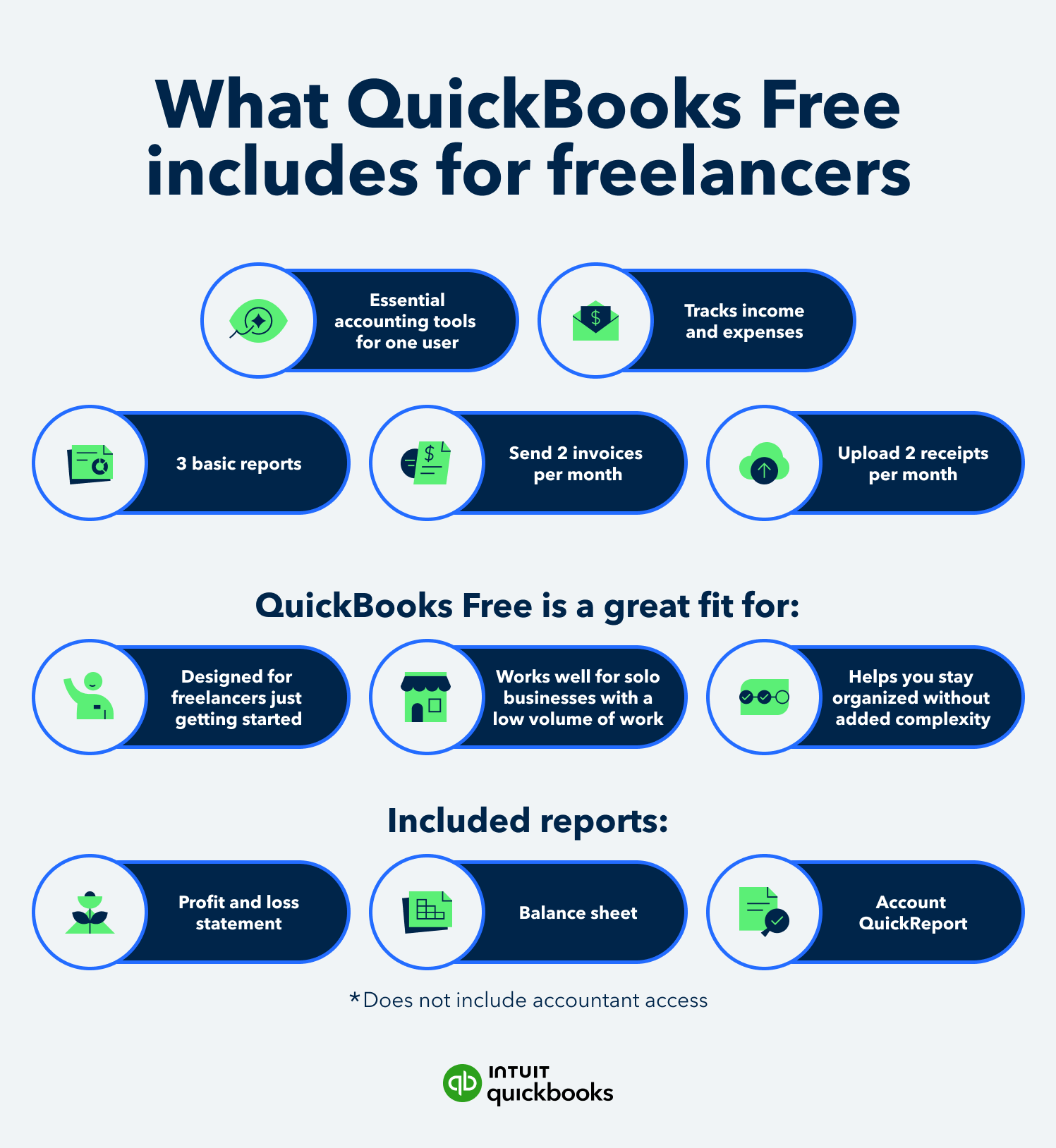
QuickBooks Free is an excellent accounting solution for most freelancers who need simple income and expense tracking at zero cost. It’s a strong starting point for staying organized without adding overhead. However, if your business requires unlimited invoicing, heavier receipt volume, or advanced tax features, upgrading to a more advanced option may make sense.
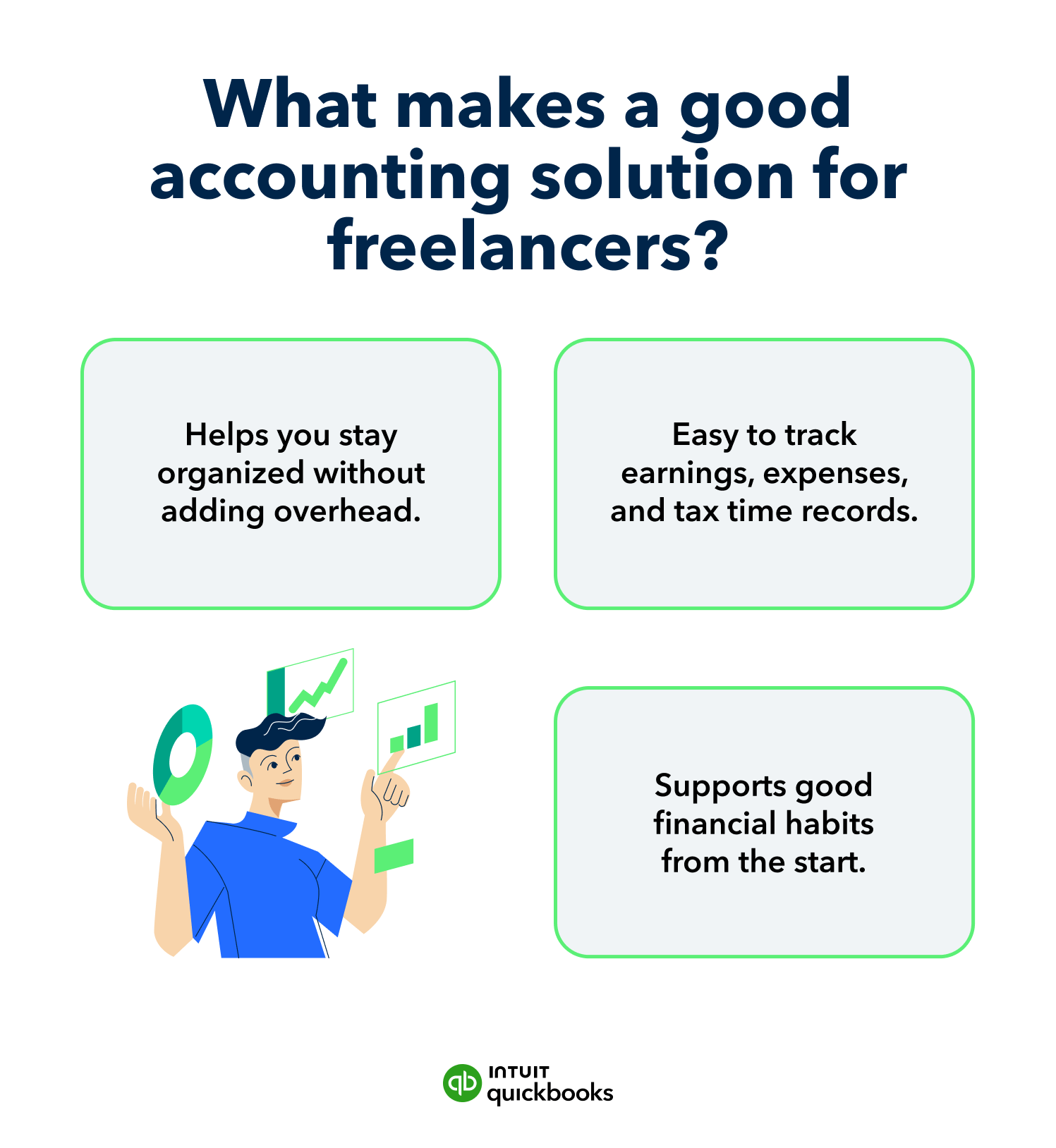
When you’re a one-person business or self-employed, the right software should match how you actually work day to day. Early-stage freelancers often have straightforward needs. You want to see what you earn, what you spend, and keep records ready for tax time. This is where QuickBooks Free shines as a practical, everyday tool. It helps you build good financial habits early, without paying for features you may not need yet.
As your revenue grows and your operations become more complex, your QuickBooks software needs will evolve. Here’s a simple way to compare your options:
Yes, QuickBooks Free can be enough for independent contractors with basic income and expense tracking needs and occasional invoicing. However, if you manage more than a few receipts each month, need to generate invoices regularly, or want more advanced tax support, you may want to explore other QuickBooks plans with additional features, such as QuickBooks Simple Start.
Yes, QuickBooks Free can easily track and organize 1099-related income and payments while generating core financial reports. More advanced self-employed tax workflows—such as estimating quarterly taxes—may require an upgrade.
Learning how to keep track of freelance income is one of the most important steps for any independent worker. When you work for multiple clients, you may receive multiple 1099 forms at the end of the year. QuickBooks Free helps you record and categorize payments as they come in, so when it’s time to report your earnings, you have a clear, accurate total. Instead of digging through bank statements, your income is already organized in one place.
For many service-based solopreneurs, this level of organization is enough to stay on top of day-to-day finances. It keeps your books clean and ensures your income tracking is accurate.
It’s important to remember that the free version focuses on tracking and organization only. If you’re looking for built-in tax estimates, deduction tracking, or more advanced insights, you’ll likely want to explore one of our paid offerings on the QuickBooks Solopreneur page.
QuickBooks Free is a good fit if you’re just getting started and need a simple way to organize your income and expenses. As your business grows and you start sending more invoices, tracking more receipts, or needing deeper insights into your finances, you may find you need additional tools.
QuickBooks Lite offers more advanced tools for managing your business, including unlimited invoices, unlimited receipt uploads, and access to your cash flow history over time. These features help you track trends and stay on top of your finances.
Freelancers track expenses by following a three-step workflow: separate personal and business accounts, capture every expense, and categorize and review transactions regularly.
Having a clear routine matters just as much as the software you use. When you combine a consistent process with QuickBooks for freelancers, it becomes much easier to stay organized and avoid last-minute stress. Here’s how to set up a system that works:
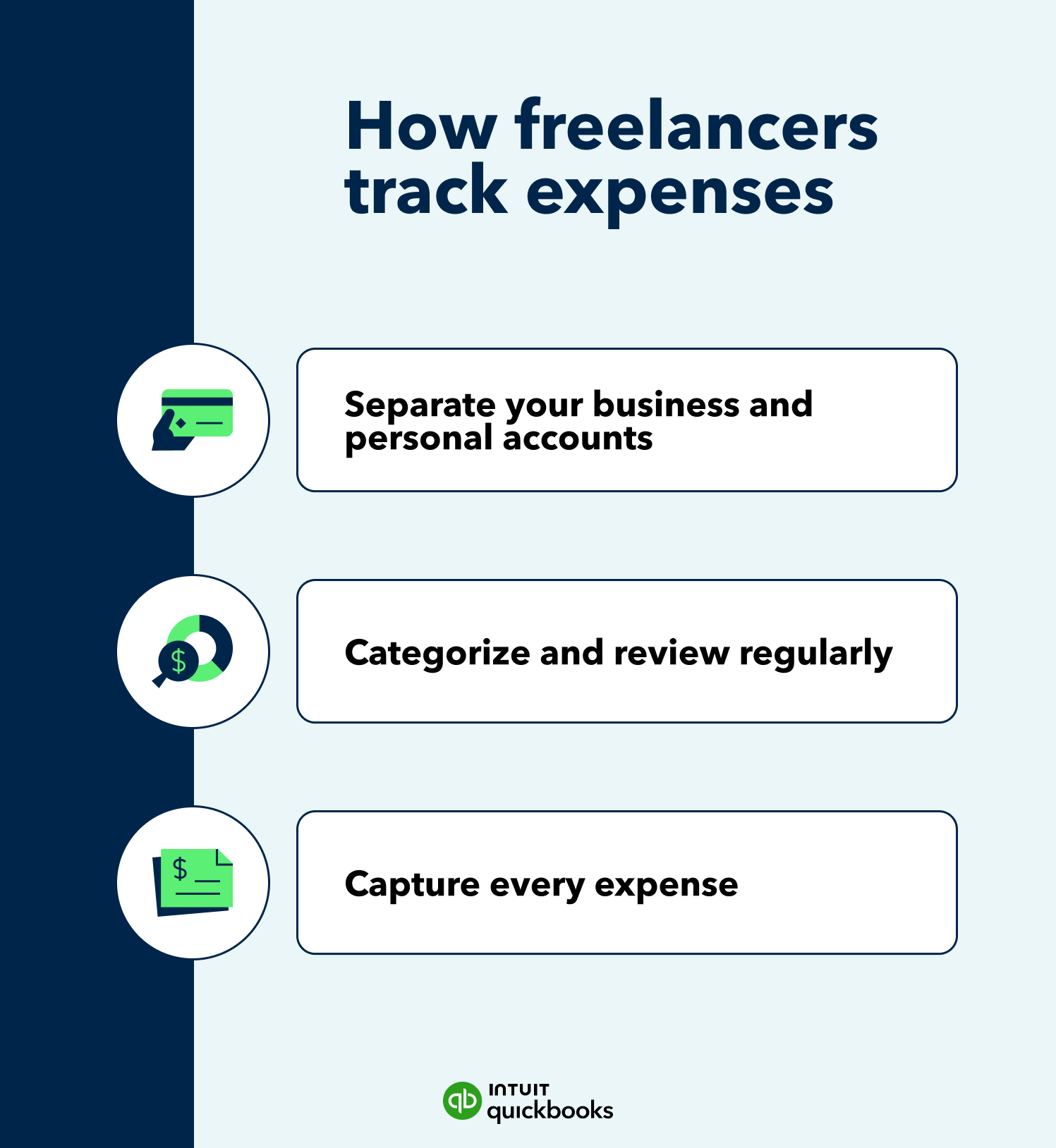
QuickBooks helps simplify each step of this process. You can connect your bank accounts to automatically import transactions, snap and store receipts as you go, and categorize expenses in one place. This makes it easier to stay organized week to week and see where your money is going, without relying on spreadsheets or manual tracking.
For a deeper dive into establishing these habits, you can learn more about how to track freelance expenses. A simple, consistent system helps you understand where your money is going and avoid surprises later. Strong freelancer expense tracking also helps ensure you don’t miss eligible deductions.
The simplest expense-tracking routine combines quick weekly check-ins with a monthly review. By capturing receipts as you go and reviewing your categories each week, you can stay on top of your books without it taking much time.
Start by setting aside a few minutes each week to review your recent transactions. Make sure expenses are categorized correctly and receipts are attached, so everything is easy to find later. This helps you catch mistakes early and keeps your records accurate.
At the end of each month, take a closer look at your totals. Review your spending, check your income, and make sure everything is up to date. This gives you a clear picture of your cash flow and helps you stay prepared for tax time.
To get started with QuickBooks Free, follow a simple first-day checklist: sign up, create and send a test invoice, upload a receipt, and review your profit and loss report.
Getting set up is quick, even if you don’t have an accounting background or aren’t familiar with accounting software. By completing these steps on day one, you’ll immediately see how the platform organizes your data. Once you’re comfortable with the interface, you can explore more self-employed bookkeeping tips to refine your workflow.
As you use the platform, keep an eye on your business growth. Tracking your income and reading through a 1099-NEC guide can help you stay prepared for tax time. Over time, you may find that your needs go beyond what the free plan offers. You can also check out our QuickBooks pricing plans to see which option fits your next stage.
A freelancer should consider a different plan when their day-to-day needs go beyond the plan’s limits. This might include sending invoices regularly, tracking more receipts each month, needing cash flow history, or wanting more advanced self-employed tax support.
Upgrading based on your actual workflow helps ensure you’re paying for features you’ll use as your business grows.
QuickBooks helps freelancers stay organized, save time, and feel more confident managing their business finances. From tracking expenses to sending invoices and reviewing reports, everything works together in one place, so you always know where your business stands.
You can start with QuickBooks Free to build good habits and get your finances organized. As your business grows, you can explore other QuickBooks plans with additional features to support more complex needs, like higher transaction volume, deeper reporting, or advanced tools.
Get started with QuickBooks Free and see how easy it is to organize your finances. When you’re ready for more, explore plans designed to grow with your business.

Call Sales: 1-800-285-4854