SUMMER SAVINGS 90% OFF QuickBooks for 3 months* Ends 8/27

Buy now
Switch to QuickBooks and 70% off for 3 Months
March 13, 2022
Question

Login page chrome or Safari not working

  • March 13, 2022
  • 8 replies
  • 79 views

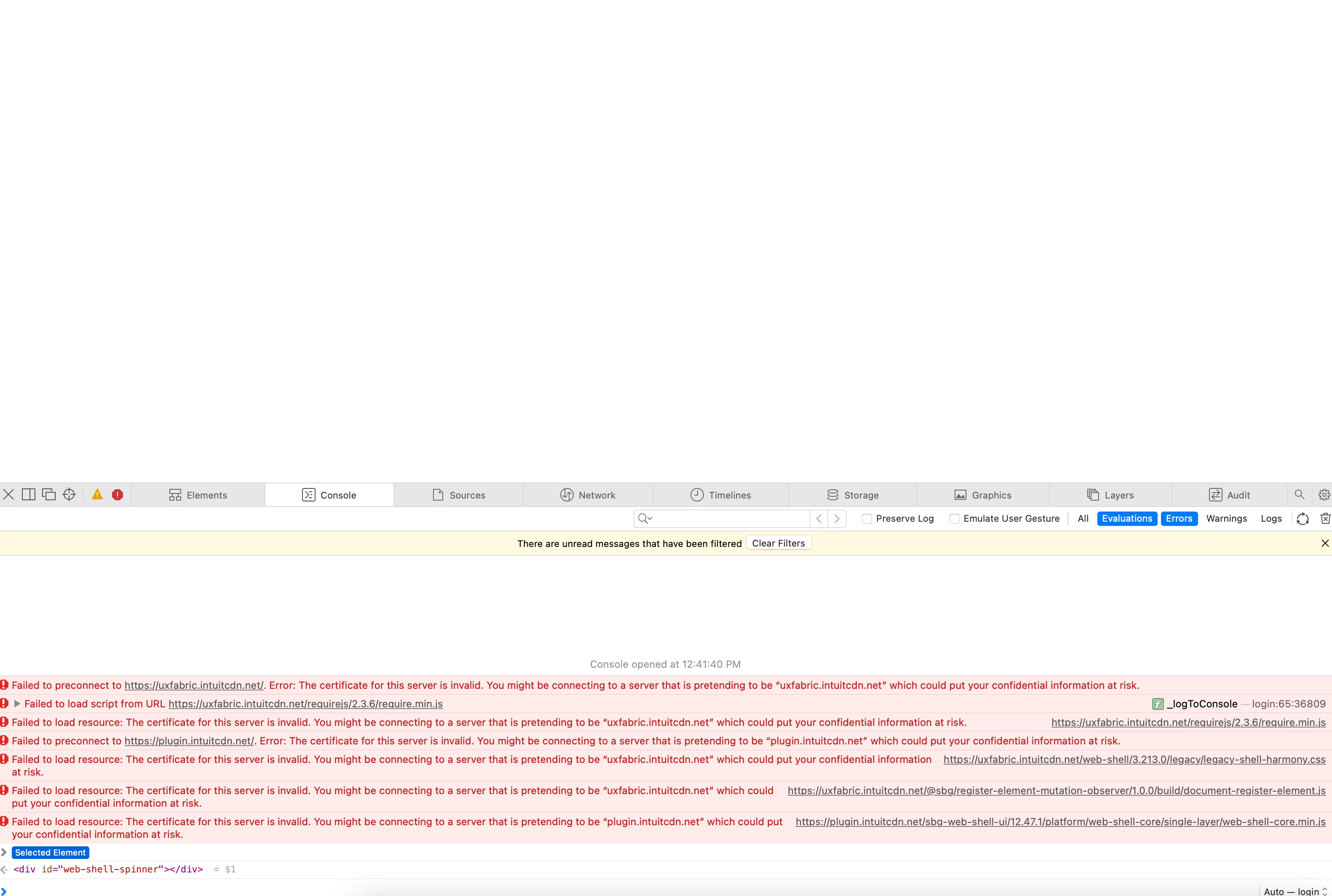
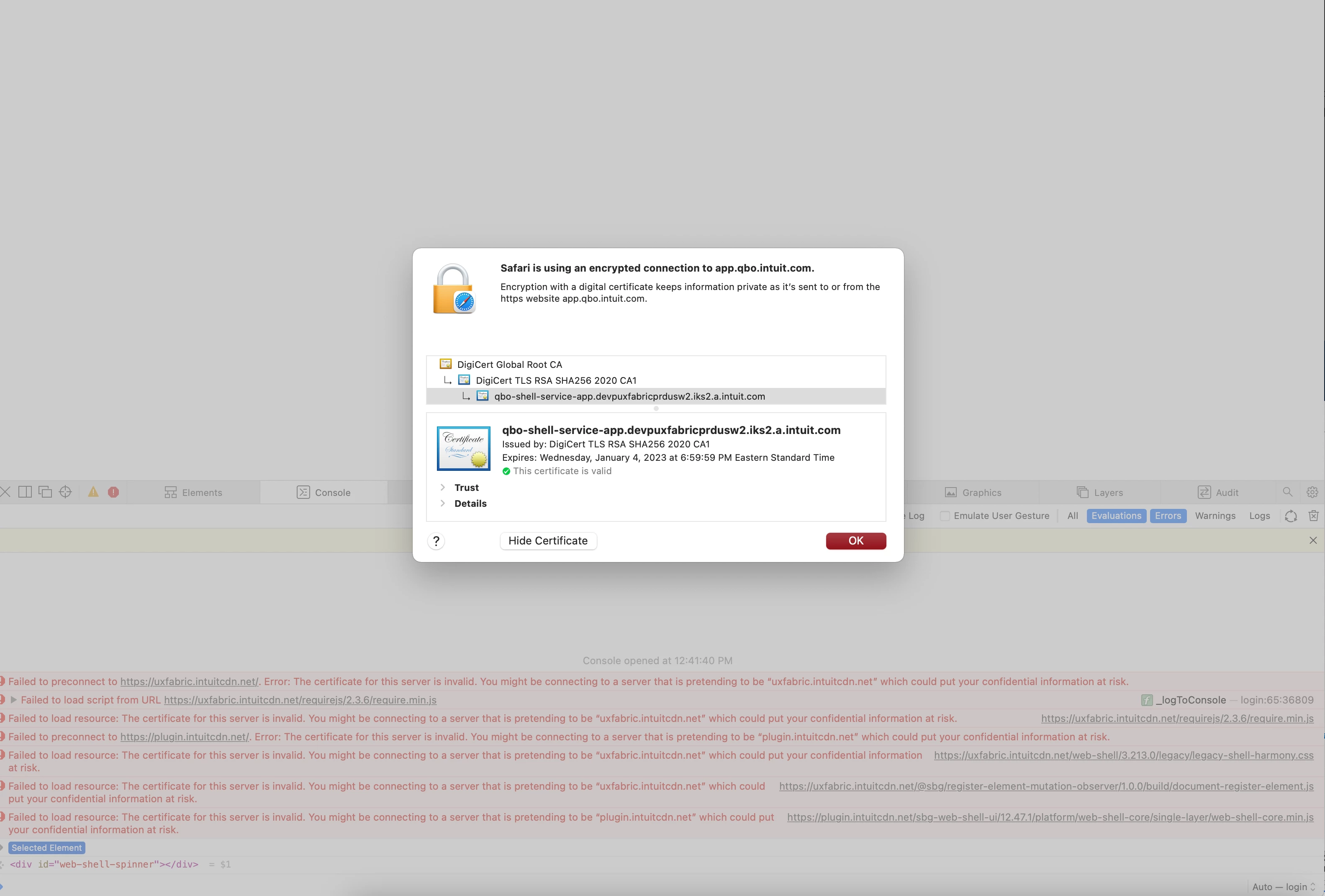
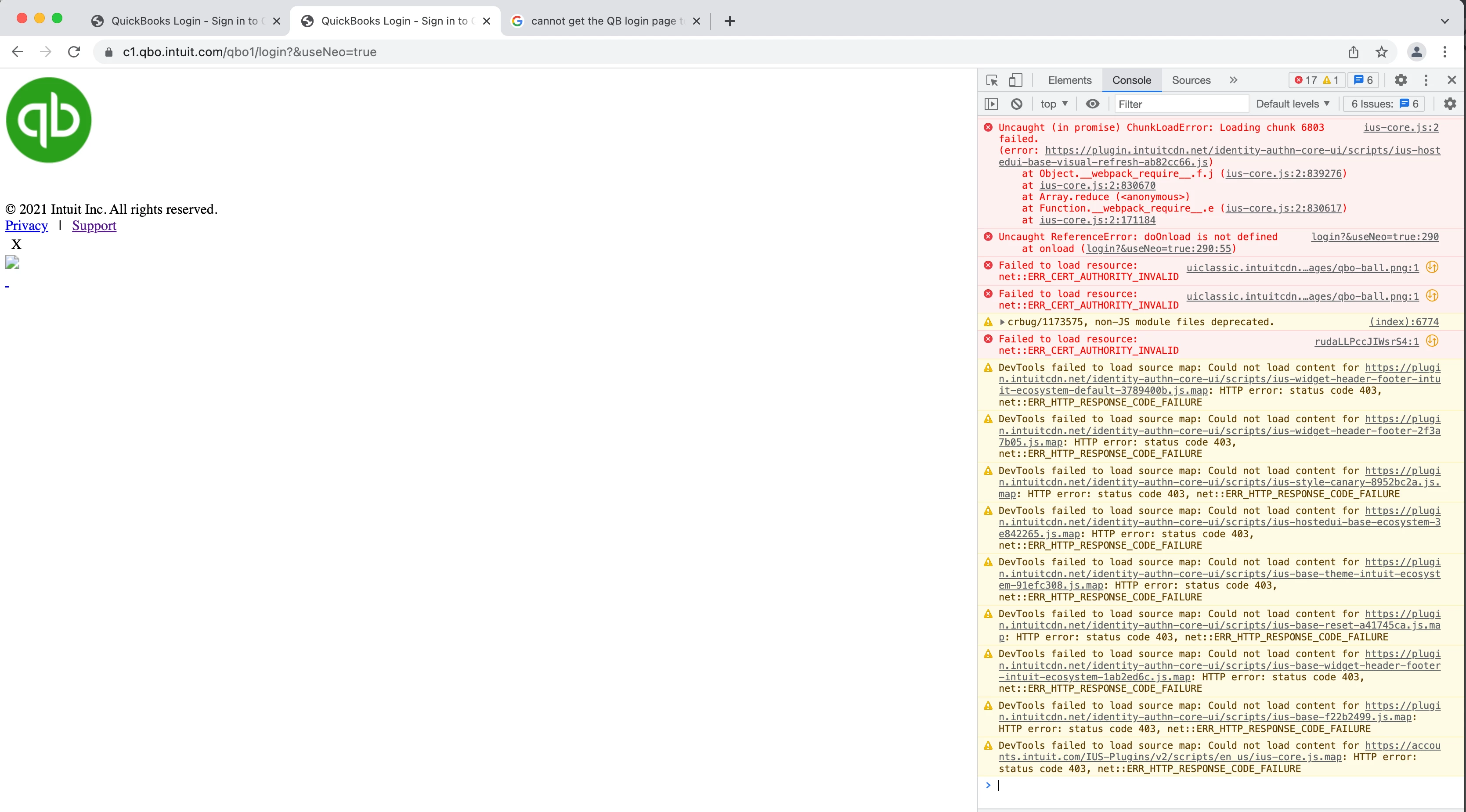
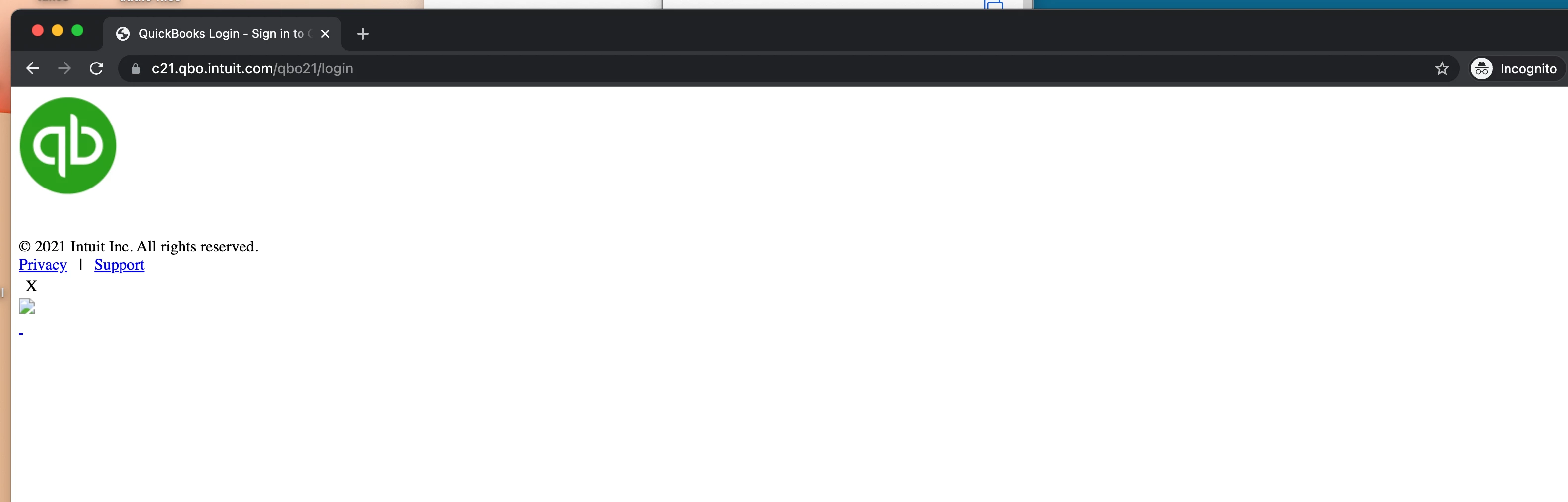
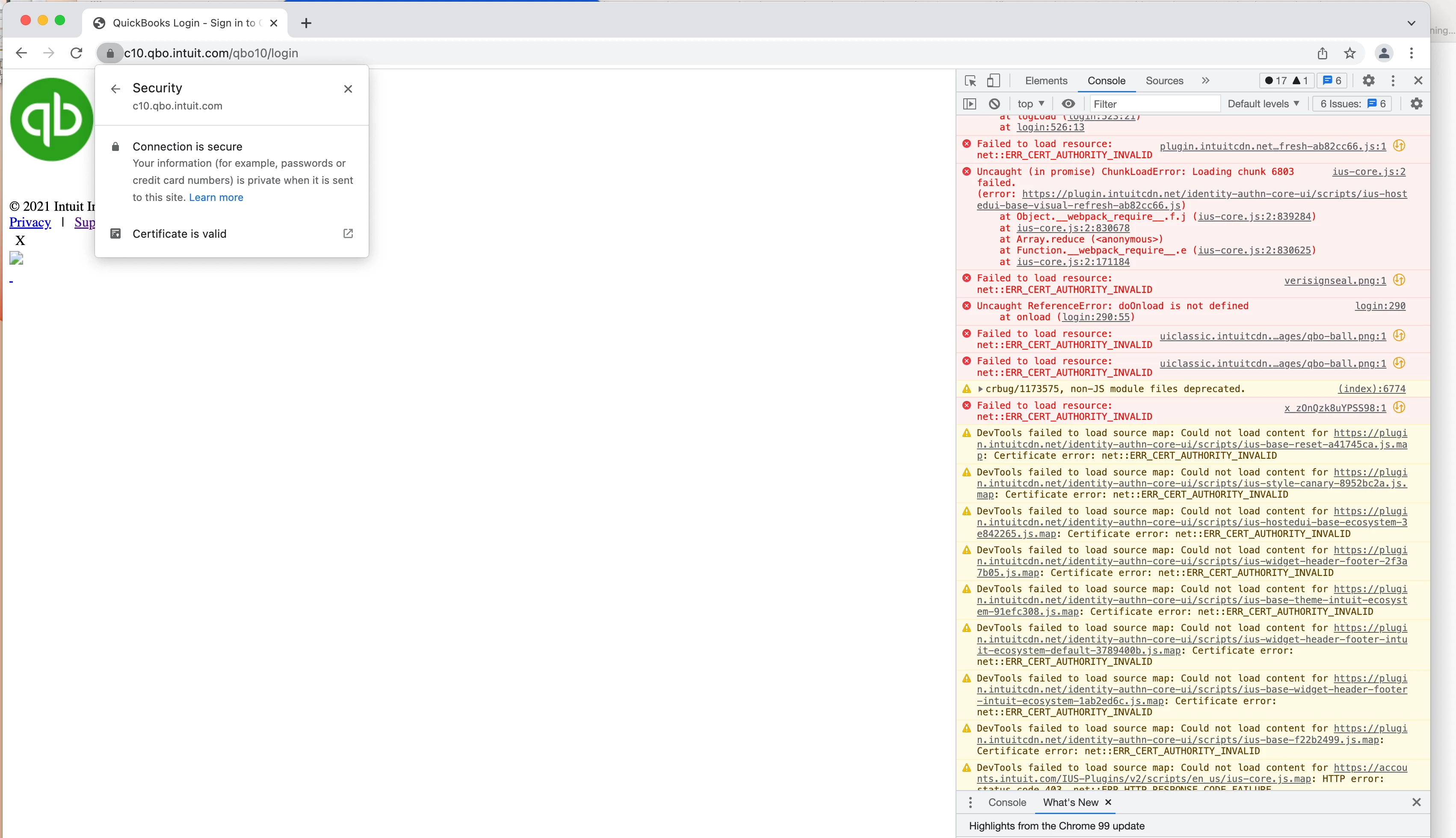
I am unable to get to the login page in both Chrome and Safari and in both Incognito mode or private browsing.  It seems to be effecting multiple computers.  If you look at the inspector it states the issue is with QBO certificates being invalid.  Although now it still doesn't work, still states the certificate is invalid but also if you click on the lock it says it is invalid.  This is an issue on QBO as far as I can tell.  I've tried multiple different login methods too.  Sometimes they work but then they stop too. I've gone to support to only being stuck in a login loop. Anyone else having these issues.
 

8 replies

March 13, 2022
No text available
March 13, 2022
No text available
QuickBooks Team
March 13, 2022

Hi, @mia-colabrese. I appreciate you attempting those simple browser troubleshooting steps. I'll make sure to help you get the solution to this concern.

Since you're still unable to log in to your QuickBooks account, I'd recommend contacting our Technical Support team. They have the tools to pull up your account and guide you through the process.

Here's how:
 

  1. Sign in to your QuickBooks Online company.
  2. Select Help.
  3. Choose Contact Us.
  4. Type in your concern, then select Let's talk.
  5. Choose a way to connect with us:
  • Start a chat with a support expert.
  • Get a callback from the next available expert.
     

You can refer to this article for the support hours schedule: QuickBooks Online Support.

Please also read this article to learn about the various system requirements for QuickBooks Online.

If there's anything else I can help you with, please don't hesitate to post a reply. I'll be here to assist you. Keep safe and have a good one!

March 13, 2022

I'm confused by your reply.  You acknowledge that I cannot login but then direct me to sign in which is the same thing as logging in.  Or am I missing something in your reply?  I clearly show the login link for QBO in the header of a couple of screenshots.  And I also included one in Incognito mode.


Do you have an alternative to signing in or login in which are the same thing? 


QBO is the only site I am having issues with, my use of the inspector was to verify it's you and not me. I believe I mentioned the other user for the company also is experiencing this same issue.  So different user log in and different computers.


Perhaps you could be so kind and send the screenshots to IT since they should be able to read them and understand them / review and see if they do indeed have an issue with their web certificate. I just want them to get  this fixed since not being able to log in / sign in and going thru hoops is not conducive to accomplishing tasks.


Thank you


QuickBooks Team
March 13, 2022

I understand how it feels to be going in circles and not getting the help you need, @mia-colabrese. I want to ensure you can access your QBO account so you can perform your tasks with ease.


First, may I ask if you have tried accessing your account through your mobile browser or app? If not, you’ll want to consider doing it to check if you get the same error.


If you can confirm having the same issue, I'd recommend contacting our QuickBooks Support Team. They have full access to your account and can review the log made in reference to the error. Just make sure to check our support hours so we can address your concerns on time.


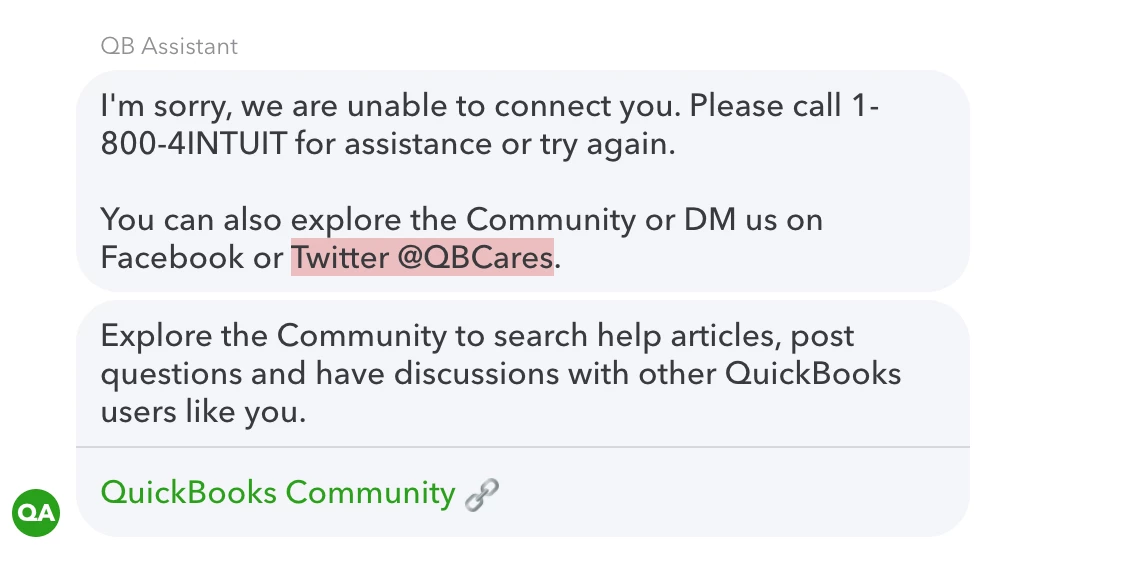
Yes, since you can’t login to your account, we do have an alternative way. You can use our Test drive for QuickBooks Online. From there, you can follow the steps my colleague @GebelAlainaM mentioned above to reach out to our representatives.


I've included some snippets below for your guide:


If you need further assistance with managing your account, feel free to Reply to this thread. Don’t worry, the Community has you covered. I'll be on the lookout for your response too.