Get 50% OFF QuickBooks for 3 months*
Community Basics
Recently active
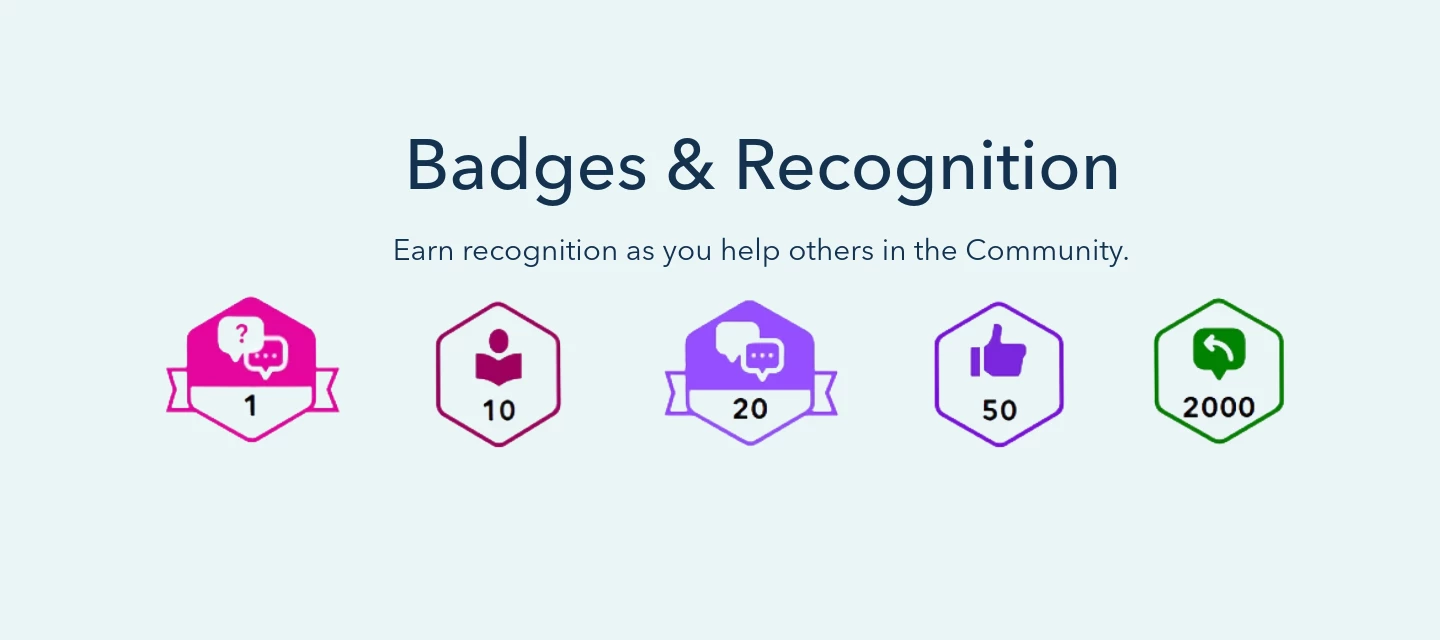
The QuickBooks Community runs on people helping people, and badges are our way of celebrating you for it. How it worksEvery time you post a question, jump into a discussion, share an answer, or help out a fellow member, you're earning recognition. Badges show up right on your profile, marking the milestones you hit and the ways you've pitched in along the way. Where to find themHead to your profile and look under Badges to see everything you've collected so far. How to earn themThere's nothing to sign up for since badges are awarded automatically as you participate. The more you engage, the more you'll rack up, and you'll get a little celebration notification each time a new one lands. So keep asking, answering, and sharing what you know. You never know which badge is coming next!
Once you've found your way around, the best part of the QuickBooks Community is jumping in. Whether you're thanking someone for a great answer or participating in discussions, here's how to make the most of your membership. Interacting in Discussions Like or Reply to Posts Liking a post, by using the thumbs up button, is a simple way to show appreciation for a helpful contribution. If a response answers your question and points you in the right direction, or helps you solve a problem, give it a thumbs up to let the author know.Find the reply you'd like to recognize. Select the Thumbs-up icon beneath the reply. Mark a Best AnswerWhen someone's reply solves your question, mark it as the Best Answer. It's one of the most valuable things you can do for the next person searching for the same fix.Find the reply that answered your question. Select Best Answer below that reply.Once marked, the reply is pinned to the top of the discussion in a highlighted Best answer box complete with a green c
Whether you're brand new or just getting your bearings, this guide walks you through the essentials: signing in, finding answers, asking for help, and reaching Intuit support when you need it. Step 1: Sign In to Your Account To personalize your experience and participate in discussions, sign in using your Intuit Account credentials.Go to the Community homepage and select Login in the upper-right corner. Enter the phone number, email address, or user ID associated with your Intuit Account, then select Sign In. Enter your password, or choose to receive a verification code by phone if one is linked to your account. Select Continue. Once your profile icon appears in the upper-right corner, you're signed in and ready to participate.Having trouble signing in? These articles can help:Resolve sign-in issues in QuickBooks Resolve issues with My Account login Step 2: Search for Your AnswerChances are, someone's already asked your question, and the answer might just be waiting for you. A quick s
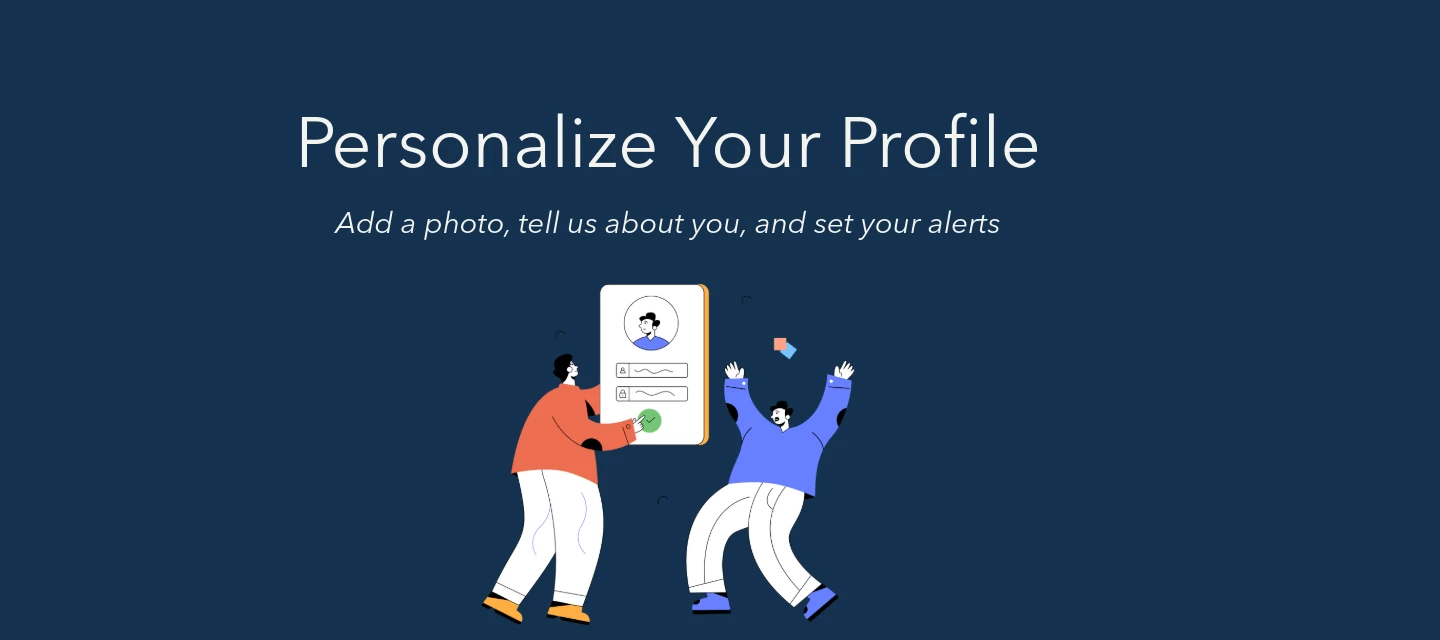
Welcome to the QuickBooks Community! Taking a few minutes to set up your profile makes it easier for other members to connect with you, and helps you get the most out of your experience here.Here's everything you need to know. Step 1: Add a Profile PhotoA profile photo helps personalize your presence in the Community and makes it easier for other members to recognize you in discussions. Your photo will appear next to all of your posts.To add or update your photo:Sign in to the Community. Select your initial/icon in the upper-right corner, then select Settings. On the Settings page, select Edit next to your profile picture. In the file browser, find the image you'd like to use and select Open. Preview your image and click Apply. Scroll down and select Save changes.Note: Image should be at least 90 x 90px. Maximum file size: 5 MB Step 2: Update Your Profile InfoKeeping your profile up to date makes it easier for other Community members to connect with you. Here are the key fields to fil
We are thrilled to have you join the Intuit Community Champions Program!See a member who's always jumping in to help? That's the spirit behind the Intuit Community Champions program. This is our way of highlighting and featuring the people who answer questions, create blogs or videos, and otherwise share their knowledge to help others get the most out of QuickBooks. The program brings together top contributors from across the Intuit ecosystem into one community of recognized experts. How can I be considered? There are lots of ways to contribute, but these are the kinds of activities that boost your chances:In the Community:Answering questions in the Q&A forums Starting or replying to discussions in the Business Discussions forums Accepting solutions and giving a thumbs up to highlight useful contentOn social media (Twitter/X, Facebook, Instagram):Posting original content you've created Hosting online events Liking or sharing content from official QuickBooks accounts and sites like
We're excited to have you here. The QuickBooks Community is a place for small business owners, accountants, and QuickBooks users to connect, share knowledge, solve problems, and help power prosperity for themselves and their clients, whether you're on QuickBooks Online, QuickBooks Desktop, QuickBooks Payroll, or QuickBooks Solopreneur.This guide is your orientation: a quick look at how the Community works, the simple guidelines that keep it valuable for everyone, and how our most active members can earn special recognition as Community Champions.Take some time to explore, join a discussion, and make yourself at home. How We Keep This a Great PlaceThe QuickBooks Community works best when it feels welcoming, useful, and trustworthy. Most of that comes down to a little common sense, but here's what we ask of everyone who participates.Keep it respectful and constructive. Remember the person behind the username. Be professional, solution-oriented, and inclusive of diverse perspectives. Cons
Intuit Community Terms of UseIntuit Inc. Online Community Terms of Use Welcome to the Intuit Inc. (collectively referred to as "Intuit", "we", "us" or "our") Online Community. These Terms of Use and any web pages that display a direct link to these Terms of Use (collectively the "Site"), provide information and services to you as a forum member and are available to all individuals and entities, ("you", "your", "Users"). These Terms of Use also govern your participation in any event hosted or sponsored by Intuit (each an "Event"). General.You acknowledge that the Terms of Use together with Intuit's Privacy Statement (collectively the "Terms"), govern your use of the Site and participation in an Event. You may access our Privacy Statement by clicking on the Privacy link on the Site. Your access to the Site or participation in an Event in any way is evidence of your acceptance of the Terms and the enforcement of said Terms, so before using the Site or participating in an Event, please car
Already have an account? Login
No account yet? Create an account
Enter your E-mail address. We'll send you an e-mail with instructions to reset your password.