SUMMER SAVINGS 90% OFF QuickBooks for 3 months* Ends 8/27
QuickBooks Q&A
Recently active
For over two years I have been trying to close my Intuit Quickbooks account - to zero luck. I continue to be billed $87 a month, but when I log in to the Intuit page, I am told my account doesn’t exist.Maybe I am just stupid, but it can’t be this difficult to close an account, and actually speak with a real person. How many other people are having this issue and how did you solve it?
Can we add more than one customer email on the invoices if possible?
I'm trying to find and make a QBO Accountant but i cannot find the link wherever i searched. Please help
We have an agreement with my customers that they'll shoulder the invoice fees. How do we record it in Quickbooks Online?
I want to be nice, but whoever thought that is a good idea is not very smart. So now not only do I have to include directions to find the nondescript link to the printable invoice when I send notice via e-mail, I have to include a note on invoices I print and mail explaining that I know you can’t click a “link” on a piece of paper and QuickBooks doesn’t let me remove it.This used to be possible, but now looks like it cannot be. Is it just me?
I successfully imported iif file for customer payment of invoice but payment is not applied to related invoice. I need help to apply payment to related invoice. I attached the iif file used to import transaction in QuickBooks. Following are the transaction detail and the code I used to to import the transaction in QuickBooks Desktop:A; Transaction Detail1: Customer name ABC Party2: Invoice no:0510053: Payment method :Visa4: Amount : 22.265: Date :09/26/2020 B: Code!TRNS TRNSID TRNSTYPE DATE ACCNT NAME AMOUNT DOCNUM PAYMETH!SPL SPLID TRNSTYPE DATE ACCNT NAME AMOUNT DOCNUM PAYMETH!ENDTRNSTRNS PAYMENT 09/26/2020 RBC Revenue ABC Party 22.26 051005 VisaSPL 051005 PAYMENT 09/26/2020 Accounts Receivable ABC Party -22.26 051005 VisaENDTRNS Thanks
I updated QuickBooks desktop 2024 and now my webmail will not send invoices. We use Network Solutions for our provider. Before the update, everything worked fine.
I have created several custom customer fields. I have several thousand clients to add into QBO and I need to populate these fields with data. How do I import this client information into QBO?
Hello: We have set our preferences to have sick pay print on the employee paystub. This is working correctly on many of our employees, but not all. For some employees with negative or zero balances in sick pay nothing is printing on their paystubs. We do have some employees with negative balances that DO print on the paystub, so the balance doesn't seem to be the problem. Any thoughts? Thanks,Susan
Client wants to scrap it's current QBO account to start fresh. The current account is beyond fixing. What is the process?
Most QuickBooks Payments problems, including funds on hold, merchant account closures, ACH rejections, missing “Pay Now” links, and chargebacks, have a specific fix. Once you know which issue you’re dealing with and what causes it, you can take the right next step and get payments moving again. A payment that doesn’t arrive when you expect it is stressful, especially when it’s your cash flow on the line. The good news is that these problems are usually fixable, and the right fix depends on the issue.This video will walk you through each of the most common QuickBooks Payments issues, what to know about each one, and where to go next. What You’ll LearnThe video covers how to handle:Funds on hold: What it means when your funds are held and what to do about it. Merchant account closures: What to know if your merchant account is closed. ACH rejections: Why a bank payment may be rejected and how to respond. Missing “Pay Now” links: What to check when customers can’t pay from an invoice. Cha
I am having a problem with one of my accounts while running report P&L Actual vs. Budget. I am getting all line items in my "accounts" file that are not a part of the current budget. This does not occur in my other accounts so I must have done something, unknowingly to remove these. How can I hide these items?
I've just switched over to Quickbooks online and cannot find a way to remove the Pay Invoice button that suddenly started appearing on my invoice PDFs. (I can open it in Acrobat and edit there, but would like to not have that extra design step.) it's completely inappropriate for my billing large corporate clients, I submit via their systems, not the reverse.
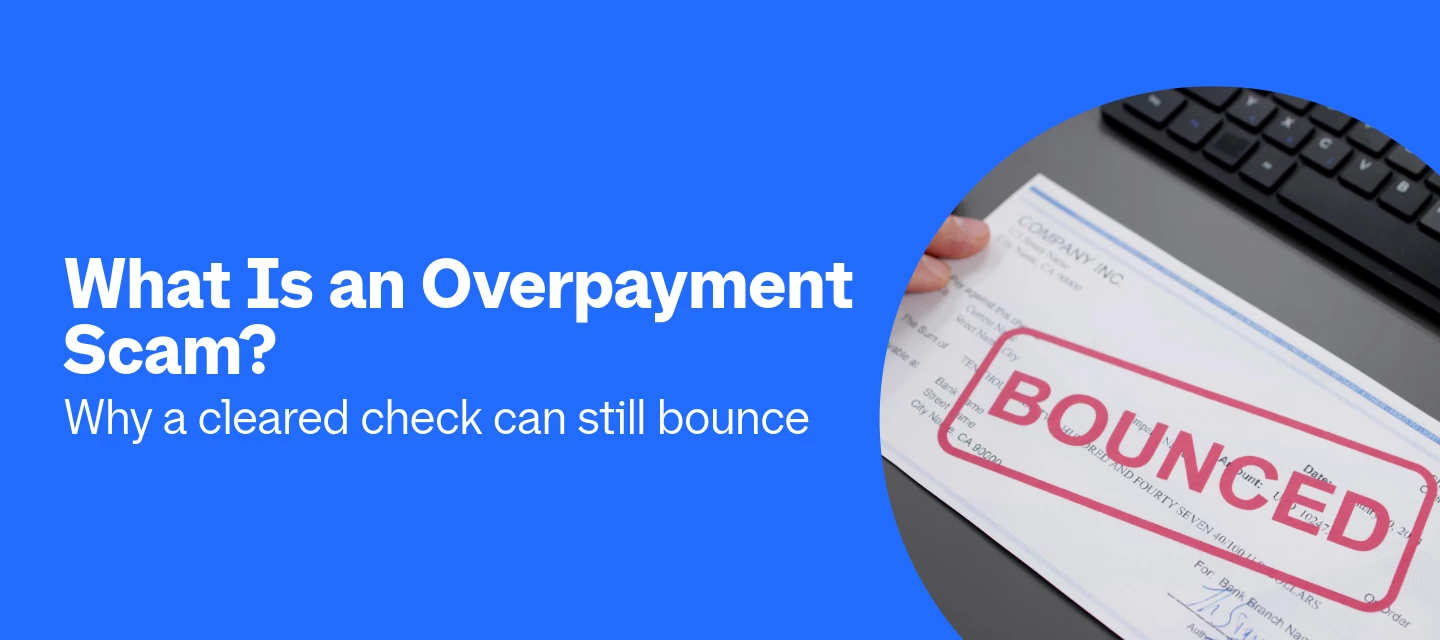
An overpayment scam is a fraud in which someone pays you with a fake check for more than you’re owed, then asks you to send back the difference. It works because your bank must make deposited funds available within a day or two, but it can take weeks to discover the check is counterfeit. Until your bank confirms the check is good, any money you send back is your own. The payment lands, the balance looks right, and your customer sends a friendly note: “Oops, I sent too much. Can you refund the difference?” It feels like good customer service, which is exactly what the scammer is counting on.This guide explains why a “cleared” check can still come back, how the scam looks for a small business, and how to protect yourself.What Is an Overpayment Scam? Why Can a Cleared Check Still Be Reversed? What Does an Overpayment Scam Look Like for a Small Business? What Are the Warning Signs of an Overpayment Scam? How Can You Protect Your Business From an Overpayment Scam? What Should You Do If You
I have been using QB Desktop for years and years. I currently have QB Desktop Pro Plus 2024. My Subscription expires in 30 days. If I choose not to renew the Subscription will I still be able to use Desktop pro plus 2024? I don't care about the online services. I just need it for my accounts, making invoices, and reports. I don't use the payroll services, the downloading of my accounts or any payment services. Can I still do the basics but not have access to the online services or will i get totally locked out of using QB Desktop Pro Plus 2024? Thanks for your help!
I bought QB Desktop many years ago and have kept paying for a variety of updates, but now my business is greatly diminished and Intuit wants $1000 a year from me to keep using it. I find it hard to believe that the program will freeze my access to data (i.e., view only) if I don't pay the ransom, but this is what the sales rep told me. Is there no way for me to keep entering a few small expenses and a little income (like $10K a year) without paying so much money?
When entering a payroll invoice, I copy the previous week then make updates and save.The invoice is is entered such that we can see the amount per employee and whatnot.I used to be able to enter one number in the amount column then use my down arrow key to move to the next line in the same column. This would highlight the amount so all I had to do was type the updated amount and move on.Today, it is not highlighting the amount when I press the down arrow key. I have to manually remove the amount that is there and enter the new one.How can I get the program to revert back to how it was last week?The “new” way is more time consuming. Thanks!
Two weeks ago, my customers started receiving emails after they open an invoice reminding them that they did not pay. I contacted Quickbooks, and as usual they were first completely confused by a feature in their own software and took them a week to get back to me. When they did, they stated this is a new feature and there is no option to turn it on or off. Does anyone know if there is a way to turn these emails off? Or is there a way to edit these emails as they are completely unprofessional?This is not a reminder email. I have those set and have zero issues. This is appears to be a new feature rolled out with the typical zero thought Quickbooks gives to features.
hi,is there a way to add vendor p/n to each product?i want to see the vendor part number for each inventory products i have.i tried adding cusotms fields - but i cannot connect it to Products & Service. (only to bendors, customers, etc. relatade to transactions but not to products)thanks :)
I have over 200 transactions from the weekend that are completely missing. QBO says "Error 102" or "Script error" depending on which button I click. I tried re-entering my bank credentials three times and it just keeps spinning endlessly or giving me a generic error message!
A Line on an estimate shows more invoiced than what really has been invoiced. How do I locate what was duplicated or created in error so I can remove and get the total invoiced to match for that line item.
Doubt: one QBO Advanced subscription with Bill Pay Elite can make ACH payments from 12 different LLC bank accounts when all LLCs are disregarded entities owned by one individual.
I currently have 2017 desktop but am thinking of trying the free version. I can run them separately since they surely won’t integrate. I’m thinking of starting with 2027 data. any feedback?
I use QB for 4-6 invoices a year with 1 client. How can it possibly cost $140 per month? I have tried to downgrade and it says I have too many classes?? What are classes?
told me I was not administrator and could not open
Already have an account? Login
No account yet? Create an account
Enter your E-mail address. We'll send you an e-mail with instructions to reset your password.