Your accounting ledger serves as the hub for all your financial information, in particular, all your accounts and transactions. If you have accounting software, it will manage your ledger for you. QuickBooks Online users have year-round access to QuickBooks Live Expert Assisted to set up the software and then help manage finances.
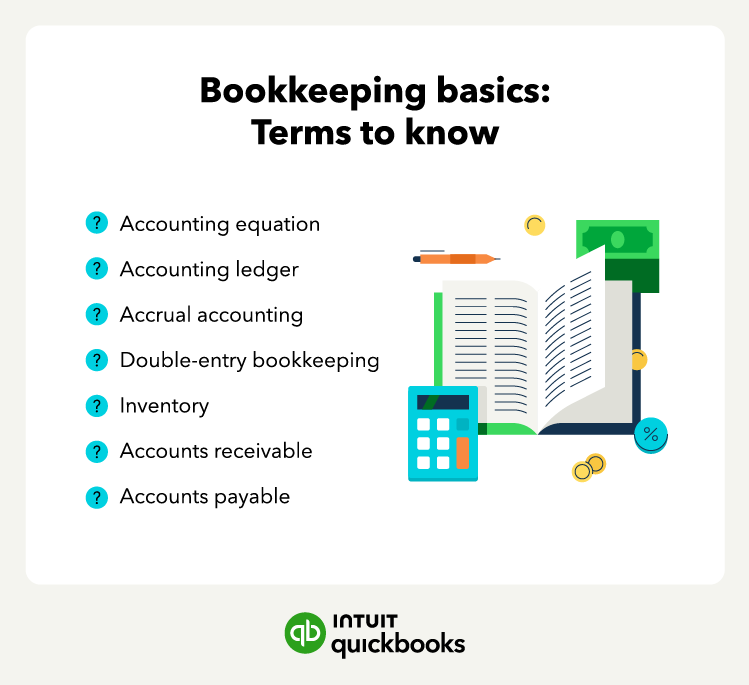
Accrual accounting
One of the most popular accounting methods is accrual accounting. The accrual accounting method records financial transactions when they occur rather than when cash exchanges hands.
Accrual accounting provides a more accurate picture of a business's financial health than cash accounting, as it considers all of the financial transactions for a given period. This accounting method is useful for businesses with inventory or accounts payable and receivable.
Double-entry bookkeeping
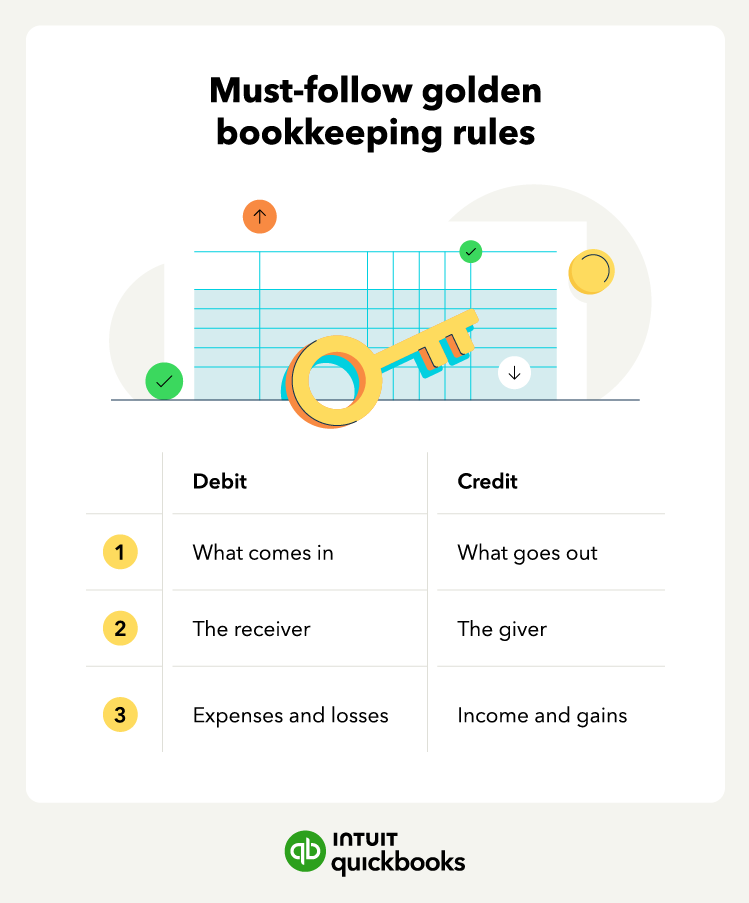
Double-entry bookkeeping is a system where each transaction is recorded in two accounts: a debit account and a credit account. This system provides a more accurate picture of a business's financial health than single-entry bookkeeping and helps identify errors in recordkeeping while balancing an account.
For example, when a company purchases inventory on credit, it debits its inventory account and credits its accounts payable account. This shows that the company's inventory increases, but its cash account decreases.
Inventory
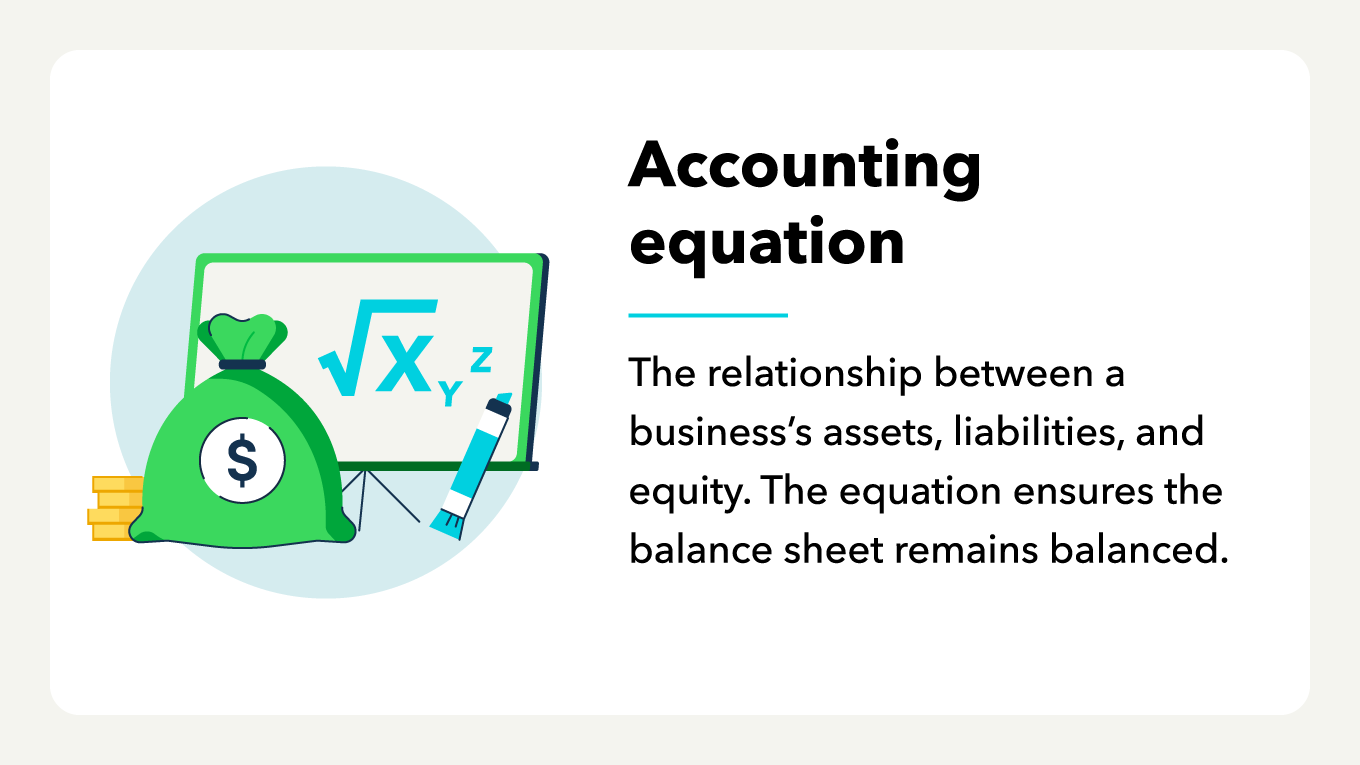
Your company’s assets are the things it owns. They're usually broken down into two categories: current assets and fixed assets. Current assets include cash, accounts receivable, prepaid expenses, and inventory.
Inventory is the stock of goods a business has on hand or in transit, waiting to be sold. The value of inventory can significantly impact a company's financial statements, so accurate tracking and management are vital.
Accounts receivable (AR)
Accounts receivable (AR) is the money your customers owe you for products or services they bought but have not yet paid for. It’s important to track your AR to ensure you receive payment from your customers on time.
Tracking your AR, usually with an aging report, can help you avoid issues with collecting payments. Understanding your AR can also help you set efficient credit terms for your customers.
Accounts payable (AP)
Accounts payable (AP) is what you owe to creditors for goods or services received but not yet paid for. Managing your AP helps ensure you pay your bills on time and avoid late fees or damage to your credit score.













.gif)