Get 50% OFF QuickBooks for 3 months*

Buy now
Switch to QuickBooks and 70% off for 3 Months

1 reply

QuickBooks Team
September 1, 2025

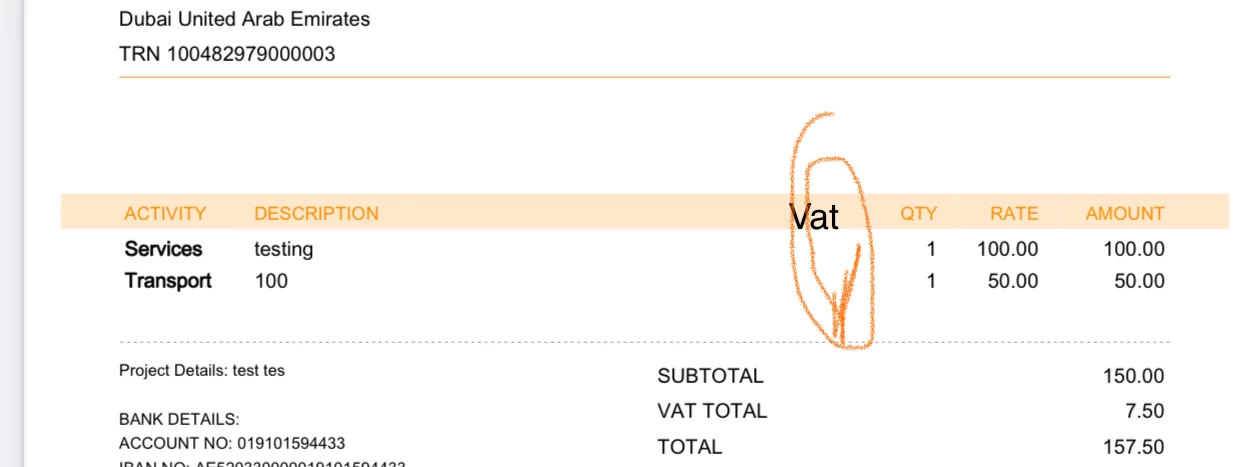
The visibility of the VAT price column will show if you select the VAT option in your invoice template, Usman.
 

Here's how:
 

  1. Go to the Gear icon and choose Custom Form Styles.
  2. Select the Content tab.
  3. Tick the box for VAT.
  4. Click Done to save the template.

    image.png

You can explore various invoice design templates in the Design tab to determine how the VAT rate will appear on your invoices.


image.png

image.png

Please let us know if you have further questions or clarifications.