
Export to Excel > Update existing worksheet, Legacy formats?
Hello,
So we've enabled Microsoft Baseline security mode settings for our environment and since then, when exporting to excel > update existing worksheet, we get an error.
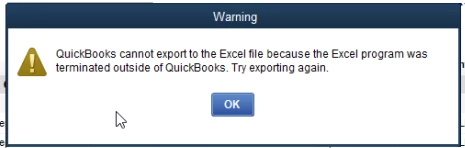
If you click "Ok" another error pops up saying "Excel update failed" then "Excel could not open the data file"
I've reinstalled Office, updated Office, and updated Quickbooks to the latest version. Same thing.
Looking through the Baseline security mode settings there are only a few settings that would affect excel:
Open ancient legacy formats in Protected View and disallow editing
Open old legacy formats in Protected View and save as modern format
Block ActiveX controls in the Microsoft 365 apps
Block Dynamic Data Exchange (DDE) server launch in Excel
Can someone confirm if Quickbooks would be affected by any of these legacy settings?