
Get 50% OFF QuickBooks for 3 months*

Buy now
Switch to QuickBooks and 70% off for 3 Months
New Member
July 5, 2026
Question

logging in

  • July 5, 2026
  • 1 reply
  • 8 views

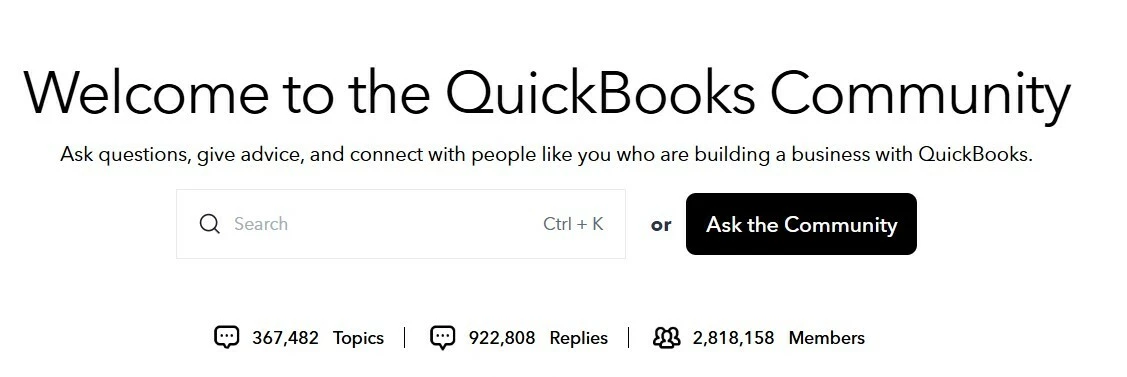
Again, every time i try to log into the community to see replies to my questions, it brings me back  to the “home page” copy attached. 
 

1 reply

Moderator
July 6, 2026

Hi there, mary53.

Thanks for turning to the Community for support. I want to make sure you’re able to log in to view replies to your posts.

To rule out any browser related issues, I recommend clearing the cache first. The cache is in place to collect frequently used data to make loading web pages quicker and easier. If the cache is too full it can potentially cause certain viewing and performance errors on certain sites. Clearing it will remove anything that’s preventing the page from loading properly. Here’s how to clear the cache in Chrome for example:


  1. On your computer, open Chrome.
  2. At the top right, select More More and then Delete browsing data.
  3. Choose a time range, like Last hour or All time.
  4. Select the types of information you want to remove.
  5. Select Delete data.

The following article provides similar steps for other browsers: Clear cache and cookies to fix issues.

Please give this a try and then see how things look afterward. I’ll be here to lend a hand if you have any other questions.

mary53Author
New Member
July 6, 2026

Thank You.  For this message I was able to view, but when trying this morning i could not view other messages.  Hopefully it continues.
