
Get 50% OFF QuickBooks for 3 months*

Buy now
Switch to QuickBooks and 70% off for 3 Months
May 13, 2021
Question

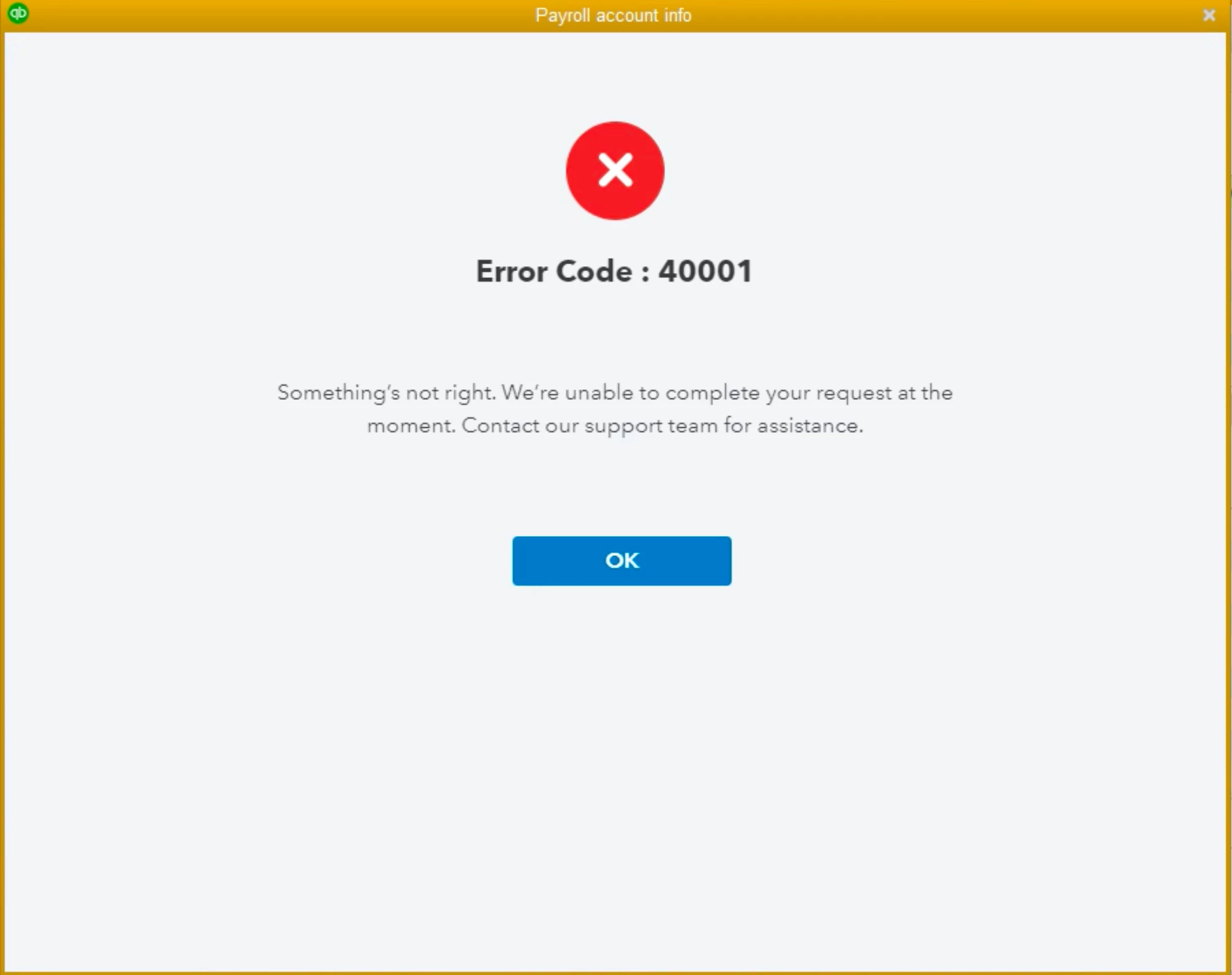
Error Code 40001

  • May 13, 2021
  • 21 replies
  • 3 views

There's a warning in Payroll Center saying: Update your payroll account info by July 31, 2020. So, I clicked "Update account" > "Update now", and I get  Error Code : 40001. Does anyone have a fix that does not require waiting forever for an online chat, or talking to someone in support that has roosters in the background? Thanks in advance.
21 replies

May 26, 2021

I'm now waiting on my second chat this morning.  The first, after asking a bunch of questions, said they needed to get me to the correct person to handle this.  I entered this first chat through the Help option in QB!  I had to disconnect from that chat and I'm on hold for the second.  I got to work at 8 am this morning and have gotten very little done due to trying to find a fix for this mess.  Way to go INTUIT!

May 26, 2021

Im having the same problem. Error Code 40001 AND waiting for a response from their tech support that NEVER EVER COMES!.....And it looks like their answer to everything is "Rebuild Data"...WHICH HAS NEVER FIXED ANYTHING for me...I don't know about the rest of you guys.

May 26, 2021

I can confirm the "Realm ID" reset solution. You'll need to chat with support. Specifically the payroll support chat (I had to wait another hour after being on hold with general support chat) this is the link: https://help.quickbooks.intuit.com/prechats/offerings/Messaging-DIY-Payroll/23062/view

They'll ask to remote into your computer to update it. They'll check some info and then you'll go to Help / Reset Intuit ID Settings / type ctrl R and enter the new number they give you. Then they'll have you log back into your quickbooks.com intuit account to update it and you can go forward with the update information. Btw, the Realm ID appears to just be the Company Intuit ID under account information when you hit F2 in Quickbooks. You'll still need to get the new number from support though. Have fun!


February 25, 2022

Its such a miserable program.  trying to confirm that i am running as admin, (there is no one else, just pathetic amounts of time wasting hoops to jump through)  NOW my quickbooks desktop wont open - love being frustrated and bogged down with work trying to make things easier for employers but it costs me a day of work.

If i wanted to be an I.T. professional i would have entered that occupation like my brother.   This is not my job to make your program work.  There is very little tech support from quickbooks.  I have been with quickbooks for decades and have pumped thousands of dollars and hours into it - ugh  

February 25, 2022

So i took advice of earlier comment on right clicking on quickbooks icon and open as "administrator"

i wasnt positive if i was so i did and quickbooks couldnt open and would tell me i had a critical update to do and should close and re-open.  nothing was working but a circle of clicking and trying to open.  Finally reboot computer and just opened.   

It IS MUCH EASIER, in quickbooks pro desk top to click on 1.COMPANY, the scroll down to 2.SET UP USERS AND PASSWORDS and click on 3. INTUIT ACCOUNT USER MANAGEMENT and if you are like me, you will see you already are and thats most likely NOT the problem.  

dont lose an hour of your life, check first   

and now back to error 40001

LieraMarie_A
Level 8
February 25, 2022

Hi there, @StearnsPaint. I appreciate the steps you've performed to resolve this error message.


Several reasons can trigger this error 40001. One reason is that you're not logged in as an Administrator. Thus, you’re unable to activate the direct deposit. Another reason is when the Realm ID (Company Intuit ID available under account information) that is present within your QuickBooks no longer matches with the information in the payroll system. 


I'd suggest reaching out to our Payroll Support. They can check your Realm ID and update it for you.


Here's how:

  1. Select QuickBooks Desktop Help from the Help menu.
  2. Click Contact Us.
    QBDT HELP.JPG
  3. Type in a short description of your concern, then Continue.
  4. Choose a way to connect with support.


For future reference, check this article to know more about dealing with direct deposit problems: Fix direct deposit issue.


Post again here in the Community if you have any follow-up questions or concerns about updating direct deposits. I'm always here to help. Take care and have a great rest of the day.

March 16, 2022

I am getting this error code.  I picked up a new client and he wants direct deposit.  We have been on the phone with support and they have even remoted in and we can still not fix it.  Now I have another new one today and I'm still getting the same error.  This is frustrating.

Tori B
QuickBooks Team
March 16, 2022

Hi there, @Dina Hampton


Thank you for taking the time to follow along with the thread and sharing your concerns. 


I understand that you've worked with support previously for this error message. However, this will be an error that will need to be looked into by our Support Team. This way, an agent can review your account in a secure environment and check the back end of things to see what's causing the error message. Ensuring you get back to business is our top priority. You can use the link I've included below to connect with an agent. 


Please know that you can reach out to the Community at any time. I'm only a reply away if you have any questions or concerns. Take care! 

March 18, 2022

We have this same issue. We verified our data, did the rebuild, updated QB a million times and I finally got someone on the phone who was able to figure out what was really going on. We had a prior employee who's email was still linked in our direct deposit somewhere; it was not visible to us when we logged into our Intuit account and tried to manage users, addresses, etc. It was only visible on the tech support's end in her system. Super bizarre. The 40001 error kept coming up because our primary admin email in Intuit didn't match what they were showing on their end. How this happens I have no idea. We are still waiting to resolve this with Quickbooks. It is complete nonsense. 

July 22, 2022

I finally fixed this error!! I figured out our company has 3 different subscription numbers for Payroll. I tried another subscription number and it worked!! You all may want to find out if you have multiple payroll subscriptions.

Your Welcome!!

Level 8
July 22, 2022

Good morning, @Jeanne_Ysa1


I appreciate you chiming in on this thread about the error code 40001. 


I'm so glad that you were able to resolve this error. Thank you for the additional details on how to fix it that could be helpful for other users as well. 


Feel free to reach back out if you have any questions about your QuickBooks account or have any other information that could assist other users. We're always here to have your back. Take care! 

August 15, 2022
853298 THIS CODE TRY
March 7, 2023

i have received the same code. i will research it myself, because qb has sure gone done hill, and charged more and more and provide less and less.

I just found out last week that qb has taken the money (qb is in charge of her payroll and taxes and reports after we put the data info in) that is supposed to be paid to the state for withholding from paychecks at an accelerated rate, meaning that it should be paid to the state every payroll, and paid it quarterly to the state instead of every paycheck (about 8k each quarter). 

My client received a letter from the state telling my client that this is unacceptable, and she may get in trouble for it.  Gee I wonder what qb did with that money for the whole quarter, and if they are doing it to more people than just my client.  I wonder what they could be doing with the money?