SUMMER SAVINGS 90% OFF QuickBooks for 3 months* Ends 8/27
QuickBooks Q&A
Recently active
Internally we are having differing views on how to handle the situation below. I am new to the company and am battling some of the “that’s the way we have always done it” mentality. Let’s say a bill comes in from our law firm for $500 for services performed. The current procedure is that the bill will be manually forwarded to the approver and once approved it will be entered as an accounts payable in IES. The advantage to this approach is that only approved bills get entered into IES which in turn cuts down the possibility of cutting checks for unapproved bills. The disadvantage is that , at least in my view, accounts payable is understated by the amount of unapproved bills not yet entered and bills can get lost My preference is to have the bill entered into IES upon receipt then sent to the approver for approval. The advantage to this approach is I have a better feel for what our true accounts payable liability is. The disadvantage is that it’s possible that unapproved bills get ch
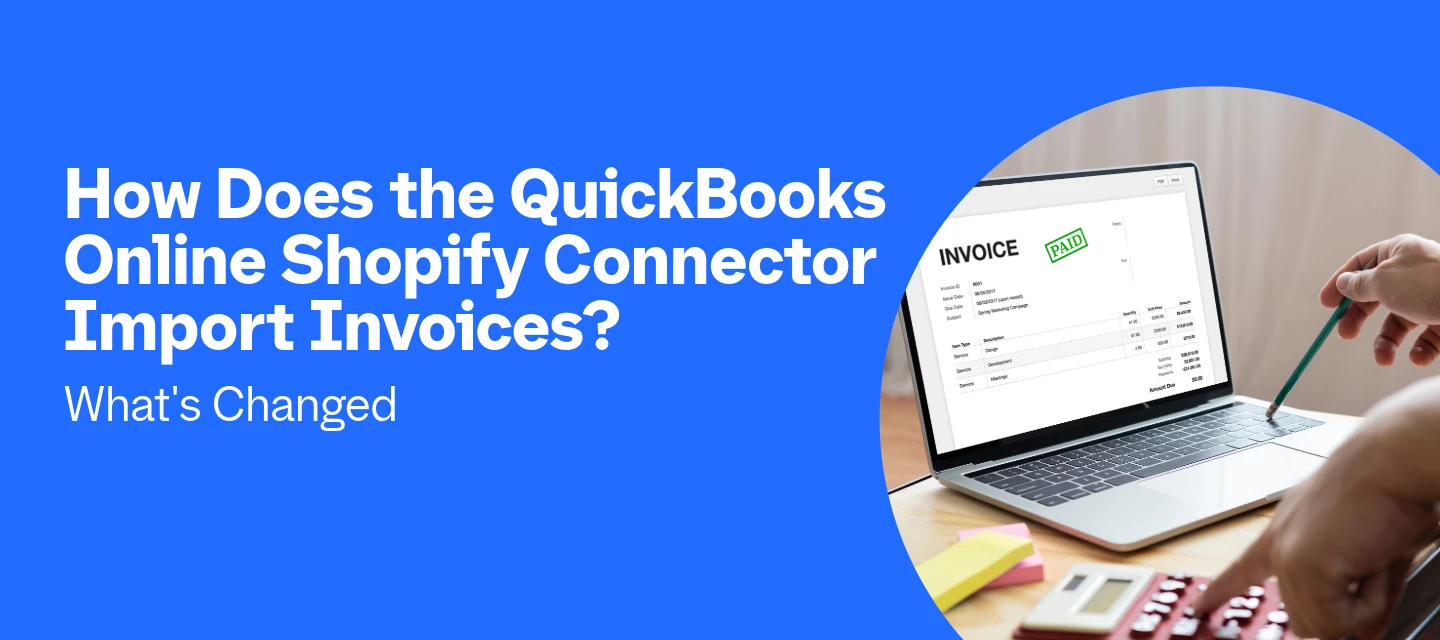
The QuickBooks Shopify Connector now imports B2B (wholesale) Shopify orders directly as invoices, with company details, PO numbers, and payment terms already filled in. It does this by routing every Shopify order into the Integration Transactions tab, where B2B orders post as linked invoices and DTC (retail) orders post as sales receipts. For merchants running both retail and wholesale through Shopify, that means less manual data entry and one less spreadsheet to reconcile at month-end.What changed with Shopify invoice import in 2026?Two things changed: the connector itself, and how it treats B2B orders. Earlier in 2026, we retired the legacy Shopify integration (the one some merchants knew as OneSaaS or "Connect to Shopify") and moved every store to the rebuilt Shopify Connector by QuickBooks, which holds incoming transactions in a For Review queue instead of posting them straight to your books. Then in June 2026, as part of Shopify Editions, we added native B2B support: wholesale ord
when I run a report - Project Cost by Vendor and Project Details - I get a double entry cost by vendor. If the vendor has a PO and and Invoice, both show as expenses. i.e. PO was issued for $2500, Invoice received against that PO of $2500, total expenses for that vendor is $5,000. If i go to customize report, scroll down to more columns then expense area, everything is greyed out and I cannot uncheck Purchase orders. If I run the report as Cash basis the PO’s do not show up but my actual cost get reduced to only vendors already paid. How do i correct this?
What software would you recommend for labor distribution and indirect cost allocation for a nonprofit with multiple grants? We use QBO but not QBO Payroll.Thank you.
unable to import bank transactions from WF into quickbooks online and the bank won't reconnect.
I had 3 open bills on account payable belong to 2021. on June 2023 my boss asks me to make credit for these bills and I did but now I have negative balance for these vendors and negative balance on balance sheet.How can I fix this?
Tennis Club?
I have set up a monthly bookkeeping client in Books Close, completed it using August 2026. I am wondering if I need to set it up each month or if it being a recurring item for that client.
At the top of the taxes page, where it says tax year, some years aren't shown on the list and it's not possible to scroll up.
No text available
Hiring your first employee, or moving your payroll into QuickBooks Online for the first time, comes with a stack of decisions that all need to happen in the right order. Miss a step and QuickBooks won't let you run payroll until it's fixed, which can turn a same-day task into a multi-day scramble.The good news is that QuickBooks Workforce organizes everything into a single checklist the moment you start setup, and every task on that checklist maps to something you'll need anyway: your business address, your employees' pay rates, your federal Employer Identification Number (EIN), and your state tax account numbers. Gathering those five items before you open Payroll for the first time is the single fastest way to get through setup without getting stuck partway.This guide walks through the full process in the order you'll actually move through it: getting set up, getting ready to pay, and then payday and beyond. Tune in below. Key TakeawaysQuickBooks Workforce setup breaks into three b
I never signed up to take payments through QB. I invoiced a new customer and unbeknownst to me payment links appeared on rhe version of the invoice they received. Without proceeding down to my personal payment instructions my customers accountant clicked the link and paid Quickbooks my money. I have no bank accounts linked to my account because the fees for that service are astronomical. They want $898.71 as payment for a service I never signed up for, never inquired about, and never gave them permission to implement on my behalf. They say they are unable to send the payment back because I NEVER SIGNED UP FOR THE SERVICE. But if I link a bank account and give them the $898.71 that they are in no way entitled to they will give me the difference. They took more than 10% of my money from my customer. They say they added the service as a convenience to me!!! As a one time courtesy they will request that I be refunded the larger of the 2 fees as my customer paid both invoices at once but th
I use QuickBooks Online with QuickBooks Payments and I'm trying to clarify the PCI compliance requirements for my specific payment workflow.I only send customers invoices/payment links through QuickBooks. Customers enter their own card information on Intuit's hosted payment page, including customers who choose AutoPay.I do not:manually enter customer card numbers take card numbers by phone, email, chat, or message use a card reader or POS terminal collect card information through my website store cardholder information on my computer or other systemsBased on Intuit's PCI guidance, this appears to be an SAQ A payment environment.I currently pay SecurityMetrics for PCI compliance, and I'm trying to determine whether the paid SecurityMetrics service itself is required by QuickBooks Payments, rather than whether PCI compliance is required.Specifically:Does QuickBooks Payments require a merchant with this setup to maintain a paid SecurityMetrics subscription? Can I complete the official SAQ
Our bank isn't syncing with quickbooks
To the QuickBooks Executive Team and Payroll Operations, I am writing this letter to express my absolute condemnation of your recent policy change regarding the mandatory drafting of payroll taxes on the same day as payroll processing. This move is a gross overstep of your role as a service provider and represents an unacceptable interference in the financial management of my business. As a business owner, I am responsible for managing my own cash flow and ensuring that my obligations—both to my employees and the government—are met within the legal timeframes established by the IRS and state agencies. By forcing an immediate withdrawal of tax funds, you are effectively seizing capital from my operating account before it is legally due to the authorities. This policy demonstrates a complete lack of understanding of the realities of small business operations: Financial Autonomy: It is the prerogative of the business, not the software provider, to decide when funds are moved, provided w
In IAS, why doesn't my "all tasks" page show for which client each task is for?
I have QB Desktop 2024 Premier Plus Edition Subscription. My subscription renews February 2027. I have run the QuickBooks Tool Hub - Company File Issues, Network Issues, and Program Problems. I can print reports, Invoices, Estimates, etc, but I cannot print a check. When I click on File, scroll to Printer Setup, and click on Check/PayCheck form name - I either get the “Waiting for Printer Connection text box, or I get the QuickBooks - Unrecoverable Error Dialog box. This is annoying as I have a few checks to print. I have uninstalled and reinstalled my printer. I have checked for updates, etc. I have seen that this is an issue, and although I have seen this before a few weeks ago, after a day it was resolved. Can someone please advise as to what is going on? I can see that I am not the only one this has happened to; so, if someone can help, I would appreciate it. Thank you.
I’m using QuickBooks Desktop Accountant 2024 (subscription), Release R21P.I have multiple company files that use Bank Feeds with Bank of America. QB has prompted me to change my OLB connection from Bank of America - New to Bank of America QBDT. Here is what I’m seeing:1. In one company file (the one I attempted to migrate):After disconnecting all accounts from Bank of America - New, I choose Bank of America QBDT as the connection methodOAuth login at Bank of America succeedsI select the accounts to connectQuickBooks crashes immediately after the account‑selection stepWhen I reopen QuickBooks, I try again, and get error 88888:“All accounts associated with this customer ID have been synced…”I cannot connect Bank of America QBDTI also cannot reconnect Bank of America – NewThis file is now completely locked out of Bank Feeds2. In another company file (one I have NOT attempted to migrate):Bank of America – New still connects normallyIt downloads recent transactions without errorsNo 88888 me
I'm trying to pay a vendor, they sent me a link to the online invoice so I could pay them. I filled out the details (business checking, rtg number, acc number) and it threw the errorPayment declined. Your payment method was declined. Please use another method or try again.I checked with my bank (Bank Of America) and they say there are no restrictions on the account that would cause this. I then tried to pay with an old PNC bank account and the payment went through fine. How can I get more details on the error? The error shown on the website is less than helpful and I need to resolve this before I can close the old account. Any ideas greatly appreciated.
Good morning! I am looking a report that provides the name that is printed on the check. Sometimes the "PRINT NAME ON CHECK AS" is different than the vendor name. I have not been able to locate a report option that provides this. Thank you in advance!
Every time I attempt to transfer money I get a message to try later. I spoke with QB and they say they are working on it. Its been a month already but I'm still having the same issue.
When creating a new customer invoice there was a side tab to import a pdf copy of an invoice and it would populate into the screen, just like how it does for Vendor Bills. What happened to this functionality for Customer Invoices? PLEASE BRING IT BACK!!!! 😭
Can I change my quickbooks account to a personal account? I no longer need a self employed business account but I want to keep using quickbooks if possible.
HELP and please don't just send a bot answer!!! SEE ATTACHED PDF OF EMAIL FROM QUICKBOOKS EMAIL WITH ATTACHED INVOICE...Recently my web mail stopped working, couldn't figure that out, so switched to "quickbooks email" through my microsoft outlook. Well emails are going out again BUT, now you all are showing my computer file name within the email you generate when I send a invoice. QB had to fix it once and now my file name is "fixed_my company LLC" now that looks real intelligent. Is there a way to fix this when using quickbooks email or should i go back to trying to figure out why my web mail just stopping working. Pray I get a real answer. There are many "unsolved" questions on this matter.
Already have an account? Login
No account yet? Create an account
Enter your E-mail address. We'll send you an e-mail with instructions to reset your password.